What is AiAssistWorks?
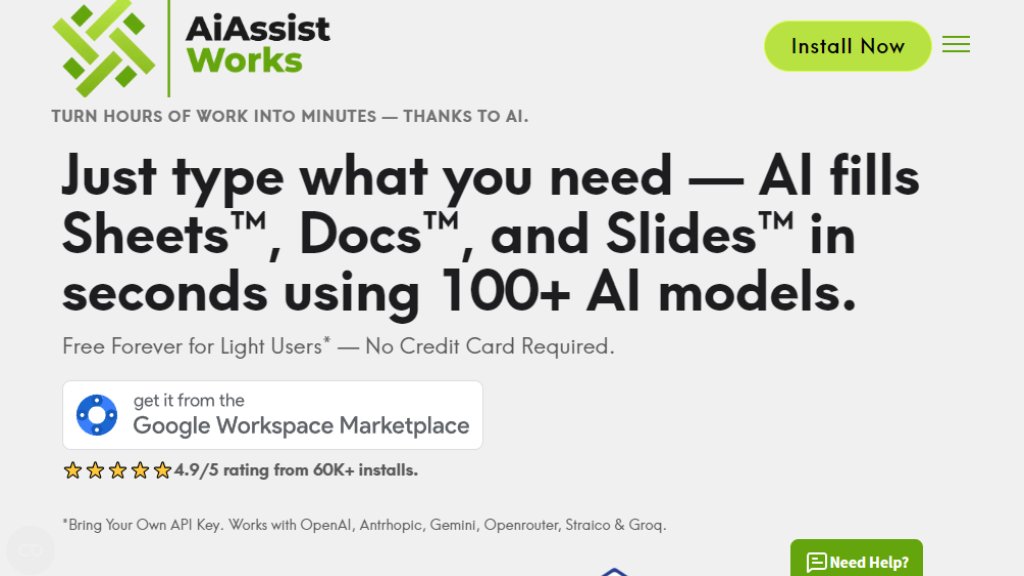
AiAssistWorks is a suite of intelligent add-ons for Google Workspace applications—specifically Google Sheets, Google Docs, and Google Slides. It allows users to perform complex tasks using simple natural language instructions instead of manual clicks or complex formulas. The core innovation is that it eliminates the need for users to write spreadsheet formulas like =GPT() or =AI(). Instead, you describe what you want to achieve, and the tool executes it automatically. It acts as a bridge between your Google Workspace and various AI models, requiring users to bring their own API key from providers like OpenAI, Anthropic, Gemini, OpenRouter, Straico, or Groq. This setup gives users direct access to over 100 AI models while keeping the add-on itself affordable. It's designed to turn hours of repetitive spreadsheet, document, and presentation work into minutes by handling tasks such as data filling, content generation, formatting, chart creation, and translation directly within the familiar Google interface.
Main Features
1. Natural Language Commands: Perform tasks in Google Sheets, Docs, and Slides by simply typing instructions, eliminating the need for complex formulas or manual steps.
2. Bulk Data Processing: Automatically fill thousands of rows in Google Sheets with a single command, capable of handling up to 1000 rows per bulk operation and processing over 100K rows without typical rate limit issues.
3. Comprehensive Task Automation: Handle a wide range of tasks including generating and applying formulas, creating charts and pivot tables, setting up data validation, formatting cells, generating content, and building smart tables.
4. Slide and Document Generation: Create full slide decks (up to 20 slides) from a description and generate or edit text directly in Google Docs and Slides, including AI image generation within these apps.
5. Multi-Model Support: Connect to and use over 100 AI models from various providers (OpenAI, Anthropic, Gemini, etc.) through your own API key, giving access to both standard and advanced models.
6. Smart Batching: Intelligently batches large data sets for processing by AI models to avoid hitting provider limits and ensure smooth operation.
Use Cases
1. Bulk Content Generation: Quickly generate social media posts, article titles, product descriptions, or blog content for hundreds of items directly in Google Sheets.
2. Data Categorization and Cleaning: Automatically categorize products, analyze sentiment in bulk, extract specific information from datasets, and clean or format large data sets.
3. Translation and Localization: Translate large volumes of text within Sheets or Docs into multiple languages efficiently.
4. Presentation Creation: Generate complete business presentations, pitch decks, or reports in Google Slides from a simple text brief.
5. Spreadsheet Formula and Analysis: Create complex formulas, build pivot tables, and generate charts from data ranges without manual setup.
6. Document Writing and Editing: Rewrite, improve, summarize, or expand text directly within Google Docs using AI.
Supported Languages
The tool's interface and command processing support natural language input, primarily in English, as it interacts with AI models that have strong English comprehension. The AI models it connects to (like GPT, Claude, Gemini) support numerous languages for content generation and translation tasks. Therefore, while the primary command language is English, the output and data processing can work with many languages depending on the capabilities of the chosen AI model provider.
Pricing Plans
1. Lite Plan (Free Forever): Offers 100 execution credits per month. Suitable for light or occasional users. Requires your own API key for AI model access.
2. Plus Plan (Monthly): Normally $6/month, but currently $3.90/month with NEWYEAR promo code. Provides unlimited execution credits, unlimited batch filling, slide generation, and document editing. Full access to all AI providers.
3. Plus Plan (Yearly): Normally $4/month ($48/year), but currently $2.60/month ($31.20/year) with promo. Includes all monthly features plus priority access to new features and offers extra savings.
4. Plus Plan (Lifetime): One-time payment of $67 (discounted from $480). Grants lifetime access to all features, including unlimited credits and priority access to new updates.
Frequently Asked Questions
1. Q: How easy is it to get an API key?
A: It's very simple. Sign up with your preferred AI provider (e.g., OpenAI), add credit if needed, copy the API key, and paste it into the AiAssistWorks tool. No coding or technical skills are required.
2. Q: Why do I need to use my own API key?
A: Using your own key gives you full control over your AI usage and costs, with direct access to the latest models. This keeps the add-on itself affordable and gives you flexibility in choosing your provider.
3. Q: Is it really free? What are the limitations?
A: The Lite plan is free forever for light users






Please login to post a comment
Login