What is AI Diagram Maker?
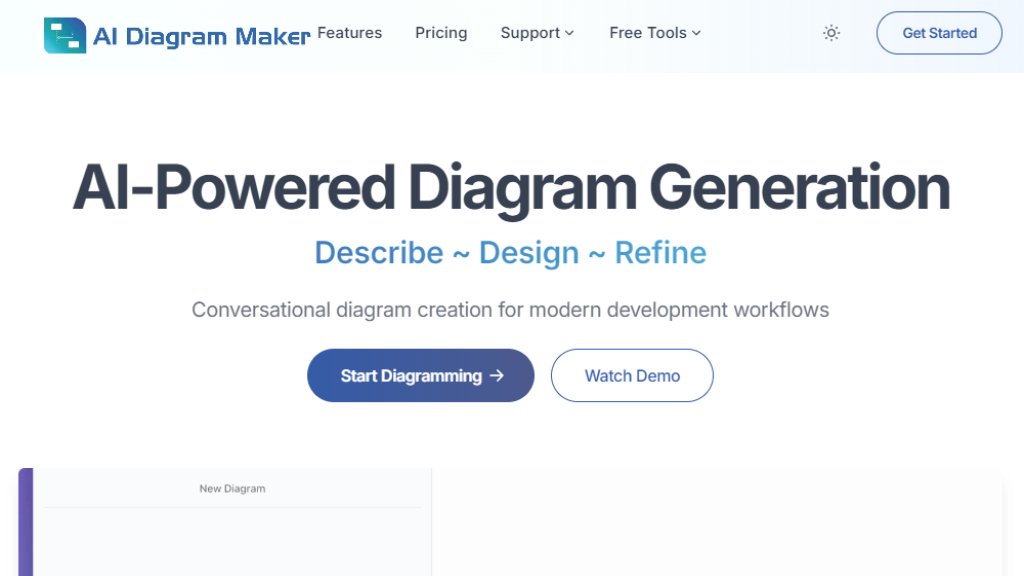
AI Diagram Maker is an intelligent diagramming platform that converts plain text descriptions into professional software architecture diagrams. Instead of using traditional drag-and-drop interfaces, users describe their system architecture in natural language, and the AI generates complete diagrams with proper layout, styling, and relationships. The tool specializes in creating flowcharts, sequence diagrams, entity-relationship diagrams, UML diagrams, and system architecture visualizations. It uses the D2 (Declarative Diagramming) language as its underlying engine, providing clean diagram-as-code output that integrates with developer workflows. The platform supports uploading existing documents, images, or notes for conversion, and can even analyze GitHub repositories to generate architecture diagrams from actual codebases.
Main Features
1. Intelligent generation from text: Convert plain English descriptions into structured diagrams instantly.
2. Conversational editing: Refine and modify diagrams through natural language conversation with the AI.
3. Document to diagram: Upload images, documents, or notes for automated transformation into diagrams.
4. Code repository analysis: Generate diagrams from GitHub repositories (public and private) to visualize codebase architecture.
5. Automated layout and styling: AI handles positioning, alignment, colors, and design elements for professional results.
6. Multiple export formats: Download diagrams as PNG, SVG, or diagram code for documentation and presentations.
7. Code view editing: Switch between visual and code views for direct D2 code manipulation.
8. Revision history: Track changes over time and restore previous versions (available in Plus and Max plans).
Use Cases
1. Software architecture documentation: Quickly create system architecture diagrams for technical documentation.
2. Microservices visualization: Map out communication flows between services in distributed systems.
3. Database design: Generate entity-relationship diagrams with proper cardinality and constraints.
4. Business process mapping: Create flowcharts for organizational processes with decision points and logic.
5. Codebase understanding: Analyze GitHub repositories to visualize complex code architecture.
6. Team collaboration: Share visual representations of systems during planning and design sessions.
7. Technical presentations: Generate professional diagrams for slides, reports, or client meetings.
8. Learning and education: Visualize complex concepts for teaching or personal understanding.
Pricing Plans
1. Basic: Free forever plan with AI diagram generation and editing, export capabilities, automatic layout, document-to-diagram conversion, and 50 AI credits per month.
2. Plus: $10/month or $96/year with 250 AI credits monthly, diagram revision history (30 days), and priority support.
3. Max: $20/month or $192/year with 500 AI credits monthly, diagram revision history (90 days), and priority support.
Frequently Asked Questions
1. Q: How does AI generate diagrams from text?
A: The AI uses advanced language models to understand natural language descriptions and converts them into structured D2 diagram code, which is then rendered visually.
2. Q: What is D2 and why is it used?
A: D2 (Declarative Diagramming) is a modern diagram-as-code language with simple syntax that's ideal for AI generation, featuring automatic layout engines and flexible styling options.
3. Q: Can I edit generated diagrams?
A: Yes, you can edit the underlying D2 code directly or chat with the AI to request changes in natural language for iterative improvements.
4. Q: What types of diagrams can I create?
A: You can create software architecture diagrams including system architecture, microservices, database schemas, network diagrams, flowcharts, and sequence diagrams.
5. Q: Do I need to learn D2 syntax?
A: No, the AI handles all code generation. You only need to describe what you want in plain English, though D2 syntax is available for manual tweaks.
6. Q: Can I generate diagrams from code repositories?
A: Yes, the Code to Diagram feature analyzes both public and private GitHub repositories to automatically generate architecture diagrams.
Pros and Cons
Pros:
1. Dramatically reduces diagram creation time from hours to seconds.
2. Eliminates the learning curve of traditional diagramming tools.
3. Produces professional-looking diagrams with automated layout and styling.
4. Supports multiple diagram types for various software architecture needs.
5. Integrates with GitHub for codebase visualization.
6. Offers a generous free plan with core functionality.
Cons:
1. Credit-based system may limit heavy users on lower-tier plans.
2. Advanced features like extended revision history require paid plans.
3. Primarily focused on software architecture diagrams rather than general-purpose design.
4. Dependency on AI understanding of natural language descriptions.
Recommendation Rating
9/10 (Excellent tool for develope



Please login to post a comment
Login