What is AISuperRemover?
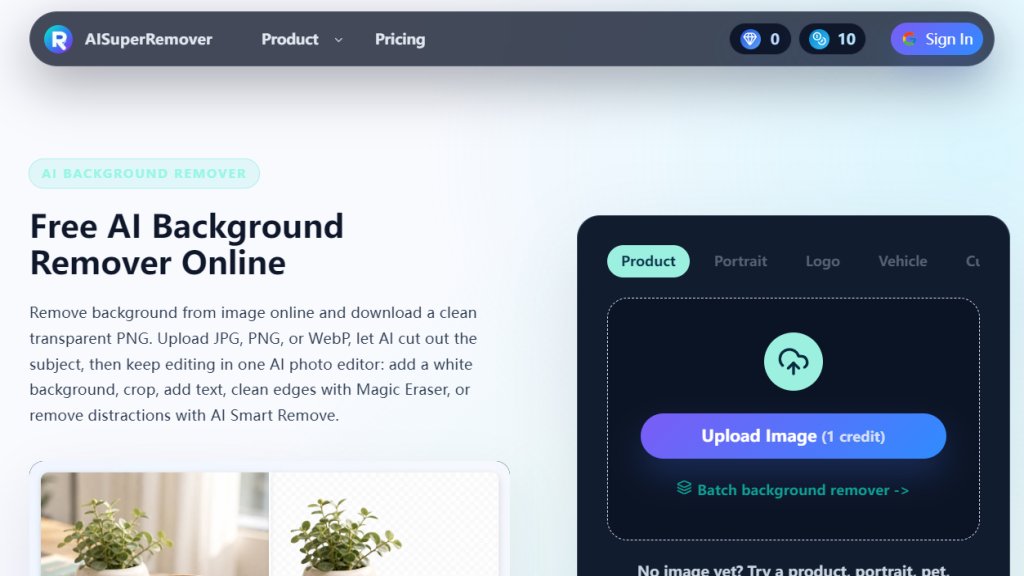
AISuperRemover is an online AI-powered image editor that specializes in background removal. It uses intelligent algorithms to detect the main subject in an image and automatically erase the background, allowing users to create transparent PNGs, white background photos, or custom backgrounds. Beyond removal, it offers a suite of editing tools including Magic Eraser for cleaning edges, AI Smart Remove for deleting unwanted objects, cropping, text addition, and batch processing. Designed for ecommerce, portraits, pets, vehicles, food, and social media visuals, it provides a fast, browser-based alternative to Photoshop. Users can upload JPG, PNG, or WebP images, process them with credits, and continue editing in one workflow without switching software.
Main Features
- Automatic Background Removal: AI instantly detects and removes backgrounds from images, supporting subjects like people, products, pets, vehicles, and logos.
- Transparent PNG Export: Download images with transparent backgrounds for reuse across websites, ads, and designs.
- White Background Option: Switch to a clean white background for ecommerce product photos and listings.
- Magic Eraser: Clean leftover edges, marks, or rough details after removal for a polished result.
- AI Smart Remove: Erase unwanted objects, shadows, cables, labels, or distractions while keeping the main subject intact.
- Batch Background Removal: Process multiple images at once for consistent results across product sets or campaigns.
- Custom Backgrounds: Place cutouts on brand colors, gradients, or custom scenes for ads and social media.
- Cropping and Text: Crop images for specific platforms and add text overlays for promotions or labels.
- Mobile-Friendly: Works in a browser on desktop and mobile devices without app installation.
- Image Format Support: Accepts JPG, PNG, and WebP files for upload and processing.
Use Cases
- Ecommerce Product Photos: Remove cluttered backgrounds from product images for consistent white background listings on marketplaces like Amazon or Shopify.
- Portrait and Profile Pictures: Clean up portrait backgrounds for resumes, LinkedIn profiles, ID photos, team pages, and social media covers.
- Pet Photography: Remove home backgrounds from dog, cat, or pet photos for adoption posts, keepsakes, or social media graphics.
- Vehicle Listings: Erase distracting surroundings from car or motorcycle photos for dealer inventory, classified ads, or marketplace uploads.
- Food Photography: Remove table or counter backgrounds from food images for menus, delivery apps, or promotional social posts.
- Logo and Design Assets: Create transparent PNGs of logos, stickers, icons, or graphic cutouts for reuse in presentations, ads, or marketing materials.
- Social Media Content: Prepare thumbnails, ads, banners, and campaign visuals with clean backgrounds or custom scenes.
- Batch Processing for Catalogs: Process multiple product or portrait images simultaneously for efficient asset preparation.
Supported Languages
- English
Pricing Plans
- Free: Basic free credits available daily for testing background removal on a limited number of images.
- Subscription Plans (Monthly):
- Starter: 200 credits per month at $7.95/month ($0.040/credit).
- Popular: 500 credits per month at $12.91/month.
- Pro: 1,000 credits per month at $19.9/month ($7.9/month for first month).
- One-Time Credit Packs (Never Expire):
- 300 credits for $19.9 ($0.066/credit).
- 800 credits for $39.9.
- 2,000 credits for $79.9.
- 5,000 credits for $149.
Each image typically uses 2 credits. Subscription plans include recurring monthly billing with cancellation anytime. One-time packs are for occasional projects.
Frequently Asked Questions
1. What is an image background remover?
An image background remover is an online tool that uses AI to detect the main subject in a photo and remove the surrounding background. AISuperRemover helps create transparent PNGs, white background photos, and more.
2. Is the background remover free?
You can try the background remover for free with basic free credits. More processing or higher-quality exports may require paid credits as shown on the pricing page.
3. Can I download a transparent PNG?
Yes. After background removal, you can download a transparent PNG with the subject on a transparent background for use in product photos, logos, and designs.
4. Can I use it for product photos and white backgrounds?
Yes. Use AISuperRemover as a product photo background remover to create white background images for ecommerce listings, catalogs, and ads.
5. Can I batch remove backgrounds from multiple images?
Yes. The batch background remover workflow allows you to process multiple images at once for consistent results across a product set or campaign.
6. Will background removal reduce image quality?
The tool tries to preserve subject details. Very small images, noisy photos, or complex edges may affect the final cutout, but clear images usually pro



Please login to post a comment
Login