What is AnyGen?
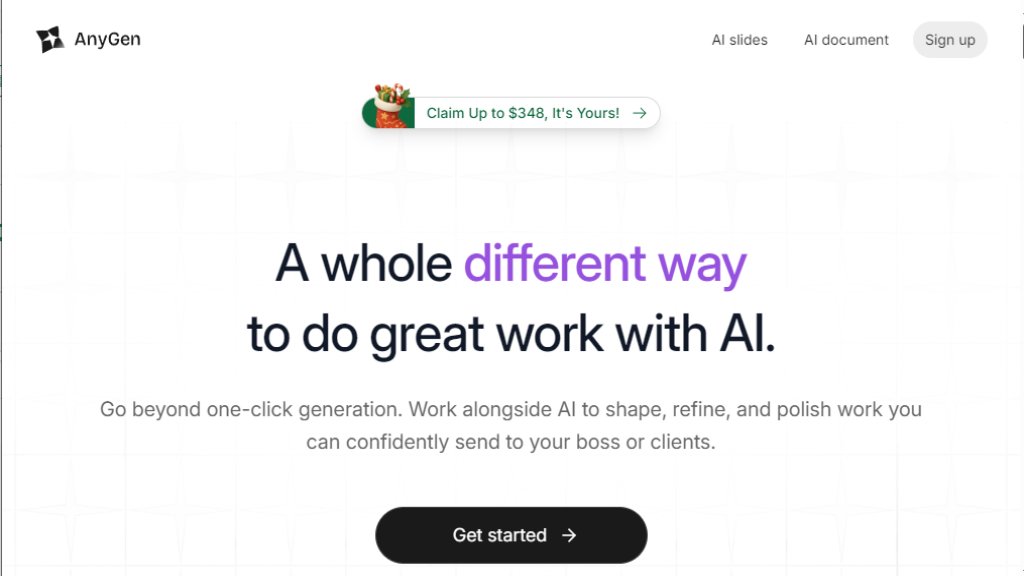
AnyGen is an innovative AI-powered workspace designed to transform how individuals and teams create professional content. Unlike basic AI generators that produce a single draft, AnyGen facilitates a deep, collaborative editing process. It positions itself as more than just a tool for fast generation; it's a partner for refining and polishing work to a client-ready standard. The platform integrates specialized features for creating slides, documents, and performing data analysis, all within a unified environment that eliminates the need for constant exporting and switching between different applications. Its core philosophy is intelligent collaboration, where AI assists in brainstorming, structuring, and fact-checking, enabling users to maintain their creative flow and produce high-quality results efficiently.
Main Features
- **Deep Collaborative Editing**: Work alongside AI to iteratively refine content. Edits prompt precise local updates instead of full re-writes, preserving your work-in-progress.
- **All-in-One Workspace**: Create and polish slides, documents, and data visualizations in one place without needing to export to other software for final touches.
- **Dual-AI Verification System**: Employs one AI for content creation and a separate, independent AI to check facts, aiming to improve accuracy before sharing.
- **Guided, Structured Input**: Uses intelligent, step-by-step questioning to help users clarify their needs and guide the AI toward the desired output direction.
- **Real-Time Collaboration**: Supports seamless teamwork, streamlining review cycles and enabling teams to scale content production without losing quality.
- **Specialized Tools**: Includes dedicated features like 'Slides' for presentation design and 'Data Analysis' for turning raw data (like logs) into actionable charts instantly.
Use Cases
- **Marketing & Sales Teams**: Quickly generate and tailor multiple versions of pitch decks and client presentations while maintaining consistent brand voice.
- **Product & Operations**: Analyze large volumes of user feedback or operational logs instantly to create charts and reports without waiting for data specialists.
- **Content Creators & Solopreneurs**: Manage the entire content creation workflow, from research and drafting to final layout, for newsletters, blogs, and social media.
- **Educators**: Transform complex or dense educational material into engaging, visually appealing formats like storybooks or comic-style lessons.
- **Agencies & Media Planners**: Accelerate the process of turning strategic plans into polished, client-ready presentations and documents.
- **SEO & Growth Teams**: Streamline content review cycles and scale output efficiently through real-time collaborative features.
Frequently Asked Questions
- **Q: What makes AnyGen different from other AI content generators?**
A: AnyGen focuses on deep collaboration and refinement, not just one-time generation. It allows for precise editing, includes a fact-checking AI, and provides an all-in-one workspace to finalize professional-grade content.
- **Q: Is there a free plan available?**
A: Yes, AnyGen offers a Free plan with daily credits and basic features, allowing users to test the platform's core capabilities.
- **Q: Can AnyGen help with creating presentations?**
A: Absolutely. The 'Slides' feature is designed specifically to generate, format, and edit presentations entirely within the platform, aiming to set a new standard for AI-assisted slide creation.
- **Q: Is AnyGen suitable for team use?**
A: Yes, it is built for both individuals and teams. Features like real-time collaboration and scalable credit plans support team workflows to improve collective productivity.
- **Q: How does the AI fact-checking work?**
A: The system uses a dual-AI approach where one AI generates content and a separate, independent AI reviews it for factual accuracy before the content is finalized.
Pricing Plans
- **Free**: $0/month. Includes 200 daily credits, 1 parallel task, and 1 scheduled task. Ideal for trying basic features.
- **Pro (Popular Choice)**: Normally $23/month, currently offered as a limited-time free benefit. Includes 5,000 monthly credits (2,000 base + 3,000 bonus), 5 parallel tasks, 3 scheduled tasks, and unlimited exports.
- **Max**: $159/month (billed annually at $1,908). Includes 50,000 monthly credits (20,000 base + 30,000 bonus), 10 parallel tasks, 10 scheduled tasks, and unlimited exports. Designed for high-volume users and teams.
Pros and Cons
Pros:
- Offers a truly collaborative and iterative editing experience with AI, moving beyond simple generation.
- Powerful all-in-one workspace reduces app switching and streamlines the final polishing of work.
- Innovative dual-AI system for creation and fact-checking enhances output reliability.
- Guided input helps users achieve more accurate and desired results.
- Scalable plans with a generous limited-time free Pro offer provide excellent initial value.



Please login to post a comment
Login