What is Audio Cut?
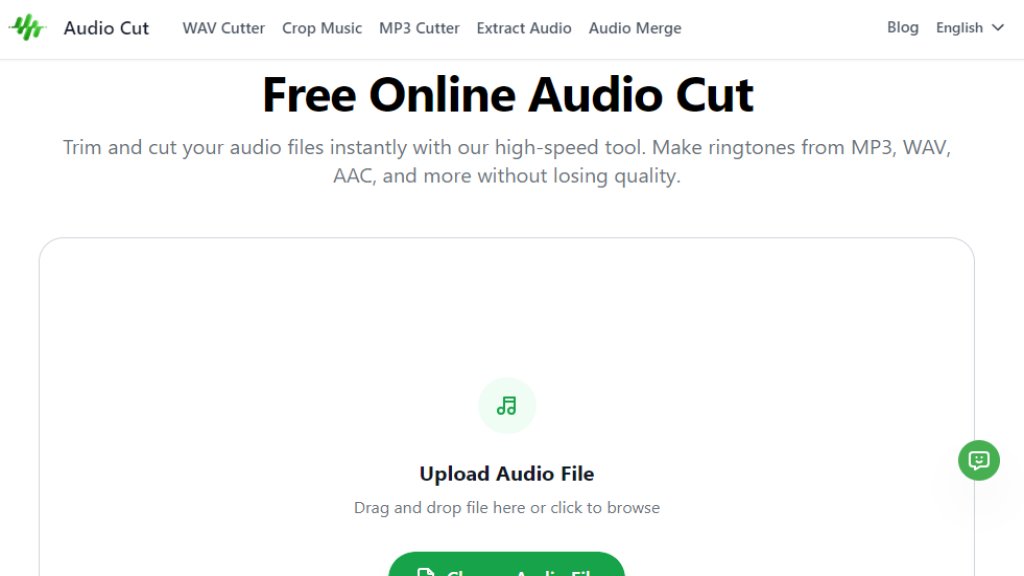
Audio Cut is a free, web-based application designed for quick and simple audio editing. It allows users to trim and cut audio files directly in their browser without needing to download or install any software. The tool supports a wide variety of popular audio formats like MP3, WAV, AAC, and FLAC. Its core value lies in providing a fast, convenient, and secure way for anyone, from podcasters to students, to perform basic audio editing tasks such as creating ringtones, editing podcast clips, or trimming music tracks. The process is streamlined into three easy steps: upload, select the clip, and download, all while maintaining the original audio quality.
Main Features
1. Support for all major audio formats including MP3, WAV, AAC, FLAC, OGG, M4A, and M4R for iPhone ringtones.
2. Lightning-fast processing powered by browser-based technology, completing trims in seconds.
3. Lossless quality preservation, ensuring no compression or quality degradation during editing.
4. Strong privacy and security with SSL encrypted file transfers and automatic server deletion after processing.
5. No software installation required, accessible directly from any modern web browser.
6. Fully responsive design, allowing use on desktop, mobile phones, and tablets.
7. Intuitive user interface with simple drag-and-drop upload and visual clipping sliders.
Use Cases
1. Creating custom ringtones for mobile phones from favorite songs.
2. Editing podcast episodes by removing pauses, mistakes, or unwanted segments.
3. Trimming interviews or voice recordings for presentations or projects.
4. Refining music tracks or samples for personal or creative use.
5. Extracting specific audio clips from longer recordings for social media or educational content.
6. Quickly converting audio between supported formats during the download process.
Supported Languages
1. English
2. Simplified Chinese
Pricing Plans
1. Free Plan: The tool is completely free to use with no subscription fees or hidden charges.
Frequently Asked Questions
1. Q: Is this audio cut completely free?
A: Yes, it is 100% free to use without any fees or subscriptions.
2. Q: What audio formats do you support?
A: It supports MP3, WAV, AAC, FLAC, OGG, M4A, and M4R for iPhone ringtones.
3. Q: Do I need to install any software?
A: No installation is needed; it is a cloud-based tool accessible via a web browser.
4. Q: Is it safe to upload my personal recordings?
A: Yes, files are transferred with SSL encryption and are automatically deleted from servers after processing.
5. Q: Can I use this tool on my mobile phone?
A: Yes, the website is fully responsive and works on iPhone, iPad, and Android devices.
6. Q: Is there a limit on the file size?
A: Free users can upload audio files of any size without limitations.
Pros and Cons
Pros:
- Entirely free with no paid plans or hidden costs.
- Extremely fast and convenient browser-based processing.
- Supports a wide range of common audio formats.
- Maintains original, lossless audio quality.
- Strong focus on user privacy and data security.
- Simple, intuitive interface suitable for non-technical users.
- No software download or installation required.
Cons:
- Functionality is limited to basic cutting and trimming; lacks advanced audio editing features.
- Being an online tool, it requires a stable internet connection for use.
- Output format options, while practical, are not as extensive as professional desktop software.
Recommendation Rating
9/10 (An excellent, no-cost solution for quick and simple audio trimming tasks, offering great speed, ease of use, and strong privacy.)



Please login to post a comment
Login