What is Camisual?
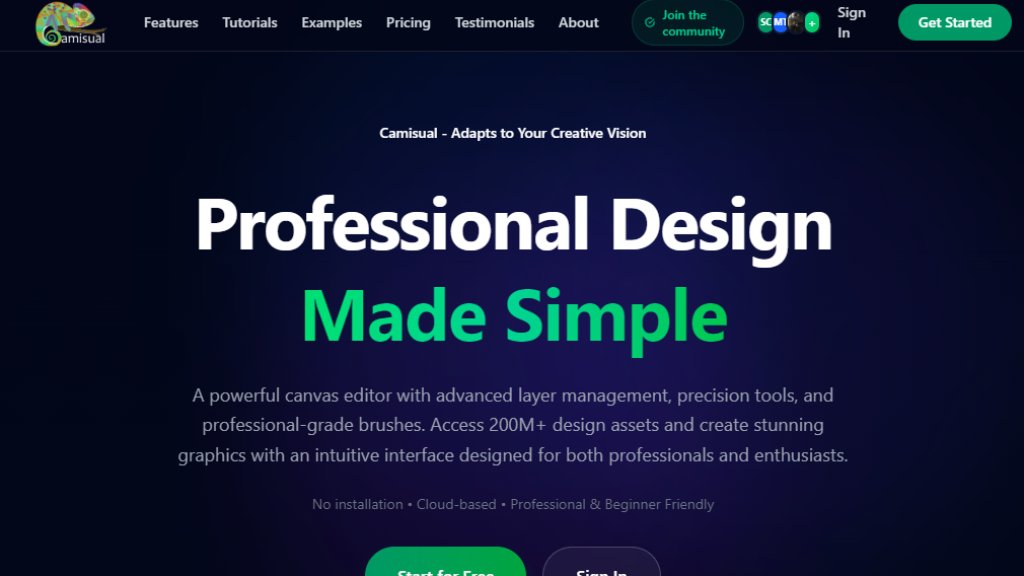
Camisual is a cloud-based, professional design platform built for everyone from beginners to professional designers and business owners. It operates entirely in a web browser, requiring no downloads or installations. The platform's core philosophy is that AI should assist human creativity, not replace it. It bridges the gap between simple template-based tools and complex professional software by offering an intuitive interface with powerful underlying features like advanced layer management, bezier curve editing, and pressure-sensitive brushes. Camisual provides access to over 200 million design assets, including photos, vectors, and templates. It is designed to streamline the creative workflow by consolidating multiple tools—such as background removal, image editing, and vector design—into a single, seamless environment, enabling users to create marketing materials, social media content, illustrations, and more without switching between different applications.
Main Features
1. AI-Powered Tools: Features include one-click background removal with precision edge detection, AI object removal guided by simple brush strokes, and automated image enhancement (upscaling, color correction).
2. All-in-One Image Editor: Built-in adjustment tools for exposure, contrast, saturation, and filters, eliminating the need for external photo editing software.
3. Professional Brush Engine: Pressure-sensitive, responsive brushes (calligraphy, spray, pencil, marker) that mimic natural painting for sketching and texturing.
4. Advanced Vector Design: Fully customizable shapes with bezier curve handles, allowing transformation of basic shapes into complex graphics without multiple tools.
5. Comprehensive Workspace: Includes social media, print, and web presets; a folder system for project organization; and cloud sync for access across devices.
6. Collaboration Features: Enables team collaboration with shared projects, feedback comments, and preview link sharing.
7. Extensive Asset Library: Access to a vast library of over 200 million photos, vectors, icons, and templates.
8. Professional Utilities: Grid systems, precision rulers, history panel, layer management, object locking, and smart crop tools.
Use Cases
1. Social Media Content Creation: Quickly design posts, stories, and banners using platform-specific presets for Instagram, Facebook, etc.
2. Marketing Material Design: Business owners can create professional flyers, brochures, and advertisements in-house without design experience.
3. E-commerce Product Photography: Sellers can easily remove backgrounds from product images and enhance them for online listings.
4. Digital Art and Illustration: Artists can sketch, paint, and create illustrations using the professional brush engine and vector tools.
5. Team-Based Design Projects: Teams can collaborate on designs, share feedback, and manage versions in shared folders.
6. Personal Projects and Learning: Beginners can use templates and intuitive tools to learn design principles and create personal projects.
Supported Languages
The website content and interface are presented primarily in English. Based on the provided materials, there is no explicit mention of support for other languages. Therefore, English is the primary and likely the only supported language for the user interface and support content at this time.
Pricing Plans
1. Free Plan: $0/month. Includes 2 design projects, 50MB storage, 5 AI generations, asset library access, design export (PNG, JPG, SVG, PDF), no sharing features.
2. Basic Plan: $4.99/month (Special offer: $2.50 for the first month). Includes 5 design projects, 100MB storage, 20 AI generations, design sharing, 1 collaborator, 5 version history entries.
3. Pro Plan: $7.99/month (Special offer: $4.00 for the first month). Includes 25 design projects, 500MB storage, 100 AI generations, design sharing, 5 collaborators, 30 version history, advanced AI tools.
4. Premium Plan: $14.99/month (Special offer: $7.50 for the first month). Includes 100 design projects, 2GB storage, 500 AI generations, design sharing, 15 collaborators, unlimited version history, advanced AI tools, priority support, custom branding.
5. Early Bird Lifetime Plan: $199.99 one-time payment. Includes unlimited design projects, 10GB storage, 1000 AI generations, all Pro/Premium features like advanced AI tools, priority support, custom branding, and unlimited version history.
All plans include a 3-day free trial for paid tiers and access to the 200M+ asset library. A 30-day money-back guarantee is offered.
Frequently Asked Questions
1. Q: Is Camisual free to use?
A: Yes. Camisual offers a free forever plan with access to core design tools like the canvas editor, layers, brushes, shapes, text tools, and background removal.
2. Q: Do I need to download or install anything?
A: No. Camisual runs entirely in your web browser (Chrome, Safari, Firefox, or Edge). No installation or plugins are required.
3. Q: Can I remove image backgrounds



Please login to post a comment
Login