What is Pixelcut Cleanup Pictures?
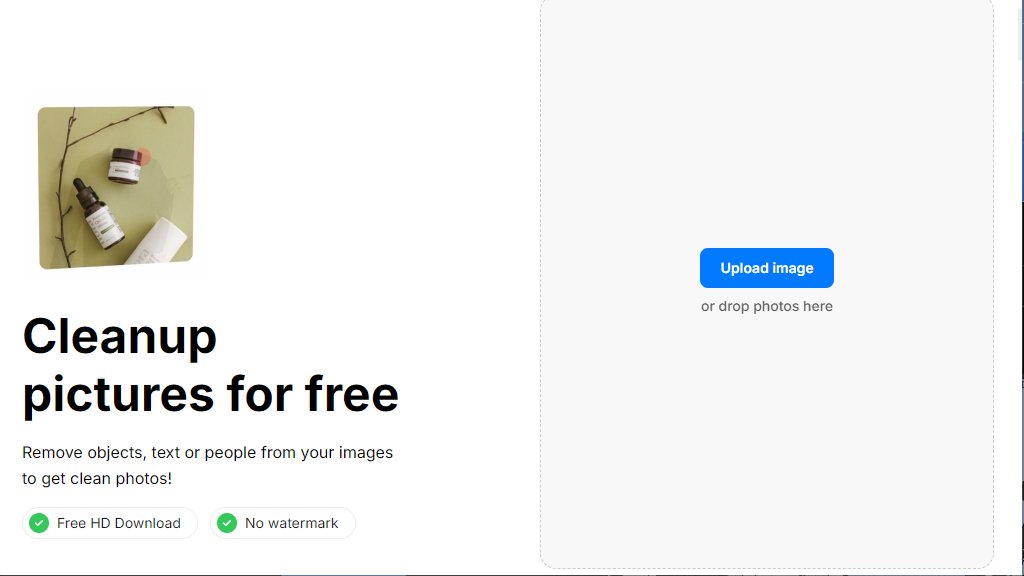
Pixelcut Cleanup Pictures is an online photo editing tool designed to intelligently remove unwanted elements from images. It functions as a magic eraser, allowing users to easily delete objects, text, blemishes, or people from their photos. The process is automated and fast: users upload an image, swipe over the areas they want to remove, and the tool fills in the background seamlessly. It is part of the broader Pixelcut suite of creative tools and is trusted by millions for its convenience and powerful editing capabilities.
Main Features
1. Object Removal: Swipe to remove any unwanted objects, poles, wires, or blemishes from photos.
2. Text and Watermark Removal: Easily delete text or watermarks from images without smudging the background.
3. People Remover: Specifically designed to remove photobombers or unwanted people from the background of photos.
4. Fast Processing: The tool works in seconds, providing quick results.
5. Free HD Download: Users can download their cleaned-up images in high definition without any watermark.
6. User-Friendly Interface: Simple three-step process: upload, swipe to remove, and download.
Use Cases
1. Social Media Content Creation: Clean up photos for Instagram, Facebook, or other platforms by removing distractions.
2. E-commerce Product Photos: Remove unwanted objects or text from product images for a professional look.
3. Personal Photo Editing: Erase photobombers, blemishes, or unwanted text from personal memories.
4. Marketing Materials: Prepare clean images for advertisements, brochures, or websites by removing watermarks or logos.
5. Real Estate Photography: Remove temporary objects like wires or poles from property photos.
Pricing Plans
1. Free Plan: $0 per month. Includes basic tools like limited background removal, magic eraser, and upscaler. Free export without a watermark.
2. Pro Plan: $10 per month (billed monthly) or $8 per month (billed yearly, saving 20%). Includes unlimited AI edits, 600 credits monthly, add 3 team members, commercial license.
3. Pro+ Plan: $30 per month (billed monthly) or $24 per month (billed yearly). Includes unlimited AI edits, 3,600 credits monthly, add 10 team members, 4 concurrent generations.
4. Max Plan: $60 per month (billed monthly) or $48 per month (billed yearly). Includes unlimited AI edits, 9,000 credits monthly, add 20 team members, 8 concurrent generations.
Frequently Asked Questions
1. Q: How do I remove a watermark or text from an image?
A: Use the free online tool. Select the watermark or text and delete it. The tool intelligently fills the background.
2. Q: How do I remove objects from a photo?
A: Upload your image, swipe across the objects you want removed, and they will disappear automatically.
3. Q: Is Pixelcut free?
A: Yes, a free version offers basic image editing tools. Pro plans unlock premium features.
4. Q: Can I use Pixelcut Pro on my iPhone or Android?
A: Yes, download the app from the App Store or Google Play. It also works on mobile and desktop browsers.
5. Q: Can I cancel my subscription?
A: Yes, you can cancel your subscription at any time.
6. Q: Do you offer discounts for yearly subscriptions?
A: Yes, save 20% by choosing an annual subscription for any Pro plan.
Pros and Cons
Pros:
- The core cleanup tool is completely free to use with no watermark on exports.
- The interface is very intuitive and easy to use for beginners.
- Processing is fast and delivers good results for common removal tasks.
- It is part of a larger ecosystem of creative AI tools from Pixelcut.
- Offers a generous free plan for basic needs.
Cons:
- Advanced features and higher usage limits require a paid subscription.
- The free plan has limitations on certain tools like Generative Fill and credits.
- The quality of removal for complex backgrounds may vary.
Recommendation Rating
8/10 (Excellent free tool for basic photo cleanup, paid plans offer great value for professionals and teams.)



Please login to post a comment
Login