What is FragCut?
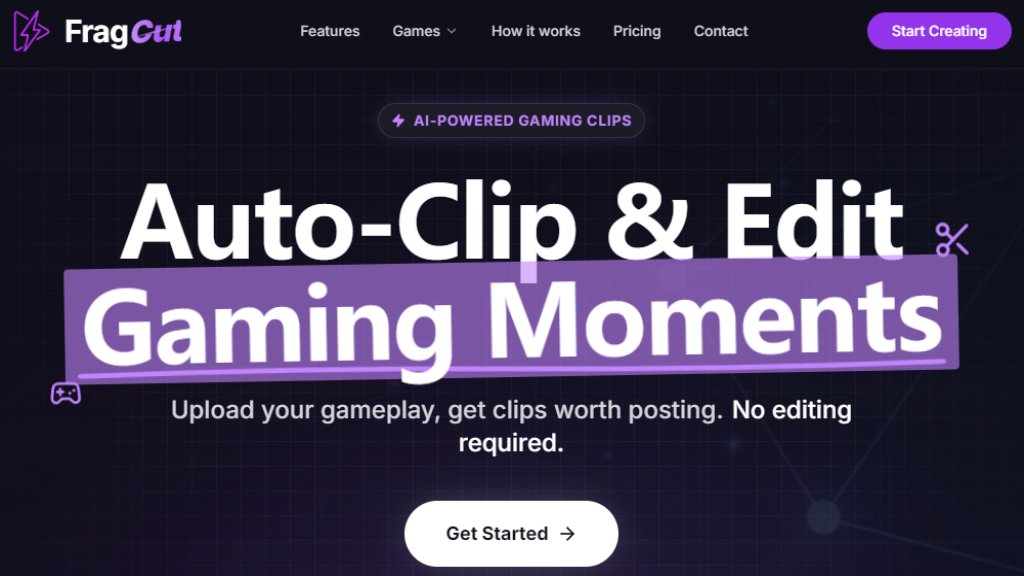
FragCut is an automated video editing tool designed specifically for gamers and streamers. It uses intelligent analysis to scan your raw gameplay footage or VODs (Video on Demand) and automatically identifies the most exciting moments, such as kills, aces, clutch plays, and funny interactions. The core purpose is to eliminate the tedious, time-consuming process of manually reviewing hours of footage to find highlights. Once the highlights are detected, FragCut automatically edits them into short, social-media-ready clips. A key feature is its automatic conversion to the vertical 9:16 aspect ratio, which is optimized for platforms like TikTok, Instagram Reels, and YouTube Shorts. The tool provides a convenient dashboard where users can review the AI-generated clips, make fine-tuning adjustments, and even stitch multiple clips together into compilations. It supports direct uploads of video files or importing via URL from platforms like YouTube and Twitch.
Main Features
1. Intelligent Highlight Detection: The AI automatically scans videos to find key moments like headshot sequences, team wipes, clutch rounds, and funny fails.
2. Vertical Format Conversion: Automatically converts landscape gameplay into 9:16 vertical videos perfect for TikTok, Reels, and Shorts.
3. Auto Subtitles: Generates and burns speech-to-text subtitles into clips, making them accessible for viewers watching without sound.
4. Montage Maker: Allows users to stitch multiple selected clips together into a single compilation video with a simple drag-and-drop interface.
5. Fine-Tune Editor: Provides frame-level precision to adjust the start and end times of each generated clip, with a real-time preview in the browser.
6. Batch Processing: Can generate 5 to 8 clips from a single video upload, maximizing content output from one recording session.
7. Multi-Source Upload: Supports uploading video files (MP4, MOV, WebM, MKV) or pasting URLs from YouTube, Twitch, or TikTok.
8. Fast Processing: Typically processes and generates clips within 15 to 30 minutes after upload.
Use Cases
1. For Streamers: Automatically create highlight clips from long streaming VODs to post on social media and grow an audience without manual editing.
2. For Competitive Gamers: Quickly generate clips of pro plays, insane kills, or match-winning moments to showcase skill and build a personal brand.
3. For Content Creators: Produce a consistent stream of vertical, short-form content for TikTok, YouTube Shorts, and Instagram Reels to increase engagement.
4. For Casual Gamers: Easily save and share fun or epic moments from gaming sessions with friends and on social platforms.
5. For Clip Compilations: Use the Montage Maker feature to combine several highlights from different matches into a single, impactful compilation video.
Supported Languages
1. The website interface and support are in English.
2. The Auto Subtitle feature generates subtitles based on speech-to-text, which primarily supports English audio from the gameplay and commentary.
Pricing Plans
1. Creator Plan: Priced at $24.99 per month. Includes generation of up to 30 clips per month, support for videos up to 4 hours long, AI highlight detection, vertical/horizontal format, fine-tune editor, and community support.
2. Pro Plan: Priced at $69.90 per month. Offers unlimited clip generation per month, all features of the Creator plan, plus email support with a 24-hour response time.
3. Both plans include a 7-day money-back guarantee for first-time subscribers, commercial usage rights, and the ability to cancel anytime.
Frequently Asked Questions
1. Q: How does FragCut work?
A: You upload your gameplay video or paste a URL. The AI analyzes it to find highlights, then creates and formats clips for you to review and download.
2. Q: Which games does FragCut support?
A: It supports popular games like Valorant, Counter-Strike 2, Apex Legends, Overwatch 2, League of Legends, and others listed on the site.
3. Q: How long does video processing take?
A: Processing usually takes between 15 to 30 minutes, depending on the length of the video.
4. Q: Can I edit or adjust the clips after AI generates them?
A: Yes, you can use the Fine-tune editor to adjust clip start/end times and toggle subtitles on or off.
5. Q: What happens if I cancel my subscription?
A: You retain access until the end of your billing period. After that, your account downgrades, but you can resubscribe anytime.
6. Q: Do you offer refunds?
A: Yes, there is a 7-day money-back guarantee for first-time subscribers.
Pros and Cons
Pros:
1. Saves a massive amount of time by automating the clip discovery and initial editing process.
2. Specifically optimized for creating vertical clips for dominant short-form video platforms.
3. The interface is convenient, allowing fine-tuning and compilation without needing separate software.
4. Supports direct import from major streaming platforms via URL.
5. Helpful for maintaining a consistent content posting schedule



Please login to post a comment
Login