What is Fyxer?
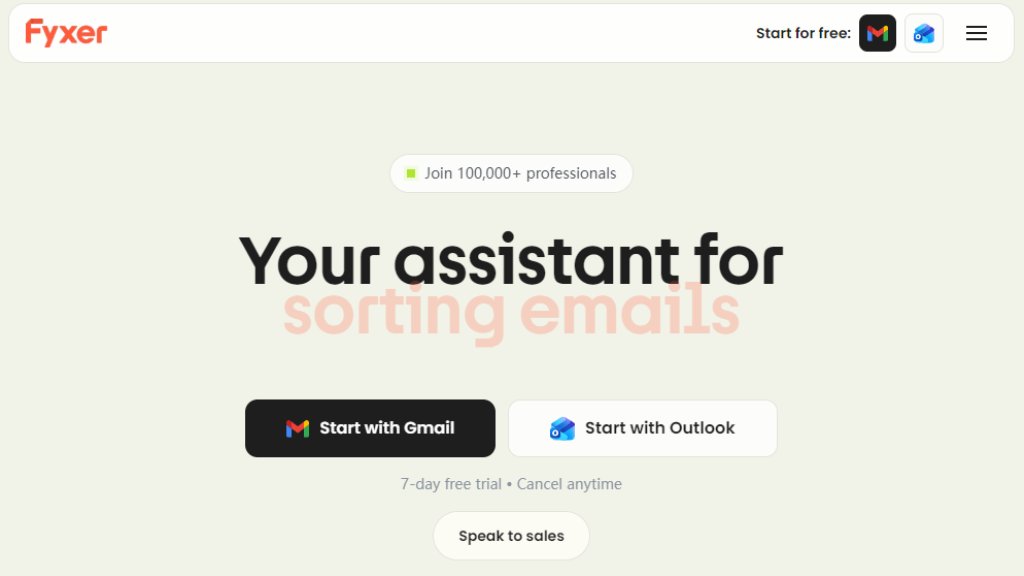
Fyxer is an intelligent productivity assistant designed to manage email and meeting tasks automatically. It integrates directly with Gmail and Outlook to organize your inbox, filter out spam and noise, and categorize emails into actionable labels. Beyond email, it acts as a notetaker by joining your meetings, capturing notes, and drafting follow-up messages. The core idea is to function as a virtual assistant that learns your communication style to handle routine administrative work, reclaiming significant time for users each day.
Main Features
1. Automated inbox organization that categorizes emails and filters noise.
2. Intelligent reply drafting that learns and mimics your unique writing voice.
3. Meeting notetaker that joins calls, takes notes, and drafts follow-up emails.
4. Meeting scheduler that coordinates across teams and time zones (Professional plan and above).
5. Fyxer Chat for instant Q&A using your email and meeting note history.
6. Integration with Hubspot and ability to upload files for personalized training.
7. Fast setup with one-click connection for Gmail or Outlook.
Use Cases
1. Professionals and individuals overwhelmed by email management seeking to automate sorting and prioritization.
2. Teams needing automated meeting notes and follow-up coordination to improve productivity.
3. Sales and customer success personnel requiring quick, personalized email responses.
4. Managers and executives who want to delegate administrative tasks like scheduling and note-taking.
5. Organizations aiming to reduce the administrative burden across large teams with scalable solutions.
Supported Languages
1. The primary interface and core functionality are presented in English, as indicated by the website content.
Pricing Plans
1. Starter Plan: Priced at $22.50 per user per month (billed annually) or $30 monthly. Includes organization for one inbox/calendar, voice-based reply drafting, and meeting notetaker.
2. Professional Plan: Priced at $37.50 per user per month (billed annually) or $50 monthly. Adds multiple inbox/calendar support, meeting scheduling, Fyxer Chat, Hubspot integration, file upload training, and a specialist onboarding session.
3. Enterprise Plan: Bespoke custom pricing for organizations with 50+ users. Includes all Professional features plus dedicated account management, marketing support, customized onboarding, automated team setup (SSO/SCIM), and tailored security controls.
4. All paid plans include a 7-day free trial.
Frequently Asked Questions
1. Q: How do I get started with Fyxer?
A: You can start by connecting your Gmail or Outlook account with a one-click setup for a 7-day free trial.
2. Q: How does Fyxer learn to draft replies in my voice?
A: The intelligent system automatically studies your past email writing patterns and preferences after you connect your inbox.
3. Q: What is the Fyxer notetaker feature?
A: It is an automated assistant that joins your scheduled meetings, takes comprehensive notes, and drafts follow-up emails for you.
4. Q: Is there a free plan available?
A: Fyxer offers a 7-day free trial for all its plans, but there is no permanent free tier mentioned.
5. Q: What integrations does Fyxer support?
A: It natively supports Gmail and Outlook. The Professional and Enterprise plans include integration with Hubspot.
Pros and Cons
Pros:
1. Saves significant time by automating email sorting and meeting follow-ups.
2. Convenient one-click setup with major email providers.
3. Powerful personalization learns and mimics your unique communication style.
4. Comprehensive feature set covering email, calendar, and meetings in one tool.
5. Offers a free trial for risk-free evaluation.
Cons:
1. No permanent free plan is available, only a limited trial.
2. Advanced features like multi-inbox support and integrations are locked behind higher-tier plans.
3. Primarily supports English, which may limit non-English speaking users.
4. Enterprise pricing is not transparent and requires contacting sales.
Recommendation Rating
8/10 (A powerful and innovative assistant that effectively automates key administrative tasks, though the lack of a free plan and non-transparent enterprise pricing are minor drawbacks.)



Please login to post a comment
Login