What is Pixelcut Generative Fill?
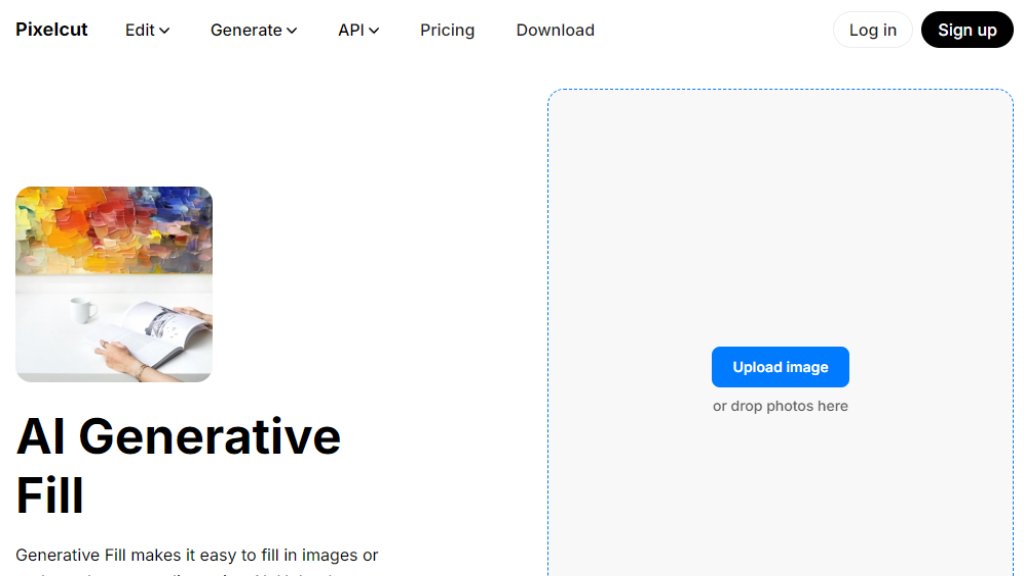
Pixelcut Generative Fill is an advanced, browser-based image editing tool that uses artificial intelligence to modify photos based on text descriptions. Users simply upload an image, select an area they want to alter, and type a prompt describing the desired change. The AI then intelligently generates new content to fill that area, seamlessly blending it with the original image. This tool is designed for convenience, allowing both beginners and professionals to make sophisticated edits—like adding objects, replacing elements, or creating entirely new backgrounds—without needing complex software or design skills. It's part of the larger Pixelcut suite of creative tools and operates entirely online.
Main Features
1. Text-Prompt Driven Editing: Describe the change you want, and the AI executes it.
2. Object Replacement and Addition: Easily swap out or introduce new elements into any photo.
3. Background Transformation: Completely change a scene's backdrop with a simple description.
4. Intuitive Selection Tools: Use brushes and selection tools to highlight precise areas for editing.
5. Seamless Blending: The AI ensures generated content blends realistically with the original image lighting and texture.
6. Browser-Based Convenience: No software installation required; edit directly from your web browser.
7. Free HD Downloads: Export your edited images in high quality without a watermark on the free plan.
8. Mobile App Availability: Also accessible via dedicated iPhone and Android apps for editing on the go.
Use Cases
1. Product Photography: Enhance e-commerce images by replacing cluttered backgrounds with clean, professional settings or adding complementary props.
2. Social Media Content Creation: Quickly generate eye-catching visuals for posts, stories, and ads by creatively altering photos.
3. Personal Photo Editing: Fix photos by removing unwanted objects or adding fun, imaginative elements to personal pictures.
4. Real Estate and Interior Design: Virtually stage rooms or improve property photos by adding furniture or changing decor.
5. Marketing and Advertising Material: Create polished visuals for campaigns, websites, and promotional content without a graphic designer.
6. Creative Experimentation: Artists and designers can use it to brainstorm ideas, explore concepts, and push creative boundaries.
Supported Languages
1. English
2. Español (Spanish)
3. Français (French)
4. Italiano (Italian)
5. Português (Brasil) (Brazilian Portuguese)
6. Bahasa Indonesia (Indonesian)
7. ไทย (Thai)
8. Deutsch (German)
9. हिन्दी (Hindi)
10. 日本語 (Japanese)
11. 한국어 (Korean)
12. Türkçe (Turkish)
13. Русский (Russian)
14. Tiếng Việt (Vietnamese)
Pricing Plans
1. Free Plan: Costs $0 per month. Includes basic access to Generative Fill with a limit of 3 downloads per day, free background removal, upscaling, and export without a watermark.
2. Pro Plan: Priced at $10 per month or $96 per year (saving 20%). Offers unlimited AI edits, 600 credits monthly, the ability to add 3 team members, 1 concurrent generation, and a commercial license.
3. Business Plan: Priced at $30 per month or $288 per year (saving 20%). Provides 3,600 credits per month, unlimited AI edits, ability to add 10 team members, 4 concurrent generations, and a commercial license. This plan is highlighted as 'Most Popular'.
Frequently Asked Questions
1. Q: What is generative fill?
A: It is an advanced image editing tool that lets users select image areas and fill them with AI-generated content using text prompts, enabling creative edits like adding or replacing objects.
2. Q: Is Generative Fill free to use?
A: Yes, the tool is free to use but the free version has a limit of 3 downloads per day. Unlimited usage requires upgrading to the Pro version.
3. Q: Can I use Generative Fill for commercial use?
A: Yes, it can be used commercially. It's suitable for e-commerce, real estate, and other business needs to enhance product or property photos.
4. Q: What is the best Photoshop Generative Fill alternative?
A: Pixelcut's Generative Fill is a top alternative. It's user-friendly, free, delivers professional results, and is entirely online with no complex installation.
5. Q: How to generative fill a background?
A: Upload your image, select the background area, enter a text prompt describing the new background (e.g., 'sunset beach'), and let the AI generate it. Then download your new image.
Pros and Cons
Pros:
1. Extremely user-friendly and intuitive interface, suitable for non-designers.
2. Powerful AI delivers realistic and seamless editing results.
3. Completely free to start with valuable core features.
4. Browser-based and requires no software download.
5. Supports a wide range of languages for global users.
6. Offers clear commercial usage rights.
7. Integrates with a full suite of other useful AI image tools.
Cons:
1. Free plan is limited to only 3 downloads per day.
2. Advanced features and higher usage require a paid subscri



Please login to post a comment
Login