What is Mimo?
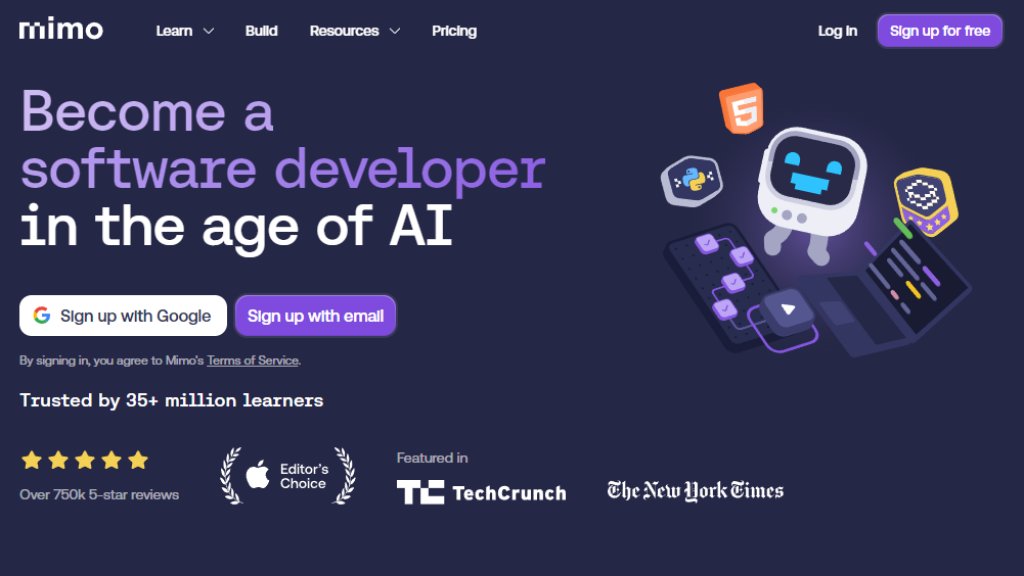
Mimo is a modern, interactive platform designed to teach coding and software development skills. It transforms the learning process into a convenient, engaging experience similar to popular language-learning apps. The platform focuses on helping users build practical skills through a structured approach of learning concepts, practicing with exercises, and applying knowledge by building real projects. It caters to a wide audience, from complete beginners exploring coding as a hobby to career-focused individuals aiming to become professional software developers. Mimo integrates intelligent guidance to provide personalized feedback and support, making the journey into programming more accessible and effective.
Main Features
1. Structured Learning Paths: Offers guided career paths like Full-Stack, Front-End, Back-End, and Python Development with step-by-step explanations.
2. Interactive Practice: Provides hands-on coding exercises and challenges to reinforce learning and fill knowledge gaps.
3. Real-World Project Building: Allows learners to apply skills by building complete software projects from scratch in a simulated environment.
4. Intelligent Guidance: Features an AI coding tutor that offers explanations, hints, and code reviews to help users understand and debug their code.
5. Gamified Experience: Uses elements like streaks, hearts, and rewards to maintain motivation and engagement.
6. Career-Oriented Tools: Includes portfolio project creation, professional certificates, and live sessions to support career advancement.
7. Multi-Platform Access: Learning syncs across mobile and web platforms for flexible, on-the-go study.
Use Cases
1. Career Transition: Individuals seeking to switch careers into software development by following structured, professional learning paths.
2. Skill Enhancement: Current professionals or students looking to learn a new programming language like Python, JavaScript, or SQL to augment their existing skills.
3. Hobbyist Learning: Casual learners interested in understanding coding fundamentals for personal projects or general knowledge.
4. Academic Supplement: Students using the platform to complement formal computer science education with additional practice and projects.
5. Portfolio Development: Aspiring developers building a portfolio of real applications to showcase to potential employers or clients.
Supported Languages
1. English
Pricing Plans
1. Basic Plan: Free forever. Includes access to core learning content on mobile only with limited features.
2. Pro Plan: Priced at $8.33 per month when billed yearly. Includes unlimited hearts, no ads, full access to all courses and core learning features on mobile.
3. Max Plan: Priced at $24.99 per month when billed yearly. Includes everything in Pro, plus web access, 100 AI credits per month, all building features, and advanced tools.
Frequently Asked Questions
1. Q: Is Mimo suitable for beginners?
A: Yes. Mimo is designed with beginners in mind, starting from the basics with short, interactive, step-by-step lessons.
2. Q: Can I use Mimo for free?
A: Yes. You can start learning with a free Basic plan which offers a selection of lessons and features.
3. Q: What's included in a paid subscription?
A: A paid subscription unlocks full access to all courses, practice features, projects, and AI-powered guidance.
4. Q: How does Mimo use AI in learning?
A: Mimo uses AI to provide explanations, guidance, and coding assistance, helping learners understand their code while staying in control.
5. Q: Does my subscription work on multiple devices?
A: Yes. You can use Mimo on your phone and computer with the same account, and your progress syncs across devices.
6. Q: Can I cancel my subscription anytime?
A: Yes. You can manage or cancel your subscription at any time through your account settings.
Pros and Cons
Pros:
1. Offers a highly interactive and gamified learning experience that is engaging for beginners.
2. Provides clear, structured paths for career-oriented goals like becoming a Full-Stack or Python Developer.
3. Integrates intelligent feedback and hints that adapt to user progress, offering personalized support.
4. Enables practical skill application through building real-world projects from scratch.
5. Supports flexible learning on mobile and web, fitting into busy schedules.
Cons:
1. Advanced features and full content access require a paid subscription.
2. The free plan has significant limitations on platform access and AI usage.
3. The depth for very advanced or specialized programming topics may be limited compared to comprehensive university courses.
Recommendation Rating
8/10 (Excellent for beginners and career-changers seeking a structured, interactive way to learn coding fundamentals and build practical projects.)



Please login to post a comment
Login