What is Havi?
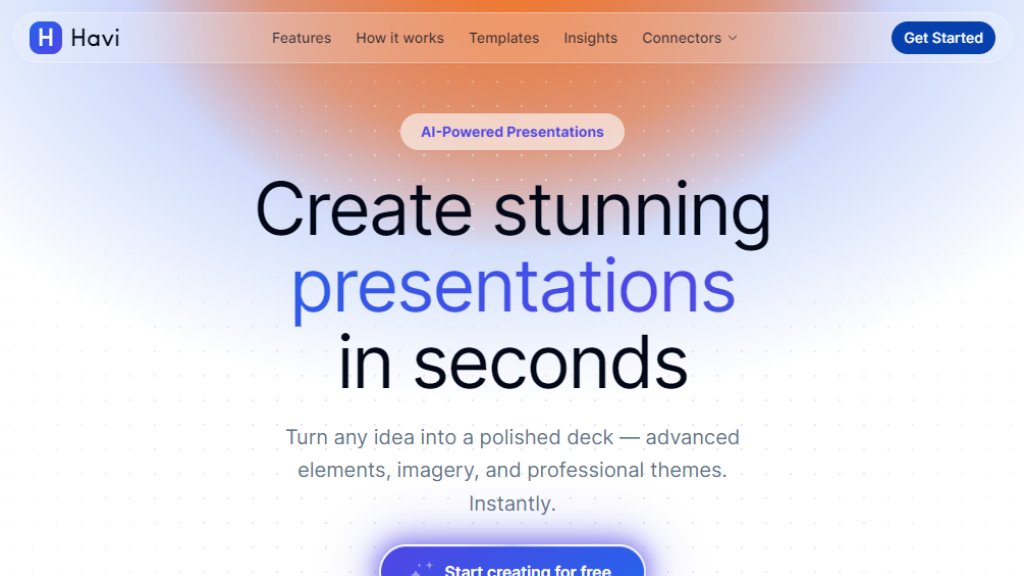
Havi is an innovative AI presentation maker that allows users to create stunning, professional slide decks in seconds. By simply describing a topic or pasting notes, Havi's intelligent AI understands structure, tone, and content, generating polished presentations with advanced elements, imagery, and customizable themes. The tool is designed for speed and ease of use, enabling users to produce a full deck in under 60 seconds, exportable as PowerPoint or PDF. Havi aims to replace manual slide creation with a fast, automated, and flexible solution suitable for professionals, educators, and students alike.
Main Features
- AI-Powered Generation: Describe your topic and get a polished presentation in seconds, powered by cutting-edge AI that understands context and structure.
- Professional Themes: Choose from a curated library of 20+ themes that adapt colors, fonts, and layouts instantly.
- Advanced Elements: Timelines, stats, grids, and more intelligent components that arrange content beautifully.
- Export Anywhere: Download as PowerPoint (PPTX) or PDF with one click, ready for meetings, classes, or pitches.
- Instant Slide Generation: Create a full deck in under 60 seconds from a simple prompt.
- One-Click Theme Switching: Switch between 20+ professional themes with colors, fonts, and layouts adapting automatically.
- Three-Step Workflow: Describe, generate, and export with no design skills needed.
Use Cases
- Business Presentations: Quickly create polished decks for client meetings, product launches, or internal updates.
- Educational Materials: Teachers and students can generate slides for lectures, assignments, or projects in seconds.
- Sales Pitches: Sales teams can produce compelling presentations on the fly to impress prospects.
- Conference Talks: Speakers can draft slide decks for conferences or workshops with minimal effort.
- Content Creation: Marketers and content creators can rapidly produce visual presentations for webinars or social media.
Supported Languages
- English (primary interface and content generation)
- Other languages may be supported for content generation based on user input, but the tool's interface and themes are primarily optimized for English. The AI can understand and generate slides from text in various languages, but full language support details are not explicitly listed on the website.
Pricing Plans
- Free: Start creating for free with no credit card required. Includes basic features and limited usage.
- Pro Plan: Not explicitly priced on the website, but likely offers unlimited generation, advanced themes, and export options. Users are encouraged to start with free to explore.
Frequently Asked Questions
- Q: How fast can I create a presentation with Havi?
A: You can create a full deck in under 60 seconds from a simple prompt.
- Q: What formats can I export my presentation in?
A: You can download as PowerPoint (PPTX) or PDF with one click.
- Q: Do I need design skills to use Havi?
A: No, Havi requires no design skills. Just describe your topic and let the AI generate a polished deck.
- Q: Can I customize the themes and elements?
A: Yes, you can choose from 20+ professional themes that adapt instantly, and advanced elements like timelines and grids are automatically arranged.
- Q: Is there a free trial available?
A: Yes, you can start creating for free with no credit card required.
Pros and Cons
Pros:
- Extremely fast presentation creation (under 60 seconds).
- No design skills required, making it accessible to everyone.
- Professional themes and advanced elements enhance visual quality.
- Simple three-step workflow: describe, generate, export.
- Export options include PPTX and PDF for flexibility.
Cons:
- Limited information on pricing plans beyond free tier.
- May lack advanced customization for power users who want fine-grained control.
- Language support may be primarily English, limiting non-English users.
- Dependency on AI may not suit highly specific or niche presentation needs.
Recommendation Rating
8/10 (A fast and intuitive AI presentation tool ideal for quick, professional slides, but pricing transparency and advanced features could be improved.)



Please login to post a comment
Login