What is Image Enhancer?
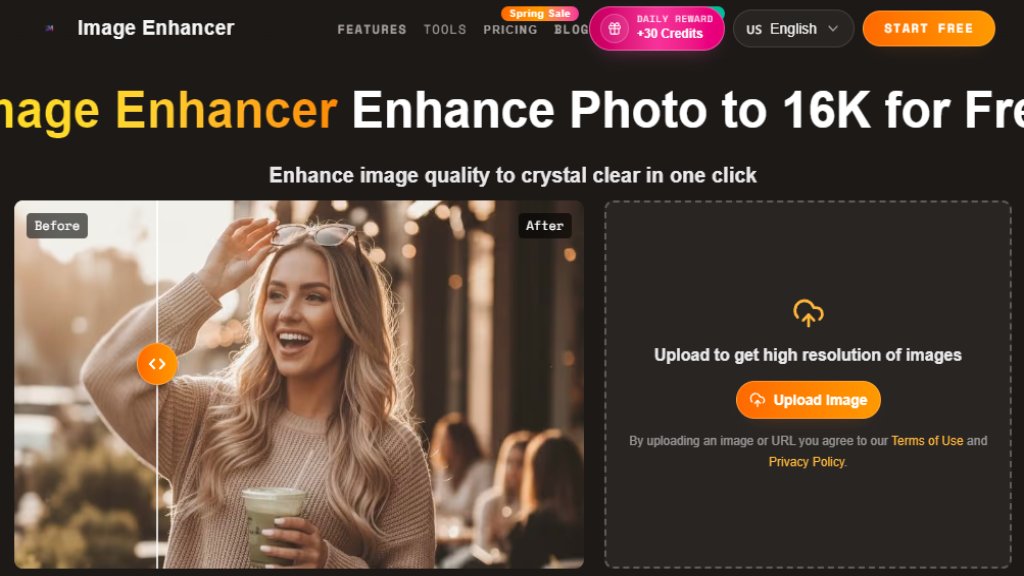
Image Enhancer is a free, browser-based AI tool designed to improve image quality with a single click. It uses intelligent models to transform low-quality, blurry, or damaged photos into high-resolution, clear images. The platform requires no software installation or technical skills, making it convenient for anyone to enhance photos instantly. It supports various tasks including upscaling resolution up to 16K, restoring old photographs by removing scratches and fading, colorizing black and white images, and performing smart edits like background and object removal. The service emphasizes speed, processing images in about three seconds, and offers a generous free tier alongside paid plans for higher volume users.
Main Features
1. One-Click Enhancement: Automatically improves clarity, color, and detail with intelligent analysis.
2. High-Resolution Upscaling: Enlarges images up to 8x, supporting outputs up to 16K resolution without pixelation.
3. Photo Restoration: Fixes scratches, fading, and damage on old photographs.
4. Multi-Tool Suite: Includes background remover, object remover, watermark remover, unblur, sharpen, and photo colorizer.
5. Batch Processing: Available on paid plans to handle multiple images simultaneously.
6. No Watermark Output: Downloads are clean and print-ready, even on the free plan.
7. Browser-Based: Works on any device without installation or account signup.
8. Fast Processing: Average enhancement time is around 3 seconds.
Use Cases
1. Restoring old family photos by removing damage and bringing back color.
2. Upscaling low-resolution images for large prints, posters, or high-resolution displays.
3. Enhancing product photos for e-commerce listings to look more professional.
4. Improving social media and blog content by sharpening details and boosting colors.
5. Preparing real estate or interior design photos by correcting lighting and sharpening interiors.
6. Cleaning up images for presentations by removing backgrounds or unwanted objects.
7. Colorizing historical black and white photos for educational or personal projects.
8. Upscaling anime, manga, and digital illustrations without losing artistic style.
Supported Languages
1. The website interface is available in English.
Pricing Plans
1. Free Plan: Offers about 5 enhancements per day (resets daily), up to 4K output, no watermark, no signup required.
2. Basic Plan (Annual Billing): $4.90 per month, billed annually at $58.80. Includes 2,400 credits per year (~200 images/month), up to 8K output, commercial use license (yearly only), and priority queue.
3. Standard Plan (Annual Billing): $6.90 per month, billed annually at $82.80. Includes 6,000 credits per year (~500 images/month), up to 16K output, batch processing, API access, and all yearly-only features. Most popular plan.
4. Premium Plan (Annual Billing): $9.90 per month, billed annually at $118.80. Includes 12,000 credits per year (~1,000 images/month), up to 16K output, batch processing, API access, and dedicated support.
5. One-Time Credit Packs: Also available, starting at $9.90 for 50 credits that never expire.
Frequently Asked Questions
1. Q: Is there a free AI image enhancer?
A: Yes. Image Enhancer offers 10 free enhancements per day with no watermark, no signup required, and no credit card needed.
2. Q: Does the output image have a watermark?
A: No. Image Enhancer does not add watermarks to any output on free or paid plans.
3. Q: Can I use AI enhanced images commercially?
A: Yes. You retain full rights. Commercial use license is included with annual subscription plans and certain one-time packs.
4. Q: What image formats are supported?
A: JPEG, PNG, WebP, and BMP uploads are supported. You can download in any of these formats.
5. Q: What is the maximum resolution I can enhance my image to?
A: Free users can upscale up to 2x. Paid plans support upscaling up to 8x for 4K, 8K, or 16K output depending on the plan.
6. Q: Is my uploaded photo safe and private?
A: Yes. Uploads are encrypted and processed on secure servers. Images are temporarily stored and deleted automatically after processing.
Pros and Cons
Pros:
- Truly free tier with daily credits and no watermarks.
- Fast and convenient browser-based tool requiring no installation.
- Comprehensive suite of nine intelligent editing tools in one platform.
- High-quality upscaling capable of producing 16K resolution images.
- Simple three-step process suitable for non-technical users.
Cons:
- The most valuable features like batch processing and API access are locked behind paid plans.
- Commercial use rights are primarily tied to annual subscriptions, not monthly.
- Free tier has resolution and daily usage limits.
Recommendation Rating
8/10 (A powerful and accessible tool with an exceptionally generous free plan, ideal for casual users and professionals needing reliable image enhancement.)





Please login to post a comment
Login