What is KikiVoice?
KikiVoice is an intelligent online platform for instant voice cloning. It allows users to create a realistic digital copy of any voice by simply uploading a short audio sample and inputting text. The tool is designed for accessibility, requiring no registration, credit card, or software installation. It operates entirely within a web browser. The core value lies in its speed, simplicity, and the provision of three distinct AI models tailored for different use cases: Kiki Core for fast, balanced output; Kiki Pro for professional, emotion-controlled synthesis; and Kiki Multilingual for cross-lingual voice generation in over 75 languages. The platform emphasizes user privacy by automatically deleting all voice data after processing.
Main Features
1. Three Specialized AI Models: Kiki Core (balanced speed/quality), Kiki Pro (professional emotion control), Kiki Multilingual (75+ language support).
2. Fast Processing: Generate a voice clone in under 3 minutes, with some models offering near-instant results.
3. No Signup Required: Start cloning immediately without account registration or login.
4. Simple Three-Step Process: Upload a voice sample, input text and customize settings, generate and download.
5. High Voice Accuracy: Achieves hyper-realistic voice similarity through advanced neural networks.
6. Browser-Based Tool: Accessible from any modern web browser on desktop or mobile devices.
7. Privacy-First Approach: Uploaded samples and generated audio are automatically deleted after a short period.
8. Unlimited Preview and Download: Listen to and download generated audio files without restrictions.
9. Flexible Audio Input: Support for uploading audio files or recording directly in the browser.
10. Text Customization: Insert pauses and adjust speaking speed for more natural delivery.
Use Cases
1. Content Creation: Generate voiceovers for videos, podcasts, blogs, and e-books quickly.
2. Global Localization: Maintain a consistent brand voice while adapting content for international audiences in multiple languages.
3. Brand Voice AI: Create unique vocal identities for customer service hotlines and virtual assistants.
4. Gaming and Entertainment: Produce dynamic dialogue for game characters, NPCs, and virtual streamers.
5. Voice Preservation: Create a digital archive of a personal voice for individuals facing potential voice loss.
6. Marketing and Advertising: Clone a CEO or brand representative's voice for personalized campaigns and audio logos.
7. Education: Generate personalized course narration and multilingual educational materials.
8. Post-Production Editing: Edit audio content by typing new text, eliminating the need for re-recording.
Supported Languages
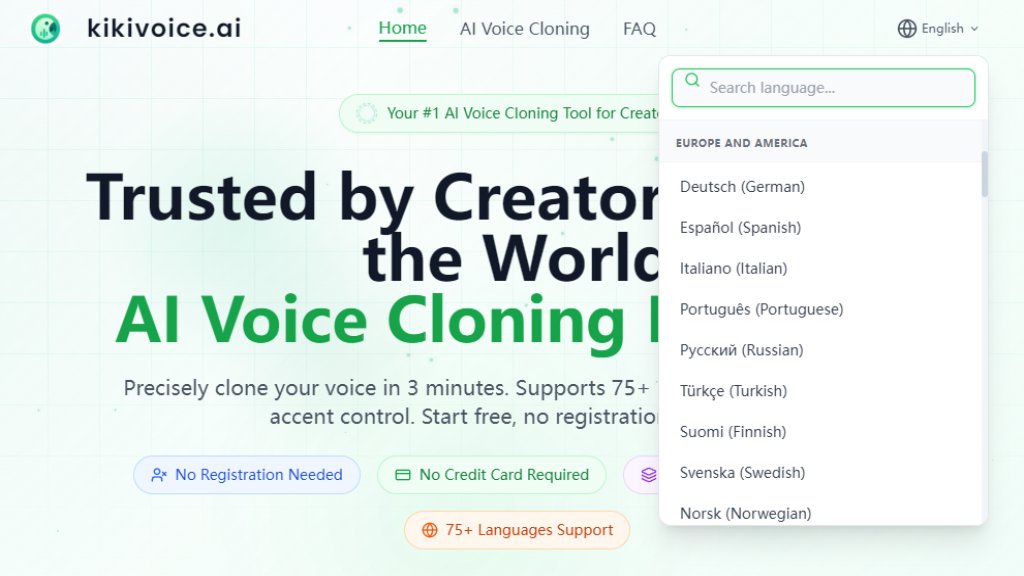
1. The Kiki Multilingual model supports over 75 languages and multiple accents, enabling global voice cloning.
2. The Kiki Core model supports 10+ major languages.
3. The Kiki Pro model supports 8+ languages.
4. The platform features an auto-detect language function for input text.
Pricing Plans
1. Free Plan: Offers a weekly allocation of credits (e.g., 20000 credits/week as per reference) for generating voice clones. Unused credits do not roll over. Includes access to core features without registration or a credit card.
Frequently Asked Questions
1. Q: Is KikiVoice really free?
A: Yes, a free tier is available with weekly credits to experience core features. Credits are consumed during conversion.
2. Q: Do I need to register or provide a credit card?
A: No. The free tier supports immediate use without registration, login, or credit card details.
3. Q: How much audio do I need to provide?
A: You need 3 to 15 seconds of clear audio for the AI to create an effective voice model.
4. Q: Can the cloned voice speak different languages?
A: Yes, particularly with the Kiki Multilingual model, which supports over 75 languages while maintaining the original voice's timbre.
5. Q: Is my voice data safe?
A: Yes. The platform uses encryption, and all voice data is automatically deleted after processing to ensure privacy.
6. Q: How long does it take to generate a voice clone?
A: The process is typically completed within 3 minutes, depending on text length and the selected model.
Pros and Cons
Pros:
- Extremely convenient and fast, with no signup barrier.
- Offers a powerful selection of three specialized AI models for different needs.
- Supports an impressive range of over 75 languages for global projects.
- Strong commitment to user privacy and data security.
- The free plan provides substantial value for testing and light use.
Cons:
- The free version has weekly credit limits and text length restrictions per conversion.
- Output quality is dependent on the clarity and quality of the input audio sample.
- Generated audio and data are not permanently stored, which may not suit long-term archival needs.
Recommendation Rating
9/10 (An innovative and highly accessible tool that democratizes professional-grade voice cloning. Its free, no-login model is a major



Please login to post a comment
Login