What is Remover AI Logo Background Remover?
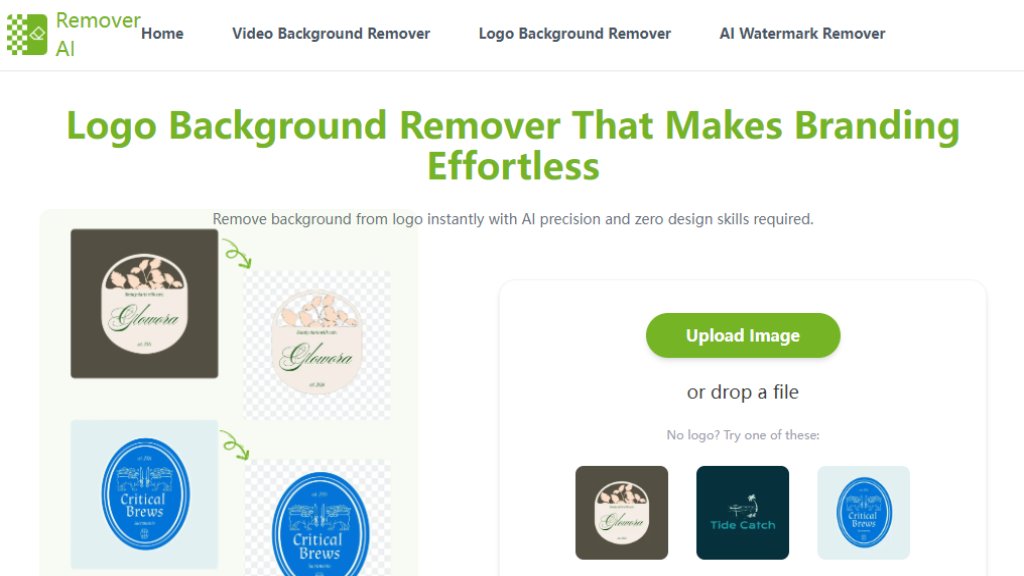
Remover AI Logo Background Remover is an online tool that uses intelligent technology to automatically separate a logo from its background. It is designed for users of all skill levels, requiring no design expertise or software installation. The tool processes images directly in a web browser, making it a convenient solution for creating transparent logo files quickly. Its core function is to deliver clean, high-resolution results with sharp edges, enabling logos to be placed on various backgrounds for consistent branding across digital and print materials.
Main Features
1. One-click automated background removal for fast results.
2. Works directly in a web browser with no software installation required.
3. Handles various logo styles, from simple text to complex emblems.
4. Preserves original image quality and ensures sharp edges.
5. Includes a manual erase tool for precise post-processing edits.
6. Supports multiple image formats including JPG, PNG, and WebP.
7. Offers a mobile-friendly experience for use on smartphones.
Use Cases
1. Creating transparent logo files for website headers, apps, and social media.
2. Refreshing or redesigning existing logos for new marketing campaigns.
3. Preparing clean logo assets for product packaging and merchandise.
4. Integrating logos into presentations, advertisements, and video content.
5. Streamlining branding projects for startups, marketers, and designers.
Pricing Plans
1. Free plan available for basic logo background removal.
Frequently Asked Questions
1. Q: How to remove the background from a logo?
A: Upload your logo to the tool. The intelligent system will remove the background automatically in seconds, allowing you to preview and download the result.
2. Q: Can I use this tool on my phone?
A: Yes. The tool works in mobile browsers on both iOS and Android devices for convenient on-the-go editing.
3. Q: Is the logo background remover free to use?
A: Yes, free usage options are available for quick logo edits without any installation.
4. Q: Will my logo's quality be preserved?
A: Yes. The tool maintains high resolution and sharp edges, making the output suitable for both digital and print use.
5. Q: Can I edit the result after processing?
A: Yes. A built-in erase tool allows for manual refinement to remove any unwanted areas for precise control.
Pros and Cons
Pros:
1. Extremely fast and automated processing.
2. Completely free to use for core functionality.
3. User-friendly with no design skills required.
4. Convenient browser-based access, no software download.
5. Preserves high image quality effectively.
Cons:
1. Advanced features or high-volume usage may require exploring paid tiers not detailed on this page.
2. Relies on internet connectivity for operation.
3. Manual editing tools, while present, are basic compared to full design software.
Recommendation Rating
9/10 (A powerful and free tool that delivers excellent core functionality for instant logo background removal, highly recommended for individuals and small businesses.)



Please login to post a comment
Login