What is MonoDesk?
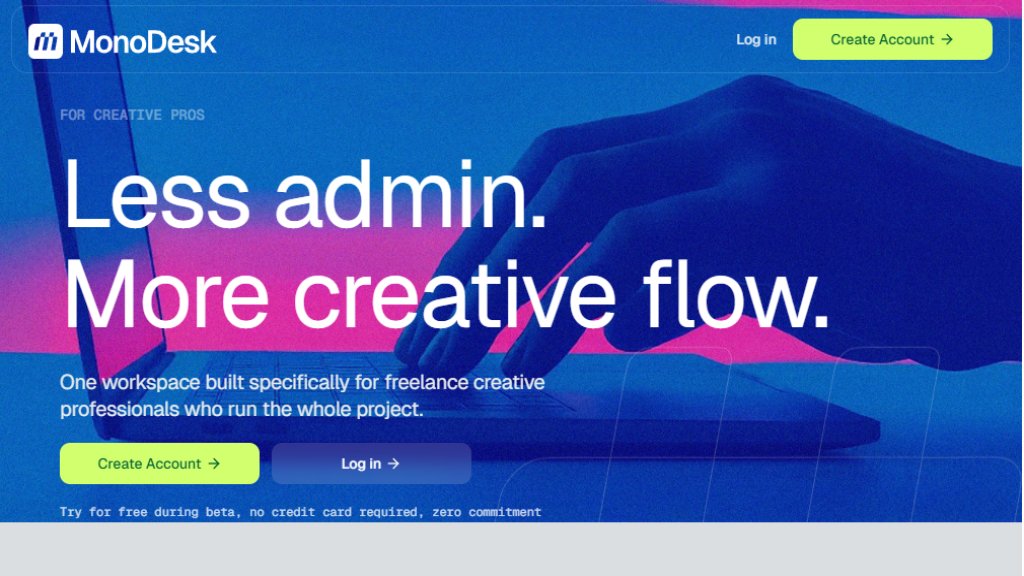
MonoDesk is a specialized, calm workspace built for freelance creative professionals who manage entire projects solo. It addresses the common pain points of freelancing, such as scattered communications in emails and threads, heavy deadlines, scope creep, and administrative overload. The platform integrates project management, client communication, task planning, and intelligent assistance into a single, unified workplace. Its core mission is to eliminate the constant context-switching that disrupts creative momentum, providing a structured yet flexible environment tailored to how independent creatives actually work. By centralizing briefs, feedback, timelines, and administrative tasks, MonoDesk helps users stay organized, maintain clarity on their weekly plans, and delegate routine admin to an AI agent, allowing them to focus more on their core creative work.
Main Features
1. Projects: Organize work with simple task lists and easy-to-scan Kanban boards to keep projects, clients, and timelines visually connected.
2. Planner: A reliable weekly planning view that shows what's due next, what's in progress, and what's complete, helping you start each day with clarity.
3. AI Agent: An intelligent administrative sidekick that can summarize briefs, draft client updates, and provide project-aware feedback to help polish deliverables before sending.
4. Quick Setup: Upload a proposal document to instantly generate a corresponding client profile, project, and task list, getting started in minutes.
5. Unified Workspace: A single platform combining project management, client management, and planning tools designed specifically for the solo freelancer workflow.
Use Cases
1. Freelance creative professionals managing the full project lifecycle from brief to final delivery.
2. Solo designers, writers, or developers needing to consolidate client communications, project tasks, and deadlines in one place.
3. Independent creatives seeking to reduce time spent on administrative tasks like writing client updates or organizing feedback.
4. Freelancers looking to visualize their workload and weekly priorities clearly to avoid missed deadlines and scope creep.
5. Early-stage users providing feedback during the beta to help shape the tool's development for the freelance community.
Supported Languages
1. The primary language supported, as evidenced by the website content, is English.
Pricing Plans
1. Early Access / Beta Plan: Completely free during the beta period. It includes unlimited projects, client management, the weekly planner, the AI assistant, and all core features. No credit card is required, and there is zero commitment. Early access users are promised special lifetime pricing as a thank you for their support, with details to be announced later.
Frequently Asked Questions
1. Q: What is MonoDesk?
A: MonoDesk is a calm workspace designed specifically for freelance creative professionals who run entire projects solo. It combines project management, client communication, task planning, and AI assistance in one workplace.
2. Q: Who is MonoDesk built for?
A: It is built for freelance creative professionals who manage the entire project lifecycle, from brief to delivery, and are juggling client communication, creative work, and project admin alone.
3. Q: How is MonoDesk different from other project management tools?
A: Unlike generic tools built for teams, MonoDesk is designed for solo creatives. It focuses on reducing context-switching with AI assistance and a workflow that matches freelancers, not corporate teams.
4. Q: How do I provide feedback to shape MonoDesk?
A: Use the Feedback modal on the right-hand side of the MonoDesk workspace or email [email protected].
5. Q: Is early access really free?
A: Yes, early access is completely free with zero commitment, no credit card required, and includes all core features and unlimited projects.
Pros and Cons
Pros:
1. Tailored specifically for the workflow of solo freelance creatives, reducing generic tool friction.
2. Intelligent AI agent automates key administrative tasks like summarization and drafting.
3. Unified workspace minimizes context-switching between different apps.
4. Fast setup process by uploading proposals to instantly create projects.
5. Completely free during beta with a promise of favorable lifetime pricing for early supporters.
Cons:
1. Currently in beta, so features and stability may still be evolving.
2. Primarily designed for solo freelancers, not for collaborative team environments.
3. Final pricing structure post-beta is not yet defined, creating future uncertainty.
Recommendation Rating
8/10 (A powerful and innovative tool perfectly targeted at freelance creatives seeking to streamline their workflow. The free beta offers full access to valuable features, making it a very low-risk, high-potential option to try.)



Please login to post a comment
Login