What is PDF Guru PDF Summarizer?
PDF Guru PDF Summarizer is an online tool that uses advanced artificial intelligence to automatically analyze and condense lengthy PDF documents. It is designed to help users quickly grasp the main ideas, arguments, and essential information from reports, research papers, books, and other text-heavy PDFs without manual reading. The tool processes uploaded files directly in the browser, generating concise summaries within seconds. Beyond simple summarization, it features an integrated AI chat function, allowing users to interact with the document's content by asking follow-up questions, requesting translations, or seeking clarifications. This makes it a powerful solution for students, professionals, researchers, and anyone looking to save time and enhance their productivity when dealing with dense textual information.
Main Features
1. Intelligent PDF Summarization: The core feature provides fast, automated extraction of key points and main ideas from uploaded PDF documents.
2. Interactive AI Chat: After summarization, users can engage in a conversation with the document to ask specific questions, translate text, simplify explanations, or extract targeted information.
3. Multilingual Support: The tool supports over 90 languages for both summarization and chat, making it convenient for non-English documents and global users.
4. Free Access Tier: Users can try the service for free with one initial summary and up to three questions in the AI chat without requiring a subscription.
5. High Accuracy: The AI is engineered to deliver clear and reliable summaries, even from long and complex PDF files.
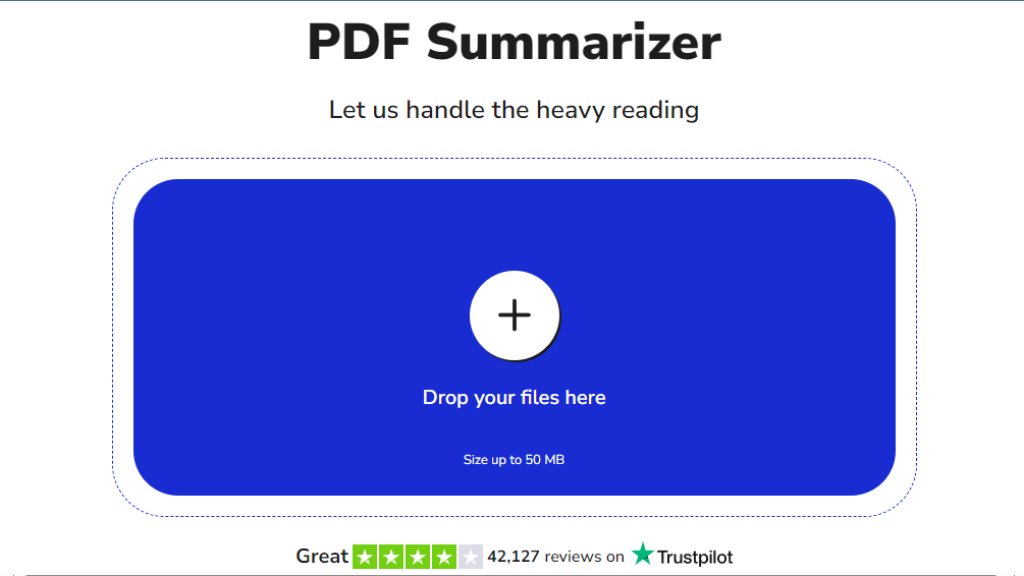
6. User-Friendly Interface: The platform is designed for easy navigation, featuring simple drag-and-drop upload and a straightforward process suitable for all technical skill levels.
7. Security Assurance: The service employs HTTPS encryption and is verified by Google Safe Browsing to ensure user data and uploaded files are protected.
Use Cases
1. Academic Research: Students and researchers can quickly summarize lengthy academic papers, textbooks, or articles to identify relevant studies and core arguments for literature reviews or study sessions.
2. Professional Review: Business professionals, lawyers, and analysts can condense lengthy reports, contracts, or market analyses to get fast insights and prepare for meetings or decision-making.
3. Content Creation: Writers, journalists, and bloggers can use the tool to distill information from source materials, press releases, or reference documents to aid in creating new content.
4. Language Learning and Translation: Users working with foreign language documents can get summaries and use the chat to translate specific sections or clarify meaning.
5. Personal Productivity: Anyone facing information overload can use the summarizer to quickly get the gist of manuals, guides, or e-books, saving valuable reading time.
6. Exam Preparation: The tool functions as an automated notes maker, helping students streamline study materials by creating concise summaries from PDF lecture notes or textbooks.
Frequently Asked Questions
1. Q: Can AI summarize a PDF file?
A: Yes. Simply upload your document, and the AI will scan it and provide a clean summary in seconds, requiring no technical skills.
2. Q: Is it safe to use a PDF summarizer?
A: PDF Guru uses HTTPS encryption and trusted security protocols. It is verified by Google Safe Browsing to protect your files during upload and processing.
3. Q: Can I use your tool to summarize PDFs for free?
A: Yes, you get free access to your first PDF summary and up to three questions in the AI chat. Upgrading provides unlimited access and additional PDF tools.
4. Q: In what languages can I chat with PDF?
A: The tool supports over 90 languages for both summarization and interactive chat with your document.
5. Q: How to analyze a PDF using AI?
A: Click the upload button or drag your PDF into the box. The AI will process it, and you can review the summary and ask follow-up questions in the chat.
Pricing Plans
1. Free Plan: Includes one free PDF summary and up to three questions in the AI chat. This allows users to test the core functionality.
2. Premium Plans: Upgrading to a paid subscription provides unlimited PDF summaries, unlimited AI chat questions, and full access to the entire PDF Guru suite of tools. This suite includes features for editing, signing, converting, compressing, merging, and organizing PDF documents. Specific pricing tiers and details are available on the main PDF Guru website.
Pros and Cons
Pros:
1. Offers a genuinely useful free tier to test the core summarization and chat features.
2. The integrated AI chat is a powerful and innovative feature for deep document interaction.
3. Supports an extensive range of languages, enhancing its utility for a global audience.
4. The interface is simple and convenient, with easy drag-and-drop functionality.
5. Emphasizes security with encryption and external safet



Please login to post a comment
Login