What is Pixlr?
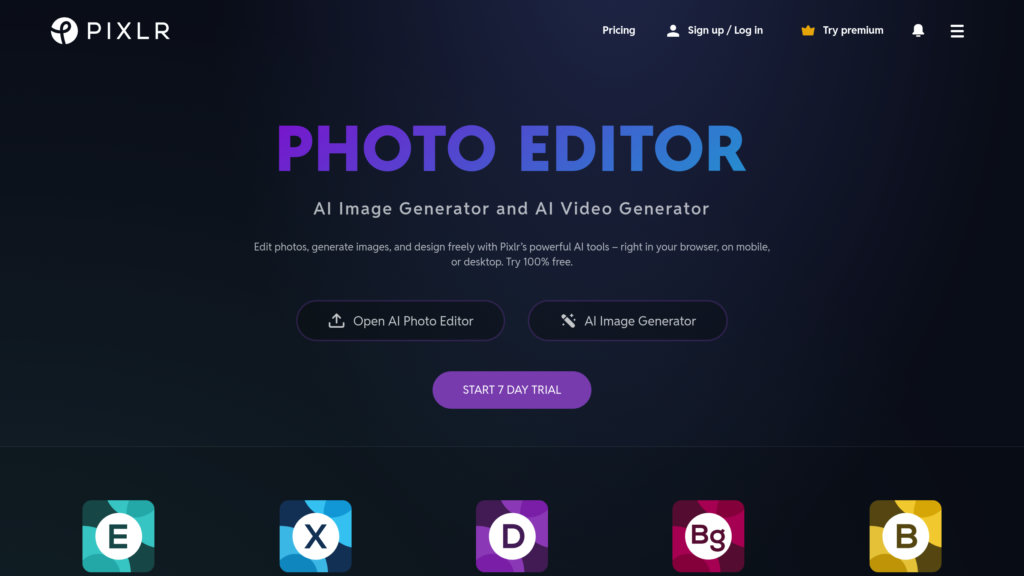
Pixlr is a comprehensive suite of online photo editing, design, and AI tools accessible through web browsers, mobile apps, and desktop applications. It serves as a convenient alternative to complex desktop software like Photoshop, providing a wide range of features for both beginners and experienced users. The platform combines traditional photo editing capabilities with modern intelligent tools, including AI image generation, automated background removal, and smart object manipulation. Users can perform everything from basic adjustments like cropping and color correction to advanced edits using layers and effects, all without needing to download or install software. Its cloud-based nature allows for seamless work across different devices, making it a versatile solution for quick edits, social media content creation, professional design work, and educational purposes.
Main Features
1. AI Image Generator: Create images from text descriptions using intelligent generation technology.
2. AI Generative Fill and Expand: Automatically fill selected areas or expand image borders with context-aware content.
3. AI Background Removal: Instantly remove image backgrounds with a single click.
4. AI Object Removal: Easily erase unwanted objects from photos by drawing around them.
5. AI Face Swap: Swap faces in images for creative or humorous effects.
6. Advanced Photo Editor: A full-featured editor with layers, filters, effects, and drawing tools comparable to desktop software.
7. Batch Editor: Process multiple images simultaneously for efficient workflow.
8. Design Tools: Access templates, collage makers, and animation tools for creating social media graphics, cards, and more.
9. Mobile and Desktop Apps: Use the tools on the go or as installed applications.
10. User-Friendly Interface: An intuitive layout suitable for all skill levels.
Use Cases
1. Social Media Content Creation: Quickly edit photos, create collages, and design posts with templates and AI tools.
2. Professional Photo Editing: Retouch portraits, adjust lighting, and apply professional-grade edits without expensive software.
3. E-commerce Product Images: Remove backgrounds, enhance product shots, and create consistent visuals for online stores.
4. Marketing and Advertising: Design flyers, banners, and promotional materials using templates and design elements.
5. Personal Projects: Edit vacation photos, create holiday cards, or have fun with face swap and generative AI features.
6. Education: Teachers and students can use it for projects and to learn design principles with accessible tools.
7. Quick Fixes: Resize, crop, or touch up images rapidly for immediate use in documents or presentations.
Pricing Plans
1. Free Plan: Access to core editing tools and basic features with ads and some limitations.
2. Plus Plan: $1.49 per month (billed yearly) or $2.49 per month. Removes ads, offers unlimited saves, and provides 80 monthly AI credits.
3. Premium Plan: $6.49 per month (billed yearly) or $9.99 per month. Includes all Plus features, 1000 monthly AI credits, private AI generation mode, and a large library of fonts, templates, and elements.
4. Team Plan: $11.99 per month (billed yearly) or $16.99 per month. Includes five Premium seats, collaboration features, and 1000 AI credits per seat.
5. Enterprise Plan: Custom pricing for larger organizations with specific needs like API solutions.
6. Education Plan: Free upgrades for verified schools and educational institutions.
7. AI Credit Packs: Additional credits can be purchased separately, and gift cards are available for subscriptions.
Frequently Asked Questions
1. Q: What is Pixlr?
A: Pixlr is a suite of user-friendly online photo editors, design tools, and AI tools accessible via browser, mobile, and desktop.
2. Q: Is it free to use Pixlr?
A: Yes, a robust free version is available. Premium plans offer more features, AI tools, and an ad-free experience.
3. Q: Is it safe to use Pixlr?
A: Yes, Pixlr prioritizes security and privacy with over 15 years of online service, ensuring a safe editing environment.
4. Q: What AI tools does Pixlr offer?
A: Tools include AI Image Generator, AI Generative Fill, AI Background Removal, AI Object Removal, AI Face Swap, AI Super Scale, and more.
5. Q: Can I use Pixlr on different devices?
A: Yes, it is accessible on web browsers, iOS, and Android devices for seamless editing across computer, tablet, or smartphone.
6. Q: Is Pixlr suitable for beginners?
A: Absolutely. It has a user-friendly interface ideal for beginners while still offering advanced features for professionals.
Pros and Cons
Pros:
- Offers a powerful free version with no account required.
- Combines traditional editing tools with modern, intelligent AI features.
- Accessible across web, mobile, and desktop platforms.
- User-friendly interface suitable for beginners and professionals.
- Includes a wide range of tools for editing, design, and AI generation.
- Provides affordable subscription plans with c



Please login to post a comment
Login