What is Remotion?
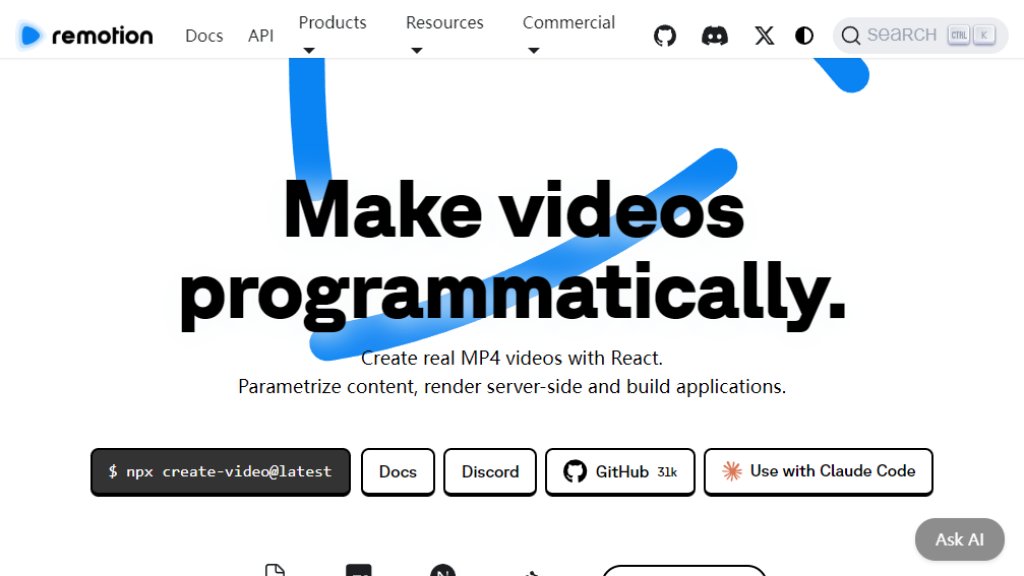
Remotion is an innovative framework that enables developers to create real MP4 videos programmatically using React, a popular JavaScript library. It transforms the traditional video editing process by allowing you to define video content, animations, and sequences through code. This approach makes video creation dynamic, repeatable, and integrable into software applications. You can parameterize content, render videos locally or on the server, and even build custom video editing interfaces. It's designed for developers who want to automate video production, generate personalized video content at scale, or embed video generation capabilities directly into their web applications.
Main Features
1. Programmatic Video Creation: Use React components and TypeScript to define and compose video scenes, animations, and timelines entirely with code.
2. Remotion Studio: A local development environment that provides a preview player and timeline editor for designing and testing videos in real-time.
3. Scalable Rendering: Render videos into MP4 or other formats locally, on your own servers, or using the serverless Remotion Lambda service for high-volume production.
4. Dynamic Parameterization: Pass data (like text, images, or JSON) into your video templates to create personalized, data-driven videos automatically.
5. Remotion Player: A React component to embed and play Remotion videos directly in web applications with interactive controls.
6. Editor Starter: A comprehensive, purchasable template for building custom, white-labeled video editing applications on top of Remotion.
Use Cases
1. Automated Video Generation: Create personalized marketing videos, year-in-review summaries, or data visualizations by programmatically merging templates with user data.
2. Music Visualization: Build dynamic videos that sync visual elements like waveforms, lyrics, or animations with audio tracks.
3. Caption and Subtitle Generation: Automatically generate and burn captions or subtitles into videos using text input and timing data.
4. Screencast and Tutorial Creation: Develop tools for recording or generating software demos and educational content with overlays and annotations.
5. Application Integration: Embed video generation features into SaaS platforms, social media apps, or internal tools to allow users to create videos on-demand.
6. Custom Video Editors: Use the Editor Starter template to build and sell specialized video editing software for niche markets.
Supported Languages
1. JavaScript
2. TypeScript (primary and recommended language for development with Remotion)
3. The framework itself and its documentation are primarily in English.
Pricing Plans
1. Free License: For individuals and companies with up to 3 people. Allows unlimited videos, commercial use, and self-hosted cloud rendering. No payment required, but must upgrade if the team grows beyond 3.
2. Company License: For teams of 4 or more people. Includes commercial use, self-hosted rendering, prioritized support, and $250 Mux credits. Pricing is based on developer seats ($25 per developer per month) and video renders ($10 per 1000 renders per month for self-hosted), with a minimum monthly charge of $100.
3. Enterprise License: Includes all Company features plus private Slack/Discord support, monthly consulting, custom terms, compliance forms, and prioritized feature requests. Pricing starts at $500 per month and requires contacting sales.
Frequently Asked Questions
1. Q: What is Remotion?
A: Remotion is a framework for creating videos programmatically using React. You write code to define videos, which can then be rendered as MP4 files.
2. Q: Do I need a license to use Remotion?
A: A free license is available for individuals and small teams (up to 3 people). Larger teams or commercial collaborations require a paid Company or Enterprise license.
3. Q: How is rendering priced?
A: For the Company plan, self-hosted rendering costs $10 per 1000 renders per month. Remotion Lambda (serverless rendering) has its own pricing based on AWS Lambda usage.
4. Q: Can I build a commercial video editor with Remotion?
A: Yes, you can build and sell applications using Remotion. The Editor Starter template is available for purchase to jumpstart such projects.
5. Q: What support is available?
A: Free users have community support (Discord, GitHub). Paid Company and Enterprise licenses include prioritized support, with Enterprise offering private channels and consulting sessions.
Pros and Cons
Pros:
1. Powerful and flexible for developers familiar with React, enabling complex, automated video workflows.
2. Highly scalable rendering options, including a convenient serverless Lambda service.
3. Strong community and extensive documentation with many templates and examples.
4. Free tier is generous for small projects and individual developers.
5. Enables building custom, branded video applications and editors.
Cons:
1. Steep learning curve for developers not proficient in React and



Please login to post a comment
Login