What is RenameClick?
RenameClick is a desktop application for macOS and Windows that uses intelligent, automated processing to rename and organize files based on their actual content. It operates offline-first, meaning the core AI analysis happens locally on your computer without needing to upload files to the cloud. This approach prioritizes user privacy and data security. The tool is designed to transform chaotic, uninformative file names (like random strings of characters) into clear, descriptive titles. For example, it can rename an obscure PDF to 'Blood_Test_Results.pdf'. Beyond renaming, it can also automatically sort files into user-defined categories and move them into appropriate folders, helping to create a clean and organized digital library efficiently.
Main Features
1. Offline-First AI Processing: Core file analysis and renaming happen locally on your device using a built-in AI model, ensuring no data is uploaded and maximizing privacy.
2. Content-Aware Renaming: Analyzes the content of images and documents to generate meaningful, descriptive file names automatically.
3. Automated File Organization: Categorizes files and moves them into folders based on content using built-in or custom category presets.
4. Batch Processing: Enables renaming and organizing hundreds of files simultaneously in minutes.
5. Flexible AI Provider Support: Works with its built-in local model by default but also supports optional connections to local LLMs (Ollama, LM Studio) or cloud APIs (OpenAI, Google AI) for users who prefer them.
6. Multi-Language Output: Supports generating file names in over a dozen languages, including English, Chinese, Spanish, and Japanese.
7. Custom AI Instructions: Allows advanced users to define custom prompts to enforce specific naming conventions or extract particular data fields from files.
8. EXIF Metadata Integration: Can extract and use photo metadata (like date, location, camera settings) within generated file names.
Use Cases
1. Organizing Personal Photo Libraries: Automatically rename thousands of photos from 'IMG_001.jpg' to descriptive names like 'Beach_Sunset_2024.jpg' and sort them into folders like 'Vacations' or 'Family Events'.
2. Managing Professional Documents: Batch rename client invoices, contracts, or reports from generic names to clear identifiers containing project names, dates, or document types.
3. Cleaning Up Downloaded Files: Transform downloaded files with cryptic names into understandable titles, making them easier to find and manage.
4. Content Creators and Researchers: Categorize large collections of reference images, screenshots, or research PDFs into a structured folder system based on content themes.
5. Multilingual Workflows: Generate appropriate file names in the required language for international teams or projects.
6. Privacy-Sensitive Environments: Process confidential documents or personal media locally without any risk of data being sent to external servers.
Supported Languages
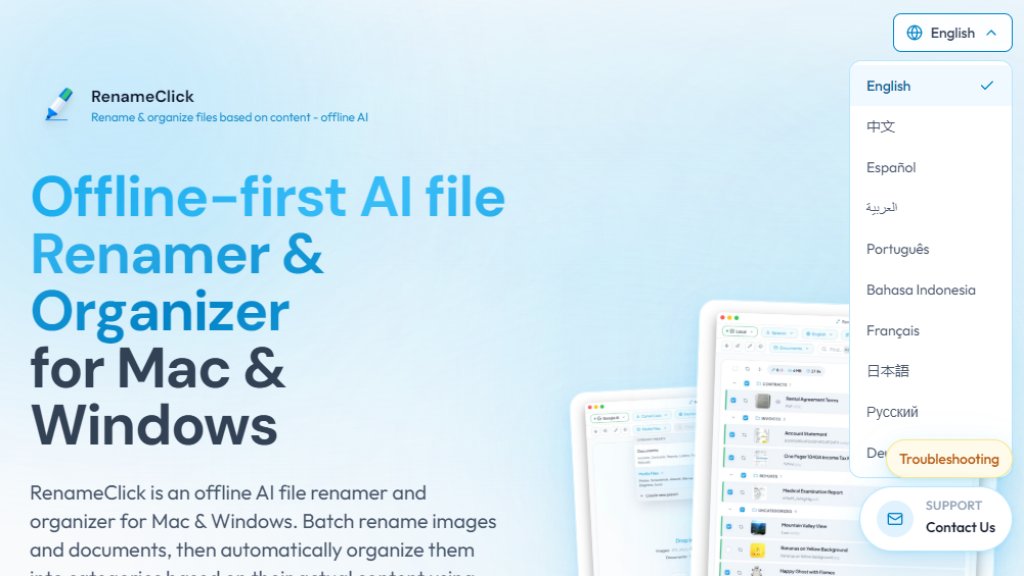
1. English
2. 中文 (Chinese)
3. Español (Spanish)
4. العربية (Arabic)
5. Português (Portuguese)
6. Bahasa Indonesia (Indonesian)
7. Français (French)
8. 日本語 (Japanese)
9. Русский (Russian)
10. Deutsch (German)
11. Italiano (Italian)
12. Ελληνικά (Greek)
13. 한국어 (Korean)
Pricing Plans
1. Free Plan: Cost: $0. Features: Unlimited file processing for AI analysis and suggestions. Provides 30 credits per month to apply the changes (rename or move files). Allows testing of all core features.
2. Pro Monthly Plan: Cost: $8 + VAT per month (listed as 33% off from $12). Features: Unlimited file renames and organization actions. Includes all AI features. Subscription can be canceled anytime.
3. Pro Lifetime Plan: Cost: $48 + VAT as a one-time payment. Features: Unlimited files and all AI features forever. Includes lifetime updates and all future features added to the application.
Frequently Asked Questions
1. Q: Does RenameClick work offline?
A: Yes, it is offline-first. The default local AI model works without an internet connection. Cloud provider features require an internet connection and your own API keys.
2. Q: What file types does RenameClick support?
A: It supports images (JPG, PNG, GIF, WEBP, HEIC, TIFF, etc.) and documents (PDF, DOC, DOCX, TXT, CSV, etc.).
3. Q: Is RenameClick free to use?
A: Yes, there is a free plan with unlimited AI processing and 30 monthly credits to apply changes. For unlimited apply actions, a Pro plan is required.
4. Q: What is the File Organizer feature?
A: It automatically sorts files into folders based on content. You can use built-in presets (e.g., for Documents or Media Files) or create custom category presets.
5. Q: Do I need a powerful GPU?
A: A dedicated GPU with 4GB VRAM is recommended for the fastest performance. It can run on CPU or system RAM but will be significantly slower.
6. Q: Does it support non-English documents?
A: Yes, it can process files in various languages, but results are most accurate for English content as the primary training d



Please login to post a comment
Login