What is ScreenPal?
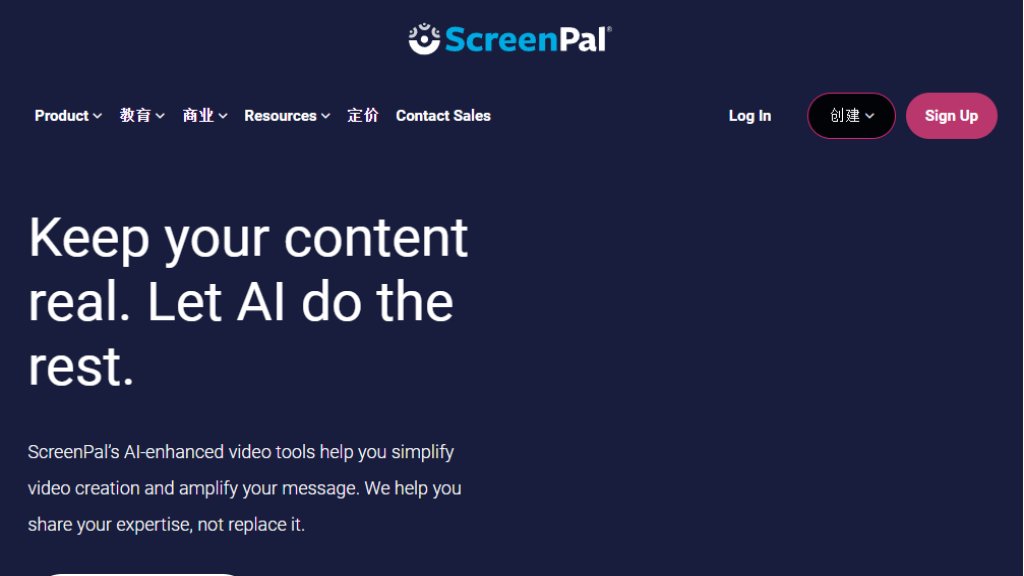
ScreenPal is a comprehensive video creation and sharing platform. It combines screen recording, video editing, secure hosting, and interactive elements into one tool. It offers intelligent features like automated captions, translation, and background removal to simplify video production for education, business, and personal use.
Main Features
- Screen and webcam recording with annotations.
- Intuitive video and image editor for fast editing.
- Secure cloud hosting and content management.
- Add interactive quizzes, polls, and buttons to videos.
- Intelligent tools: automated captions, video translation, text-to-speech.
- Stock library of videos, images, and music.
- Advanced video analytics to understand your audience.
Use Cases
- Educators: Creating lessons, student assignments, and providing feedback.
- Businesses: Producing training, marketing, demo, and support videos.
- Teams: Sharing knowledge, collaborating, and maintaining branded content.
- Developers: Integrating screen recording into applications via API.
- Individuals: Creating tutorials, presentations, and engaging content.
Common Questions
- Q: Is there a free plan?
A: Yes, ScreenPal offers a free plan with basic recording and editing features.
- Q: What devices are supported?
A: It works on Windows, Mac, iOS, Android, and Chromebook.
- Q: Can I edit videos without experience?
A: Yes, the editor is designed to be intuitive and requires no prior editing skills.
- Q: Are the intelligent features accurate?
A: The automated tools like captions and translation are highly accurate and fully editable by the user.
Pricing Plan
- **Free Plan**: Includes basic screen recording, video editing, and sharing with a watermark. Limited hosting and video length.
- **Individual Premium**: Removes watermark, offers longer recording time, more cloud storage, and access to premium editing features and intelligent tools. Typically billed monthly or annually.
- **Team/Organization Plans**: Includes all Premium features plus collaboration tools, centralized content management, branded player, advanced analytics, and priority support. Pricing is custom based on the number of users and needs.
- **Education Pricing**: Special discounted plans are available for schools, districts, and higher education institutions, often including additional collaboration and management features.
All plans allow creation on any device and secure cloud hosting. The free plan is a great way to start, while paid plans unlock full functionality for professional and collaborative use.



Please login to post a comment
Login