What is SeaTable?
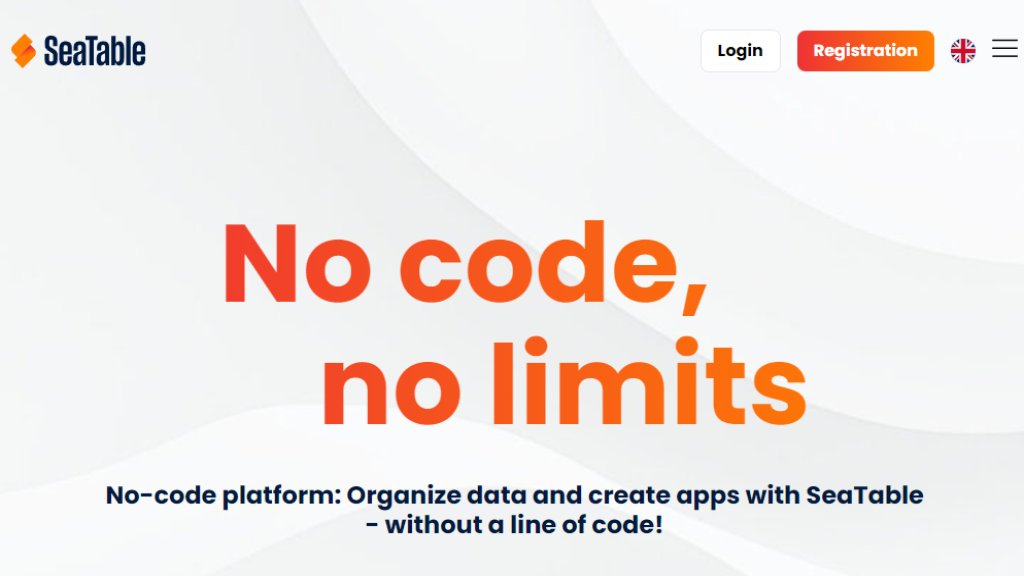
SeaTable is an innovative no-code and low-code platform designed to organize data and create custom applications without programming knowledge. It functions as a hybrid tool, merging the intuitive, familiar interface of a spreadsheet with the robust capabilities of a relational database. Users can manage diverse data types—including images, documents, emails, and checkboxes—directly within a web browser. The platform enables teams to design tailored databases, automate complex workflows, and build functional apps through a drag-and-drop builder. It serves as a scalable alternative to tools like Excel, Airtable, and Notion, offering enhanced collaboration, automation, and data structuring features for businesses of all sizes.
Main Features
1. No-Code App Builder: Create customized applications using an intuitive drag-and-drop interface without writing code.
2. Relational Database: Link tables and manage complex data structures beyond the limits of traditional spreadsheets.
3. Multiple Data Views: Visualize data in various formats including Gallery, Kanban, Gantt, Calendar, and Timeline views.
4. Automation: Configure automated workflows and notifications to streamline repetitive tasks and processes.
5. Real-Time Collaboration: Enable team members to work simultaneously on shared bases with synchronized changes.
6. Extensive Integrations: Connect with third-party tools via API and supported plugins for platforms like Zapier.
7. Advanced Data Types: Support for files, images, long text, checkboxes, select lists, formulas, and collaborative editing.
8. Granular Permissions: Set detailed access controls for tables, views, columns, rows, and apps.
9. Self-Hosting Option: Deploy SeaTable Server on your own infrastructure for maximum data control and compliance.
Use Cases
1. Project Management: Plan projects using Gantt charts and Kanban boards, track progress, and coordinate team tasks.
2. Marketing Operations: Manage campaigns, leads, and analyze results with automated workflows and data visualization.
3. Human Resources: Handle employee data, training records, leave requests, and optimize HR processes.
4. Software Development: Organize backlogs, track issues and bugs, manage releases, and improve team communication.
5. Sales & CRM: Build flexible CRM systems to manage customer data, sales pipelines, and processes.
6. Public Sector & Administration: Manage personnel files, applications, and official documents with compliant data handling.
7. Individual Business Solutions: Create tailored applications for specific operational needs like inventory, finance, or operations.
Supported Languages
1. The SeaTable interface and documentation are primarily available in English and German.
2. The platform supports multilingual data entry, allowing users to input content in any language.
3. Specific supported languages for the user interface beyond English and German are not explicitly listed on the main site.
Pricing Plans
1. Free Plan: €0/user/month. For up to 25 users. Includes 10,000 rows, 2 GB storage, 1-month snapshots, basic automation, and API calls.
2. Plus Plan: €7/user/month (billed annually) or €9/user/month (monthly). Includes 50,000 rows, 50 GB storage, 6-month snapshots, advanced sharing, and more API/Python script runs.
3. Enterprise Plan: €14/user/month (annual) or €18/user/month (monthly). Offers unlimited rows, 100 GB storage, 12-month snapshots, unlimited Python scripts, 50,000 API calls/user, advanced customization, automations, and Big Data storage.
4. Dedicated Cloud: Custom pricing for minimum 100 users. Includes unlimited rows and storage, 24-month snapshots, unlimited API calls, enterprise admin panel, SSO, and optional corporate support.
5. SeaTable Server (On-Premises): Self-hosted option with license fees based on users and term length (1-3 years). Includes all enterprise features, full data sovereignty, and customization.
Frequently Asked Questions
1. Q: Is SeaTable free to use?
A: Yes, a Free plan is available for up to 25 users with basic features. Paid plans offer higher limits and advanced functionality.
2. Q: Can I host SeaTable on my own server?
A: Yes, SeaTable offers a self-hosted Server version for on-premises deployment, providing full data control and customization.
3. Q: How does SeaTable ensure data protection?
A: The cloud version is hosted in GDPR-compliant German data centers. The on-premises option gives you complete data sovereignty.
4. Q: What is the difference between a user and a team?
A: A user is an individual account. A team is a collaborative group; one user can be the administrator who manages other team members.
5. Q: Can I cancel my subscription?
A: Paid Plus and Enterprise subscriptions can be canceled at any time, reverting to the Free plan at the end of the billing period.
Pros and Cons
Pros:
- Intuitive no-code interface suitable for non-technical users.
- Powerful relational database capabilities surpassing spreadsheets.
- Flexible deployment op



Please login to post a comment
Login