What is TaleScene?
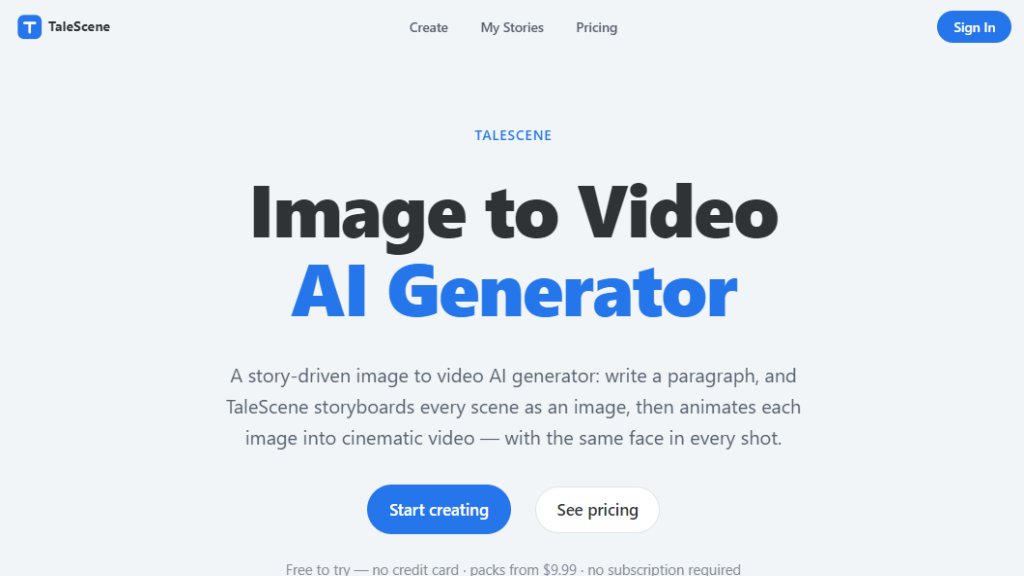
TaleScene is an innovative AI tool that transforms written stories into cinematic videos. Unlike standard text-to-video generators that produce single clips, TaleScene takes a narrative approach. It first breaks down your story into individual scenes, generates a keyframe image for each scene, and then animates those images into video clips. A standout feature is its ability to maintain character consistency across all scenes, ensuring the same face, hair, and outfit appear throughout the film. Users can start with a simple paragraph, and the AI handles the entire pipeline from storyboarding to final video, complete with voiced dialogue and subtitles. It is designed for storytellers, content creators, and marketers who want to produce professional-looking videos without complex editing skills.
Main Features
- Storyboard-first approach: Converts text into a visual storyboard with keyframe images before animation.
- Character consistency: Generates reference portraits and conditions every scene on them for a unified look.
- Multi-scene video production: Creates full films with multiple scenes, not just single clips.
- Cinematic motion models: Uses advanced image-to-video models like Kling and Seedance for high-quality animation.
- Voiceover and subtitles: Automatically adds voiced dialogue and cinema-style subtitles.
- Re-roll capability: Allows regeneration of individual scenes without affecting the rest of the video.
- Cloud rendering: Generates videos in the background; users can close the tab and return later.
- Multiple art styles: Offers options like Cinematic, Anime, Watercolor, and Ink.
- Aspect ratio options: Supports 16:9, 9:16, 1:1, 4:3, and 3:4 for various platforms.
- Scene-by-scene editing: Users can edit scripts, keyframes, and dialogue before final rendering.
Use Cases
- Content creators: Produce engaging short films for YouTube, TikTok, or Instagram without manual animation.
- Marketers: Create promotional videos or brand stories with consistent characters and cinematic quality.
- Educators: Develop animated educational content or explainer videos from written scripts.
- Writers and authors: Visualize story ideas or book trailers with AI-generated scenes.
- Social media managers: Quickly generate video content for multiple platforms with customizable aspect ratios.
- Filmmakers: Prototype scenes or create storyboards for pre-production.
- Hobbyists: Experiment with storytelling and video creation in a fun, accessible way.
Supported Languages
- English (primary interface and content generation)
- The tool generates voiced dialogue in English, but may support other languages through text input; however, voiceover is optimized for English.
Pricing Plans
- Free: 20 credits on signup, no credit card required. Enough to storyboard and animate one scene.
- One-time credit pack: 100 credits for $9.99, no subscription.
- Plus: $19.99/month, 250 credits per month, all video tiers, consistent characters, MP4 downloads, email support.
- Pro: $39.99/month, 600 credits per month, everything in Plus, priority support.
- Max: $89.99/month, 1,500 credits per month, everything in Pro, best for daily publishing.
Yearly plans available with ~17% discount compared to monthly. Credits reset each billing cycle.
Frequently Asked Questions
- Is TaleScene free? Yes, new accounts get 20 free credits with no credit card required, enough to test the full pipeline.
- How does character consistency work? TaleScene generates a reference portrait for each character and conditions every scene's keyframe on that reference before animation.
- Can I use videos commercially? Yes, videos generated on paid plans are yours to publish and monetize on platforms like YouTube, TikTok, and Instagram.
- How long does video generation take? A typical 6-scene video takes a few minutes, with each clip animating in 1-3 minutes. Generation runs in the background.
- Do unused credits roll over? No, credits reset each billing cycle. It is recommended to choose a plan matching your usage.
- Can I cancel anytime? Yes, subscriptions can be canceled from your account, and access continues until the end of the billing period.
Pros and Cons
Pros:
- Innovative storyboard-first approach ensures user control over final video.
- Strong character consistency across scenes, a common AI video challenge.
- Flexible pricing with no subscription required for one-time use.
- Cloud rendering allows multitasking without waiting.
Cons:
- Credit system may be confusing for new users.
- Unused monthly credits do not roll over.
- Voiceover and language support currently limited to English.
Recommendation Rating
8/10 (Highly innovative for story-driven video creation, but credit management and language support could improve.)



Please login to post a comment
Login