What is Tango?
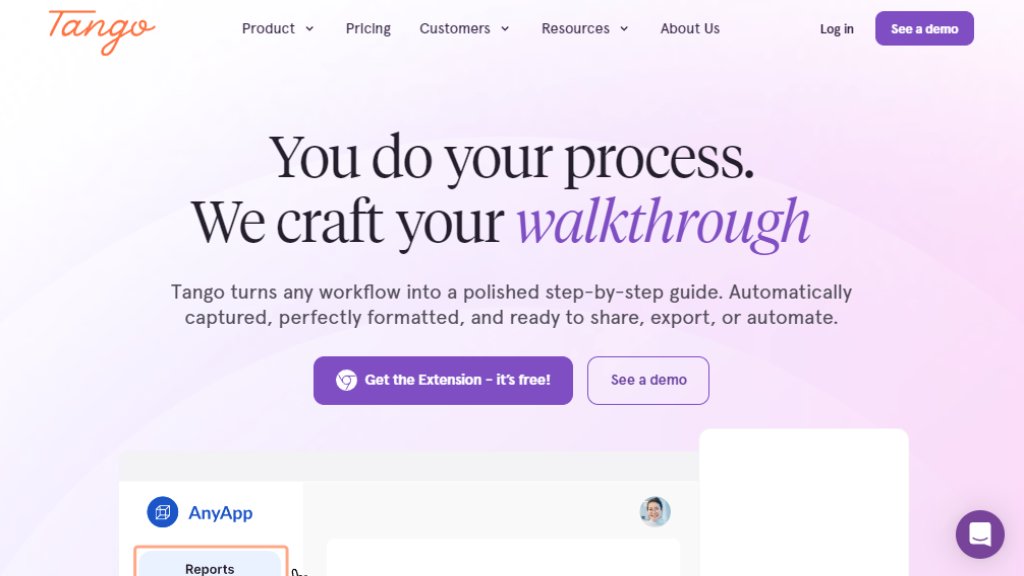
Tango is an intelligent software platform designed to solve the "last mile" of digital adoption. It automatically captures workflows as users perform them in their browser, transforming these actions into polished, step-by-step guides, in-app guidance (called Nuggets), and even automations. The core value proposition is moving beyond traditional, static documentation to provide real-time, contextual help directly within the software applications teams use every day. This helps organizations roll out new software effectively, standardize processes to reduce errors, onboard employees faster, and defray support requests by enabling self-service.
Main Features
1. Automatic Guide Creation: The browser extension captures screenshots, clicks, and keystrokes to generate formatted how-to guides instantly.
2. In-App Guidance (Nuggets): Pin step-by-step instructions, reminders, or reference links directly inside web applications like CRM, ERP, or HRIS systems.
3. Interactive Walkthroughs (Guide Me): Enable teammates to follow on-screen highlights and instructions to complete a process perfectly within the live application.
4. Process Automation: Turn recorded guides into automated scripts that can handle repetitive clicking, navigating, and form-filling, with human supervision.
5. Adoption Analytics: Gain insights into who is using guides, completing processes, and where they are getting stuck.
6. Seamless Integration: Embed guides into knowledge bases, LMS, ticketing, and chat systems without complex API setups.
Use Cases
1. Software Rollouts: Drive user adoption and maximize ROI when implementing new systems like Workday, Salesforce, or NetSuite.
2. Process Standardization: Increase operational efficiency and reduce mistakes by creating single sources of truth for critical workflows.
3. Employee Onboarding: Accelerate new hire ramp-up time with interactive, in-context training materials.
4. Customer Support: Reduce support ticket volume by defraying common questions with self-service guides and walkthroughs.
5. Knowledge Retention: Capture tribal knowledge from experienced employees before they leave, preserving institutional know-how.
6. Real-Time Enablement: Replace ad-hoc screen-sharing calls and lengthy training sessions with instantly shareable, interactive guides.
Supported Languages
1. The analysis of the provided website content does not explicitly list specific supported languages. The primary interface and generated content appear to be in English.
2. For precise details on additional language support for the user interface or guide creation, visiting the official website's help or FAQ section is recommended.
Pricing Plans
1. The website promotes a free browser extension to create guides.
2. For team and organizational features like Analytics, Nuggets (in-app guidance), Automation, and advanced support, the pricing is not publicly listed with specific numbers.
3. The site directs users to "See a demo" or "connect with our sales team" for detailed pricing information, indicating custom enterprise pricing.
Frequently Asked Questions
1. Q: How does Tango work?
A: Install the free browser extension, click through your workflow, and Tango automatically creates a step-by-step guide with screenshots and descriptions.
2. Q: What systems does Tango work with?
A: Tango's browser extension works across thousands of web-based tools, including CRM, ERP, and HRIS systems like Salesforce, NetSuite, and Workday, with no API setup needed.
3. Q: Is there a free version?
A: Yes, you can get the Tango browser extension for free to create and share guides, with no credit card required.
4. Q: What are Tango Nuggets?
A: Nuggets are pins you can place inside web applications to provide in-context help, reminders, or links to guides exactly where teammates need it.
Pros and Cons
Pros:
- Extremely convenient and fast for creating visual, step-by-step documentation.
- Powerful value in providing real-time, in-app guidance to users, moving beyond static documents.
- Innovative approach to capturing and automating workflows directly from user actions.
- Reduces time spent on training and repetitive support questions significantly.
- Free starter tier allows easy experimentation and immediate value.
Cons:
- Full feature set and team pricing require contacting sales, lacking transparent, self-service pricing plans.
- Primarily effective for web-based applications, potentially limiting use for desktop software.
- The automated guide creation, while intelligent, may require manual customization for complex or conditional workflows.
Recommendation Rating
8/10 (A powerful and innovative tool for digital adoption and process documentation, highly recommended for teams using web-based software, though lack of transparent pricing is a drawback.)



Please login to post a comment
Login