What is Tettra?
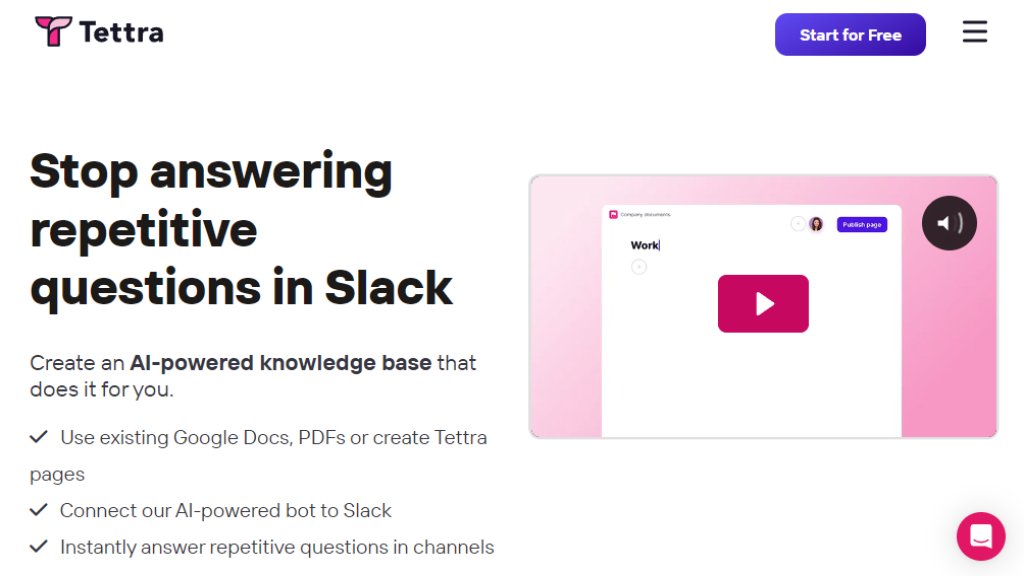
Tettra is an internal knowledge management platform designed to help organizations centralize their critical information and stop answering repetitive questions. It functions as a smart wiki where teams can create, organize, and maintain documentation. Its core innovation is an AI assistant named Kai that integrates directly with tools like Slack. This bot can instantly answer team questions by searching the knowledge base, suggest experts for unanswered queries, and even summarize conversations. Tettra aims to break down information silos, ensure content stays accurate through automated verification workflows, and significantly boost team productivity by deflecting common inquiries.
Main Features
1. AI-Powered Q&A Bot (Kai): Connects to Slack to provide instant, automated answers to team questions directly in channels and DMs.
2. Intelligent Knowledge Base: A central hub to create new pages or import existing content from Google Docs, Notion, and files.
3. Knowledge Management Automation: Features like page verification requests, stale content reports, and ownership tracking to keep information trustworthy.
4. Deep Slack Integration: Allows team sign-in, notifications, and the ability to mine existing answers from Slack conversations.
5. Content Verification System: Automatically prompts subject matter experts to review and verify the accuracy of important pages.
6. Flexible Permissions & Sharing: Includes guest users, read-only access, page locking, and the ability to share content publicly via links or external sites.
7. Analytics and API: Provides usage insights and API access for customization and integration with other tools.
Use Cases
1. Entire Companies: To eliminate information bottlenecks, speed up employee onboarding, and reduce time spent on repetitive questions.
2. Customer Support Teams: Ensures support representatives have fast, accurate answers to customer queries, improving response times and consistency.
3. Growing Companies and Startups: Scales company knowledge efficiently as the team expands, preventing knowledge loss.
4. Marketing and Creative Agencies: Maintains consistent, high-quality service and processes across all client accounts.
5. HR and Operations Departments: Centralizes policies, procedures, and operational guides for easy employee access.
6. Legal and Professional Services Firms: Manages sensitive, complex documentation and ensures compliance with standardized information.
Supported Languages
1. The Tettra application interface is currently available in English only.
2. The platform can store and manage knowledge base content written in any language.
Pricing Plans
1. Scaling Plan: Priced at $8 per user per month when billed annually, with a minimum of 10 users. Includes all core AI features, Slack integration, API access, and knowledge management tools. A 30-day free trial is offered.
2. Enterprise Plan: Custom pricing based on specific needs. Includes all Scaling features plus Single Sign-On (SSO/SCIM), hands-on training, custom import, onboarding, reporting, and priority support. Requires contacting sales.
Note: Annual billing offers a 20% discount. Discounts are available for non-profits, educational institutions, and through testimonial programs.
Frequently Asked Questions
1. Q: How does per-user pricing work?
A: A user is an invited person who accepts the invitation. Deactivated users do not count toward the license total. Slack user count is separate.
2. Q: What languages does Tettra support?
A: The app interface is in English, but you can store content in any language.
3. Q: Can I share Tettra content publicly?
A: Yes, on paid plans you can share pages via links or make entire categories public with external sites.
4. Q: How does Tettra handle security?
A: It uses encryption (in transit and at rest), regular backups, PCI-compliant payment processing, and maintains 99.99% uptime.
5. Q: Can I export my content?
A: Yes, you can export all your content in HTML format at any time via the app settings.
6. Q: What tools does Tettra integrate with?
A: Key integrations include Slack, Google Workspace, and Zapier. API access allows for further custom connections.
Pros and Cons
Pros:
1. Powerful AI integration with Slack provides immediate, automated answers, saving significant time.
2. Comprehensive knowledge management features ensure content remains accurate and up-to-date.
3. Convenient import options from popular tools like Google Docs and Notion ease setup.
4. Strong focus on team collaboration with verification workflows and permission controls.
5. Transparent pricing with a generous free trial on the main plan.
Cons:
1. The minimum 10-user requirement for the Scaling plan can be a barrier for very small teams.
2. The application interface is currently English-only, which may limit non-English speaking teams.
3. Advanced features like SSO and custom onboarding are locked behind the Enterprise plan, requiring a sales contact.
Recommendation Rating
8.5/10



Please login to post a comment
Login