What is The Librarian?
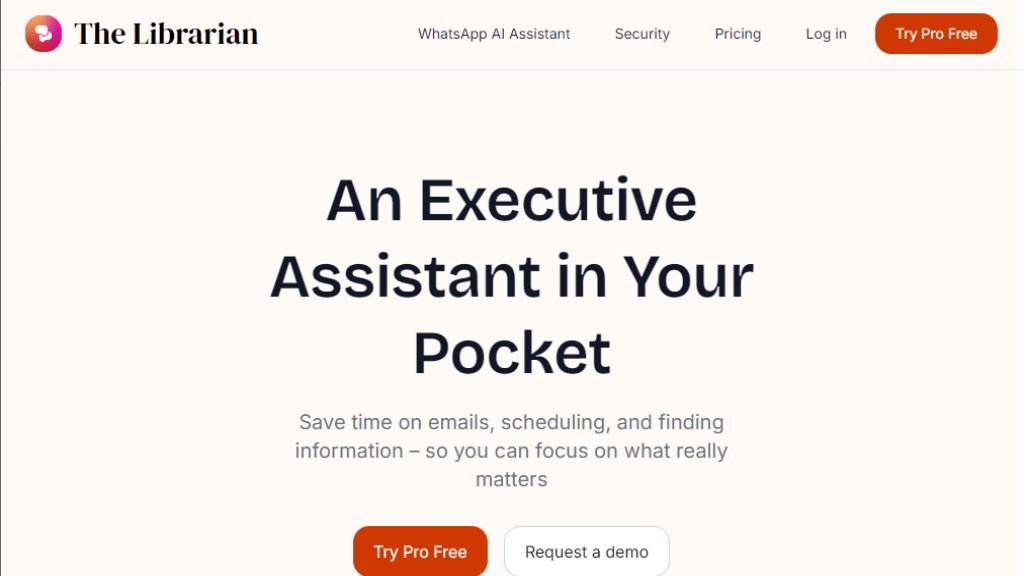
The Librarian is an innovative personal AI assistant designed to function as an executive assistant for busy professionals. It integrates with popular productivity tools like Google Workspace (Gmail, Calendar, Drive), WhatsApp, and Slack to provide automated assistance directly within users' existing workflows. The tool aims to reduce administrative overhead by handling repetitive tasks such as drafting emails, scheduling meetings, finding documents, and providing daily briefings. By acting as a centralized intelligent interface across multiple platforms, The Librarian helps users focus on high-value work instead of manual organization and communication management.
Main Features
1. Intelligent email management: Draft, summarize, and reply to emails quickly using contextual understanding.
2. Automated calendar scheduling: Schedule meetings, resolve conflicts, and send invites automatically by syncing with Google Calendar.
3. Smart document retrieval: Instantly search and retrieve files from Google Drive and connected platforms without manual organization.
4. Multi-platform accessibility: Access the assistant via WhatsApp, Slack, and a dedicated web interface for convenient use anywhere.
5. Daily morning briefs: Receive automated daily updates summarizing priorities, schedules, and relevant information.
6. Pre-meeting briefings: Get quick summaries before calls to prepare effectively.
7. Image generation: Create images based on textual descriptions for various professional needs.
8. Memory function: Save key facts and information for personalized assistance over time.
Use Cases
1. Busy professionals managing heavy email volumes who need to draft responses and summarize conversations rapidly.
2. Individuals with packed schedules requiring automated meeting scheduling and calendar conflict resolution.
3. Teams needing quick document retrieval across Google Drive and other platforms without manual searching.
4. Remote workers seeking daily briefings and priority updates to start their day productively.
5. Professionals who frequently use WhatsApp or Slack and want AI assistance directly within those messaging platforms.
6. Users preparing for meetings who benefit from automated briefings and context summaries.
7. People who need to generate images for presentations, marketing materials, or visual content quickly.
Pricing Plans
1. Free Plan: $0/month with 5 queries per day, 5 reminders, 5 image generations, basic scheduling, file uploads, and WhatsApp integration.
2. Basic Plan: $9.99/month with 200 queries per day, 20 reminders, 20 image generations, smart document search, memory function, and daily updates.
3. Pro Plan: $19.99/month with unlimited queries, 50 reminders, 50 image generations, pre-meeting briefings, unbranded sending, priority support, and access to advanced LLM models.
4. Custom Plan: Contact for pricing with all Pro features plus enterprise security, custom integrations, premium support, and access to year-old files.
Frequently Asked Questions
1. Who would benefit most from using The Librarian? Answer: Busy professionals using Google Workspace who need efficient task management and timely insights from their work apps.
2. Can I try The Librarian for free? Answer: Yes, a Basic version is currently free, with a 14-day trial available for premium features.
3. How secure is my data with The Librarian? Answer: The tool uses industry-standard encryption, protects privacy with strict access controls, and doesn't share data with third parties.
4. Will The Librarian access information I don't have permission to view? Answer: No, it only accesses data you have permission to view in connected apps.
5. How can I reach support if I need help? Answer: Contact the support team via email at [email protected] for assistance.
Pros and Cons
Pros:
1. Convenient integration with popular platforms like WhatsApp, Slack, and Google Workspace.
2. Powerful automation for repetitive tasks like email drafting and scheduling.
3. Fast document retrieval across connected platforms saves search time.
4. Useful daily briefings and pre-meeting summaries enhance productivity.
5. Flexible accessibility through multiple interfaces.
Cons:
1. Currently primarily supports Google Workspace, limiting users of other ecosystems.
2. Free plan has restrictive daily query limits.
3. Advanced features require subscription to higher-tier plans.
4. May have a learning curve for users unfamiliar with AI assistants.
Recommendation Rating
8/10 (Excellent for Google Workspace users seeking an integrated AI assistant to automate daily tasks, though limited ecosystem support affects broader appeal)



Please login to post a comment
Login