What is Twee?
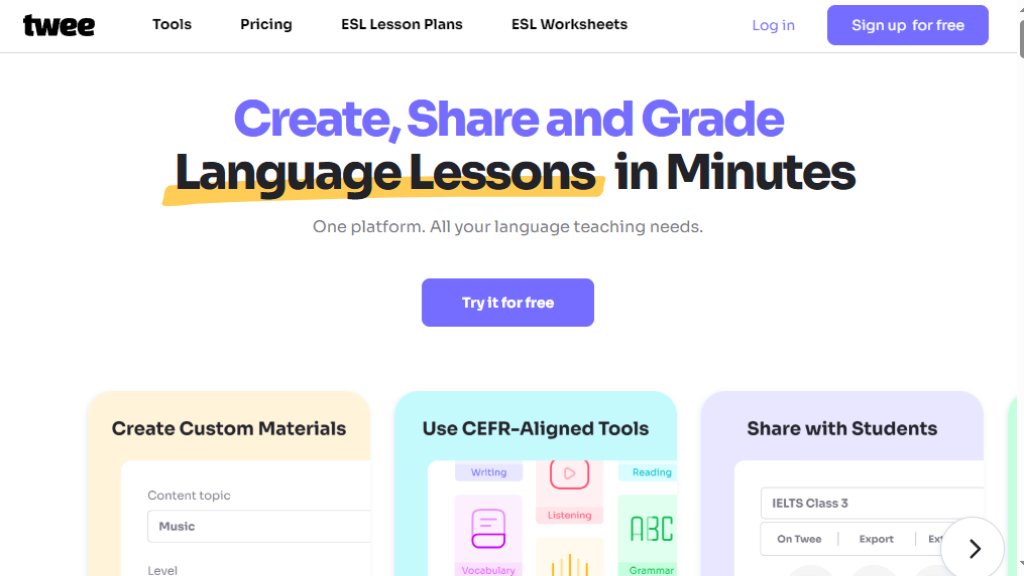
Twee is an intelligent platform designed specifically for language teachers. It automates the creation of CEFR-aligned lesson materials, exercises, and assessments. Teachers can quickly generate texts, questions, worksheets, and interactive assignments tailored to different proficiency levels (A1-C2) by simply inputting a topic or vocabulary list.
Main Features
- Over 40 intelligent tools for creating exercises for reading, writing, listening, speaking, and vocabulary.
- Automated generation of texts, dialogues, fill-in-the-gap, multiple-choice, and open questions.
- CEFR Level Checker to analyze text proficiency.
- Tools to create exercises from audio/video (transcripts, questions).
- Fast sharing via PDF, Word docs, or interactive links.
- Automated assessment of student responses to save grading time.
- Full classroom and student workflow management.
Use Cases
- Creating complete, level-appropriate ESL/EFL lesson plans and worksheets quickly.
- Generating engaging discussion questions and activities on modern topics.
- Developing custom vocabulary and grammar exercises from a word list.
- Creating listening comprehension activities from YouTube videos or audio files.
- Grading student assignments and tracking progress with automated tools.
Common Questions
- Q: How does Twee determine language proficiency levels?
- A: Its AI is trained by teachers to align with the Common European Framework of Reference (CEFR) standards.
- Q: Who creates the content?
- A: Content is generated by Twee's own AI, refined using continuous feedback from teachers.
- Q: How is Twee different from ChatGPT?
- A: Twee is specialized for teaching, with tools built for CEFR alignment and ready-to-use lesson materials, unlike general AI.
- Q: Can students use Twee directly?
- A: Yes, teachers can create and share assignments for students to complete via their own accounts or anonymously.
Pricing Plan
- **Free Plan**: Offers access to a basic set of tools for creating lesson materials with limited features.
- **Pro Plan**: A paid subscription that unlocks all features. This includes full access to over 40 tools (marked 'Pro' on the site), such as the CEFR Level Checker, Audio/Video Question Creator, and advanced exercise generators. It also includes priority support, enhanced sharing options, and more extensive usage limits for creating and managing classes and assignments. Specific monthly/annual pricing details are not explicitly listed in the provided materials and would require visiting the site's pricing page for exact figures. The platform emphasizes a 'try for free' approach, suggesting a free tier or trial is available.




Please login to post a comment
Login