What is Uizard?
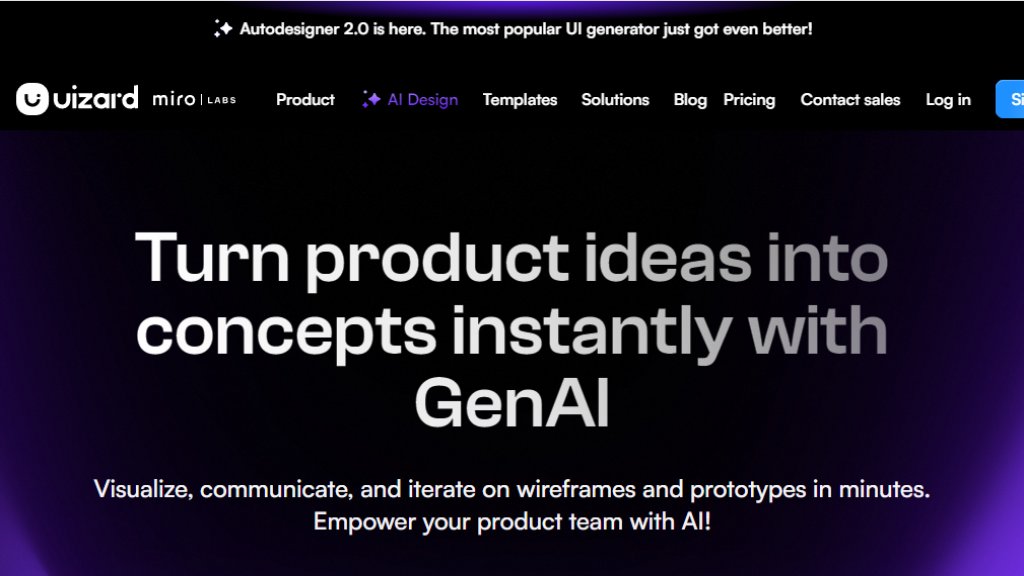
Uizard is an innovative design platform that leverages artificial intelligence to simplify and accelerate the user interface and user experience design process. It is built for a wide range of users, from product managers and startup founders to designers and marketers, who need to quickly visualize and communicate product ideas. The core value of Uizard lies in its ability to turn simple inputs—like a text description, a hand-drawn sketch, or an existing screenshot—into fully editable, digital design drafts in seconds. This bridges the gap between an initial concept and a tangible visual prototype, facilitating faster iteration, clearer communication within teams, and more efficient client presentations. It positions itself as a powerful tool that democratizes design, allowing non-designers to contribute meaningfully to the design process while providing professionals with a fast tool for brainstorming and prototyping.
Main Features
1. Autodesigner: The flagship feature that generates complete multi-screen projects, individual screens, or design themes from simple text prompts.
2. Screenshot Scanner: Instantly converts screenshots of existing apps or websites into editable mockups within the Uizard editor.
3. Wireframe Scanner: Digitizes hand-drawn wireframe sketches on paper, transforming them into digital, editable designs.
4. AI Design Assistant: A suite of tools including an AI text writer and image generator to assist with content creation within designs.
5. Heatmap Generator: Provides predictive heatmaps to show where users might focus on a designed screen.
6. Interactive Prototyping: Allows users to create clickable prototypes with transitions and interactions to simulate user flows.
7. Real-time Collaboration: Enables multiple team members to work on the same project simultaneously with commenting features.
8. Extensive Template Library: Offers a wide range of pre-made templates for mobile apps, websites, web apps, and tablets to kickstart projects.
9. Developer Handoff: Exports designs with CSS and React code snippets to facilitate the handoff from design to development.
Use Cases
1. Product Managers & Teams: Quickly create mockups to validate ideas, communicate requirements, and gather stakeholder feedback without waiting for design resources.
2. Startup Founders: Visualize and iterate on minimum viable product concepts rapidly to pitch ideas to investors or test with early users.
3. Designers & UX Professionals: Speed up the brainstorming and wireframing phase, generate multiple design variations, and create interactive prototypes for testing.
4. Marketers & Agencies: Deliver compelling visual concepts to clients swiftly, create marketing website mockups, and produce interactive presentations.
5. Consultants: Turn client ideas and requirements into interactive mockups during workshops or meetings to align vision and expectations.
6. Developers: Use generated designs as a clear visual blueprint and utilize the developer handoff features for accurate implementation.
Frequently Asked Questions
1. Question: What is Uizard's Autodesigner?
Answer: Autodesigner is Uizard's intelligent feature that generates UI designs from text prompts. You describe your idea, and it creates editable screens or entire projects.
2. Question: Can I import my existing designs into Uizard?
Answer: Yes, you can use the Screenshot Scanner feature to upload images or screenshots of existing designs and convert them into editable Uizard projects.
3. Question: Does Uizard support team collaboration?
Answer: Yes, Uizard offers real-time multiplayer collaboration, allowing team members to co-edit, comment, and share projects simultaneously.
4. Question: Is there a free plan available?
Answer: Yes, Uizard offers a Free plan with limited projects and AI generations, suitable for students and individuals to try the basic features.
5. Question: How does Uizard help with developer handoff?
Answer: Uizard can export design specifications, including CSS styles and React component code, to help developers implement the designs accurately.
Pricing Plans
1. Free Plan: Cost: $0 per month. Includes 3 AI generations per month (using Autodesigner 1.5), up to 2 projects, 10 templates, and unlimited viewers.
2. Pro Plan: Cost: $12 per month (billed annually). Includes 500 AI generations per month (using Autodesigner 2.0), up to 100 projects, access to all templates, private projects, and developer handoff features.
3. Business Plan: Cost: $39 per month (billed annually). Includes 5,000 AI generations per month, faster AI processing, a custom brand kit, unlimited projects, and priority support.
4. Enterprise Plan: Cost: Custom pricing. Includes unlimited AI generations, unlimited teams, design system setup, custom billing, AI data SLA, and white-glove onboarding support.
Pros and Cons
Pros:
1. Extremely fast for generating initial design concepts from text or images.
2. Lowers the barrier to entry for non-designers to create credi



Please login to post a comment
Login