What is Pixelcut Uncrop?
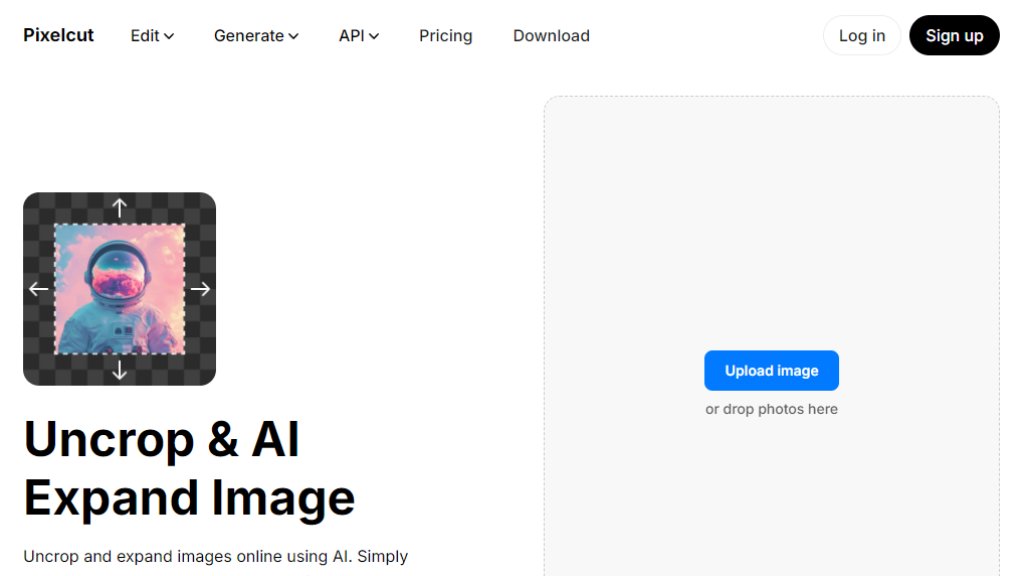
Pixelcut Uncrop is an online AI tool designed to extend the borders of images through intelligent outpainting technology. It allows users to upload a photo and expand its canvas in any direction—up, down, left, or right—while the AI automatically generates realistic surrounding details that blend seamlessly with the original image. This tool solves common problems like recovering cropped sections, adjusting aspect ratios for different platforms, or adding space for text overlays without requiring advanced editing skills. It operates directly in a web browser and through mobile apps, making it convenient for photographers, social media managers, e-commerce sellers, and designers who need quick, high-quality image adjustments.
Main Features
1. Intelligent canvas expansion in any direction with simple drag-and-drop controls.
2. Content-aware AI that analyzes image pixels to generate realistic extensions.
3. Preservation of original image quality without compression artifacts.
4. Support for multiple file formats including JPG, PNG, and HEIC.
5. Regeneration option to explore multiple AI-generated variations.
6. Free HD downloads without watermarks on processed images.
7. Mobile app availability for editing directly on smartphones.
8. Integration with other Pixelcut tools like background removal and generative fill.
Use Cases
1. Extending product photos for e-commerce listings to accommodate promotional text.
2. Adjusting image dimensions to meet specific social media platform requirements.
3. Restoring details lost from previous cropping in old photographs.
4. Creating banners or headers by expanding vertical or horizontal shots.
5. Preparing marketing materials by adding space for logos or captions.
6. Enhancing personal projects like digital art or photo collages through seamless expansion.
Pricing Plans
1. Free Plan: $0 per month, includes limited access to Uncrop (3 images daily) and other basic tools.
2. Pro Plan: $10 per month, offers unlimited AI edits, 600 monthly credits, and expanded Uncrop access (300 daily).
3. Business Plan: $30 per month, provides 3,600 monthly credits, team collaboration features, and high-volume Uncrop usage (up to 1200 daily).
Frequently Asked Questions
1. Q: What is Uncrop?
A: Uncrop is an AI image extender that expands an image's canvas by generating realistic surrounding details that blend with the original photo.
2. Q: Is Pixelcut's Uncrop tool free?
A: Yes, users can uncrop up to 3 images daily for free. Unlimited access requires a Pro subscription.
3. Q: Can I uncrop a photo on my phone?
A: Yes, through the Pixelcut mobile app available on iOS and Android or via mobile browser.
4. Q: How to expand an image using AI?
A: Upload your photo, select expansion direction, and the AI will generate seamless extensions automatically.
5. Q: What is the best AI Image Extender?
A: Pixelcut is a top solution offering fast, accurate outpainting accessible online and through apps.
Pros and Cons
Pros:
- Extremely user-friendly interface requiring no technical expertise.
- Fast processing that generates results in seconds.
- Maintains original image quality during expansion.
- Convenient free tier for occasional users.
- Powerful mobile app support for on-the-go editing.
Cons:
- Daily limits on the free plan restrict heavy usage.
- Advanced features and higher volumes require paid subscription.
- Output quality may vary with complex image textures.
- Dependent on internet connectivity for web version.
Recommendation Rating
9/10 (Excellent tool for quick image expansion with impressive AI results, though paid plans are needed for professional use)



Please login to post a comment
Login