What is VidBump?
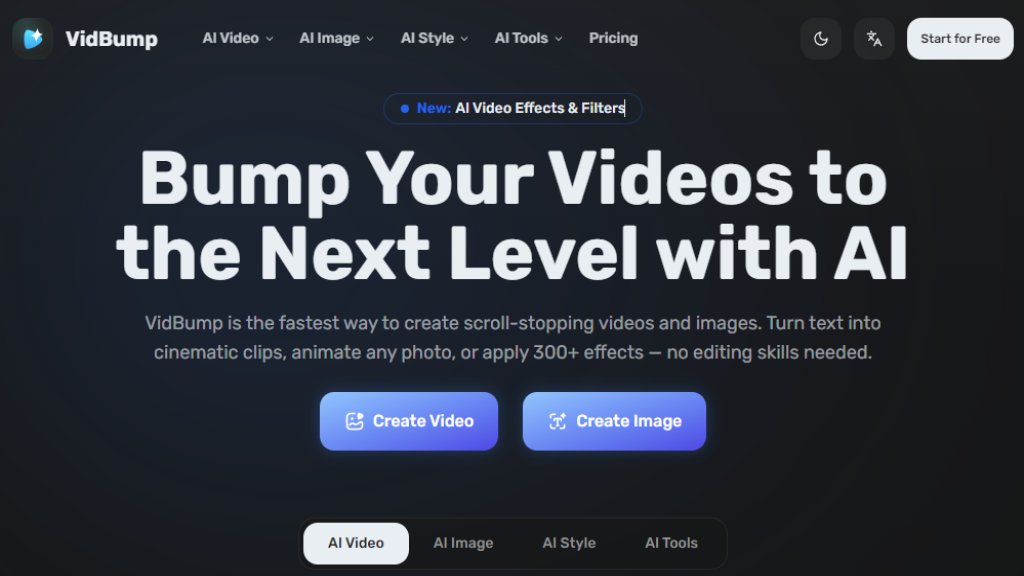
VidBump is a comprehensive online platform that uses artificial intelligence to help users create, edit, and enhance videos and images. It functions as an all-in-one creative suite accessible directly from a web browser, eliminating the need for complex software downloads or extensive design knowledge. The core idea is to democratize professional-quality visual content creation by automating sophisticated editing tasks. Users can start with simple text prompts or existing photos and rapidly generate polished, engaging media. The platform consolidates a wide array of tools—from video generation and animation to photo styling and object manipulation—into a single, convenient interface. It is designed for a broad audience, including content creators, marketers, e-commerce sellers, designers, and individuals looking to produce eye-catching visuals quickly and efficiently.
Main Features
1. AI Video Generation: Convert text descriptions or uploaded images into high-quality, cinematic video clips with automated motion and effects.
2. AI Image Creation: Generate images from text prompts or transform existing photos using a vast library of over 300 artistic styles, including Pixar 3D, Van Gogh, and anime.
3. Extensive Creative Toolkit: Access over 100 specialized tools for tasks like background removal, watermark removal, image upscaling to 4K, object erasure, photo restoration, and color adjustment.
4. Character and Portrait Tools: Features for creating consistent character designs, generating professional headshots, and applying virtual changes to appearance, such as hairstyle, clothing, age, and facial expressions.
5. Style Transfer and Filters: Instantly apply diverse visual styles and effects to any photo or video with a single click for creative transformation.
6. User-Friendly Interface: A streamlined, browser-based platform that requires no prior editing experience, enabling fast creation from idea to final output.
Use Cases
1. Content Creators and Social Media Managers: Produce engaging reels, TikTok videos, and eye-catching thumbnails rapidly to maintain consistent posting schedules and drive audience engagement.
2. Digital Marketers and Advertisers: Create promotional video clips, product advertisements, and branded visual content from simple text descriptions for campaigns and social media ads.
3. E-Commerce Sellers: Animate static product photos into dynamic video ads, create clean product images by removing backgrounds, and generate varied visual content for listings.
4. Graphic Designers and Freelancers: Accelerate workflows by using AI-assisted tools for mockups, object removal, image enhancement, and initial concept generation, saving time on manual edits.
5. Personal and Creative Projects: Transform personal photos into artistic renditions, create fun videos for sharing with friends and family, or restore and colorize old photographs.
Supported Languages
1. The primary interface and content generation are focused on English, as indicated by the website text and prompts.
2. Specific support for other languages in text-to-video or text-to-image generation is not explicitly detailed on the provided website content.
Pricing Plans
1. Free Plan: Includes a starting amount of credits (e.g., 20) to try tools, with options to earn more through daily check-ins. Exports may include watermarks.
2. Lite Plan: Priced at $7.5 per month (with annual billing), offering approximately 300 credits per month for individual users.
3. Pro Plan: Priced at $11.67 per month (with annual billing), recommended for professionals. It provides 800 credits per month, faster generation, watermark-free exports, private video visibility, and priority support.
4. All paid plans offer monthly or yearly billing options, with yearly subscriptions providing cost savings. Users can cancel anytime.
Frequently Asked Questions
1. Q: What is VidBump?
A: VidBump is an all-in-one AI creative platform for generating videos, images, and visual effects directly from your browser.
2. Q: How do I get started?
A: Sign up for a free account to receive initial credits. You can then immediately use any tool without downloads or prior skills.
3. Q: What can I create with VidBump?
A: You can generate videos from text or images, create AI headshots, apply artistic styles, remove backgrounds, swap faces, enhance images, and use over 100 editing tools.
4. Q: Is there a free plan?
A: Yes, a free plan is available with starting credits to test the tools. Daily check-ins can provide additional credits.
5. Q: What plans does VidBump offer?
A: VidBump offers Free, Lite, and Pro plans. The Lite and Pro plans provide more credits and premium features like faster generation and no-watermark exports.
6. Q: Can I cancel anytime?
A: Yes, you can cancel your subscription at any time from your account settings without fees, retaining access until the current billing period ends.
Pros and Cons
Pros:
1. Comprehensive and versatile platform combining video



Please login to post a comment
Login