What is Remover AI Video Background Remover?
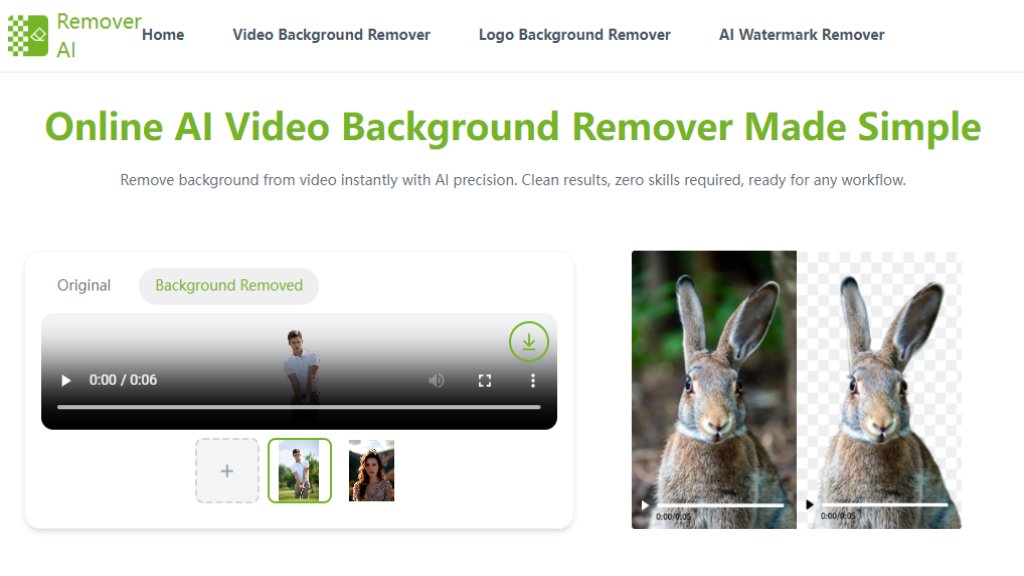
Remover AI Video Background Remover is an online tool that uses advanced artificial intelligence to automatically remove backgrounds from videos. This innovative solution eliminates the need for complex video editing software or technical skills, allowing users to achieve professional-looking results with minimal effort. The platform processes videos entirely online without requiring downloads, making it convenient and accessible from any device with internet access. It's designed to handle various video types including product clips, social media content, presentations, and personal videos, providing clean cutouts with smooth edges even for moving subjects.
Main Features
1. Intelligent subject detection that accurately identifies people and objects in videos
2. Frame-by-frame processing for consistent quality with moving subjects
3. No green screen requirement - works with everyday footage
4. Fast online processing with immediate results
5. Secure file handling with automatic deletion after processing
6. Manual editing tools for refining results after automatic processing
7. Support for common video formats including MP4 and WEBM
8. Background replacement options after removal
Use Cases
1. E-commerce product videos: Create clean, professional product presentations by removing distracting backgrounds
2. Social media content: Isolate subjects for memes, reels, and engaging social media posts
3. Business presentations: Enhance professional videos by removing cluttered backgrounds
4. Educational content: Create clear tutorial videos with focused subjects
5. Personal projects: Improve home videos and personal content without complex editing
6. Marketing materials: Produce polished promotional videos with consistent branding
Pricing Plans
1. Free plan: Basic video background removal with standard processing
2. Premium plans: Advanced export options and enhanced features (specific pricing not listed on page)
Frequently Asked Questions
1. Q: How to remove background from video?
A: Upload your video to Remover AI, and the intelligent video background remover automatically detects the subject and removes the background. You can preview, edit, and download instantly.
2. Q: Is this a free video background remover?
A: Yes. You can try the video background remover free online. Some advanced export options may require an upgrade.
3. Q: What videos work best with the remover?
A: Clear subjects and decent lighting produce the best results. However, the remove background from video tool also performs well with everyday footage.
4. Q: Can I edit results after removing the video background?
A: Yes. After you remove video background, use the Erase tool to manually refine edges or remove extra elements.
5. Q: Does the video background remover work without a green screen?
A: Absolutely. This remove background for video tool is designed for real-world videos without special equipment.
6. Q: Is my content secure when using Remover AI?
A: Yes. Files are processed securely and automatically deleted, making this free video background remover safe to use.
Pros and Cons
Pros:
1. Completely free basic service with no hidden costs
2. No software installation required - entirely web-based
3. Extremely fast processing time
4. User-friendly interface requiring no technical skills
5. Secure file handling with automatic deletion
6. Works without green screen or special equipment
Cons:
1. Limited to 60-second videos in free version
2. Premium features pricing not transparently displayed
3. Limited format support (only MP4 and WEBM)
4. May require manual refinement for complex scenes
Recommendation Rating
8/10 (Excellent free tool for quick video background removal with reliable results)



Please login to post a comment
Login