
VideoWatermarkRemover.ai
Fast, Free Online Watermark Removal
A free, intelligent online tool to remove watermarks from videos instantly. It preserves original quality, handles moving watermarks, requires no login, and supports batch processing for multiple files.
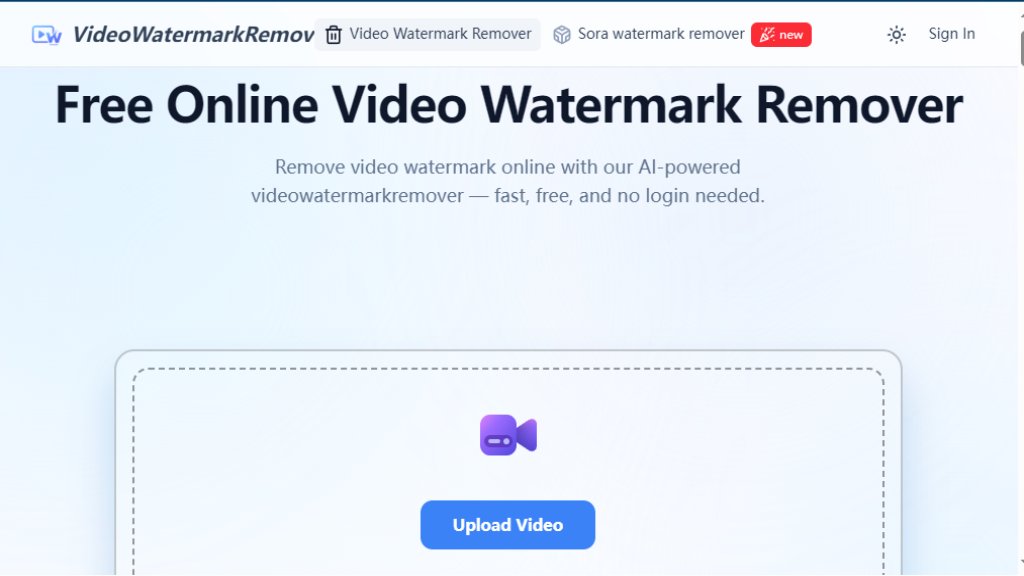
VideoWatermarkRemover.ai Analysis
Introduction
What is VideoWatermarkRemover.ai?
VideoWatermarkRemover.ai is an automated, web-based application designed to intelligently erase watermarks, logos, text, and other unwanted elements from video files. It operates directly in your browser, eliminating the need for software downloads or user registration. The core of the tool is its sophisticated AI model that analyzes video frames to detect and seamlessly remove both static and dynamic watermarks, filling in the removed areas with content that matches the surrounding background. This process aims to maintain the original video's resolution, color, and overall quality. It is positioned as a convenient solution for a wide range of users, from content creators and marketers to educators and general consumers, who need to clean up videos quickly and without technical expertise.
Main Features
- **Intelligent Watermark Detection**: Automatically identifies both static and moving watermarks across video frames for accurate removal.
- **Quality Preservation**: Maintains the original video's sharpness, color, and high resolution after processing.
- **Batch Processing**: Allows users to remove watermarks from multiple videos simultaneously, saving significant time.
- **No Registration Required**: Completely free to use without the need to create an account or log in.
- **Broad Format Support**: Works with popular video formats including MP4, MOV, AVI, and M4V.
- **Mobile-Optimized Interface**: Features a fully responsive design for convenient use on smartphones and tablets.
- **Secure & Private Processing**: Encrypts videos during handling and automatically deletes them after completion.
- **Sora Watermark Specialization**: Includes a dedicated, automated tool for removing the "Sora" watermark specifically.
Use Cases
- **Content Creation & Repurposing**: Creators and influencers can clean old or sourced footage of watermarks and logos for use in new projects or social media posts.
- **Professional & Business Needs**: Marketers and agencies can remove outdated branding or third-party logos from promotional videos for client deliverables.
- **Educational Purposes**: Teachers and students can prepare clean, distraction-free video materials for presentations, courses, or learning resources.
- **Personal Video Editing**: General users can easily remove timestamps, subtitles, or other unwanted text from personal videos without needing complex editing software.
- **Enhancing Sora-Generated Content**: Users of AI video generators like Sora can utilize the specialized tool to erase the default watermark for a more polished final product.
Frequently Asked Questions
- **Q: Is the video watermark remover completely free to use?**
A: Yes, it is 100% free with no hidden charges or registration required.
- **Q: Do I need to register or log in to remove a video watermark?**
A: No, you can remove watermarks instantly without any login.
- **Q: What video formats are supported?**
A: MP4, MOV, AVI, and other major formats are fully supported.
- **Q: Will removing watermarks affect my video's quality?**
A: The AI tool is designed to preserve your video's original resolution and clarity.
- **Q: Can it remove moving or dynamic watermarks?**
A: Yes, it automatically detects and removes both static and moving watermarks.
- **Q: Is there a file size limit?**
A: Standard video sizes are supported (up to 500MB and 4K resolution as per the uploader). For very large files, compression is recommended.
Pricing Plans
- **Free Plan**: The tool is currently offered as a completely free service. There are no mentioned tiered pricing plans, subscriptions, or paywalls. Users can access all core features—including intelligent removal, quality preservation, batch processing, and support for various formats—without cost or the need to create an account.
Pros and Cons
Pros:
- Completely free with no registration, offering immediate access.
- Intelligent processing that preserves original video quality effectively.
- Capable of handling both static and moving watermarks.
- Saves time with convenient batch processing for multiple videos.
- User-friendly and accessible from any device with a web browser.
- Provides a specialized tool for removing Sora watermarks.
Cons:
- Has file limitations (up to 500MB and 4K resolution).
- Being an online tool, it requires a stable internet connection for upload and processing.
- The long-term sustainability of a completely free, high-quality service may be uncertain.
- Advanced customization or manual editing controls may be limited compared to professional desktop software.
Recommendation Rating
8/10 (A powerful and incredibly convenient free tool for quick watermark removal, ideal for casual users and content creators, though with some file size constraints.)


Please login to post a comment
Login