What is Voice to Instrument Generator?
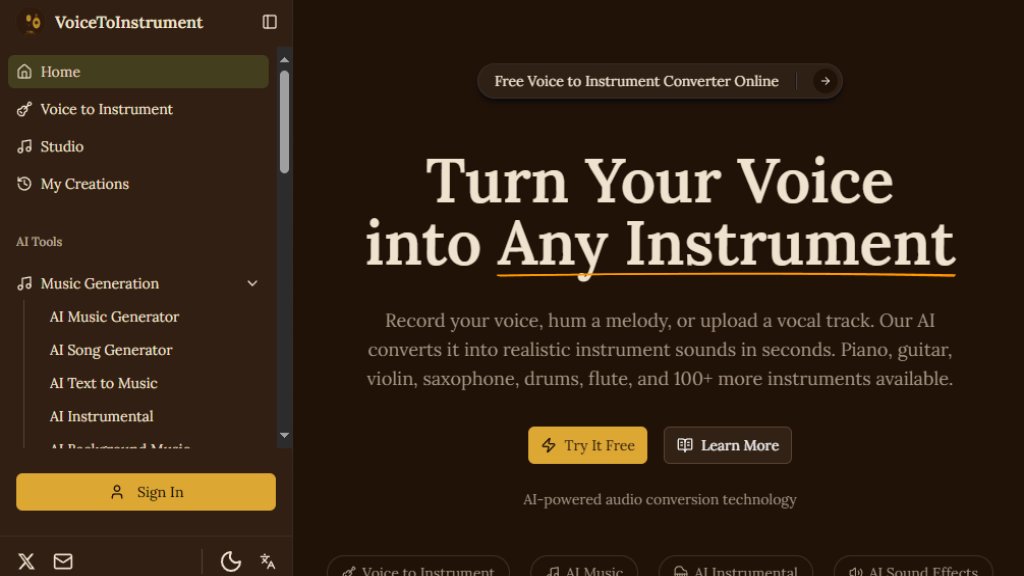
Voice to Instrument Generator is an online AI tool that transforms vocal recordings, hums, or melodies into realistic instrument sounds. Users can upload audio or record directly, select from over 100 instrument models like piano, guitar, violin, and saxophone, and receive a high-quality converted track in under 60 seconds. The AI preserves pitch, timing, and expression, making it accessible to musicians, content creators, and educators without requiring musical training. It offers a browser-based interface, multiple export formats, and a suite of additional AI audio tools for music generation, stem splitting, and sound effects.
Main Features
- AI voice to instrument conversion with over 100 instrument models including acoustic guitar, electric piano, violin, saxophone, drums, flute, and more.
- Deep learning neural networks trained on thousands of hours of real instrument performances for authentic sound.
- Fast cloud processing delivers finished tracks in under 60 seconds per conversion.
- Melody preservation locks onto vocal pitch, timing, and dynamics for accurate mapping.
- Browser-based tool works on any device without software installation or account creation for first use.
- Multi-instrument library updated monthly based on user requests.
- Multiple export formats: lossless WAV, compressed MP3, OGG, and FLAC.
- Batch conversion support for multiple vocal files.
- Additional AI tools: music generator, instrumental generator, sound effect generator, stem splitter, vocal remover, karaoke maker, and more.
Use Cases
- Songwriters and composers: Sketch full arrangements by humming each instrument part and converting into guitar, piano, bass, and drum tracks.
- YouTube and TikTok creators: Generate original background music to avoid copyright strikes and licensing costs.
- Music producers: Test melody ideas across different instruments during pre-production.
- Podcast and audio creators: Create custom intro music, transitions, and ambient scores from vocal melodies.
- Music educators: Demonstrate how the same melody sounds on different instruments in real time.
- Game and app developers: Produce original background music and sound effects without hiring a composer.
Supported Languages
- English (primary interface language)
Pricing Plans
- Starter: $14.9 per month (billed annually at $19.9) or $19.9 monthly. Includes 100 credits per month, multi-track studio access, 13+ AI instrument models, AI music and cover generation, HD audio download, and Lumi AI assistant.
- Creator: $39.9 per month (billed annually at $49.9) or $49.9 monthly. Includes everything in Starter plus 350 credits per month, 28% cheaper per credit, multi-track mixdown export, and email support.
- Pro: $79.9 per month (billed annually at $99.9) or $99.9 monthly. Includes everything in Creator plus 1,000 credits per month, 50% cheaper per credit, priority email support, and new features early access.
Frequently Asked Questions
- How does voice to instrument conversion work? The AI analyzes your vocal pitch, timing, and expression, then rebuilds the performance as a real instrument sound while preserving your original melody.
- What audio formats can I upload? The tool supports common audio formats; specific formats are not listed but likely include MP3, WAV, and others.
- Do I need musical training to use this? No, you can sing or hum any tune without music theory or production skills.
- Can I use the generated tracks commercially? Yes, the tracks are royalty-free and can be used commercially.
- What instruments are available? Over 100 instrument models including acoustic guitar, electric piano, violin, saxophone, drums, flute, cello, trumpet, bass, clarinet, and more.
- How long does each conversion take? Each conversion finishes in under 60 seconds.
Pros and Cons
Pros:
- Fast conversion in under 60 seconds.
- Wide variety of over 100 instrument models.
- No software installation required, works in browser.
- Preserves musical expression and melody.
- Royalty-free tracks for commercial use.
Cons:
- Limited to English interface only.
- Free tier not clearly offered; paid plans start at $14.9/month.
- Credit system may limit heavy users on lower plans.
Recommendation Rating
8/10 (Fast and versatile voice-to-instrument conversion with a large instrument library and user-friendly interface, but credit-based pricing and lack of free tier may deter casual users.)



Please login to post a comment
Login