What is Cue?
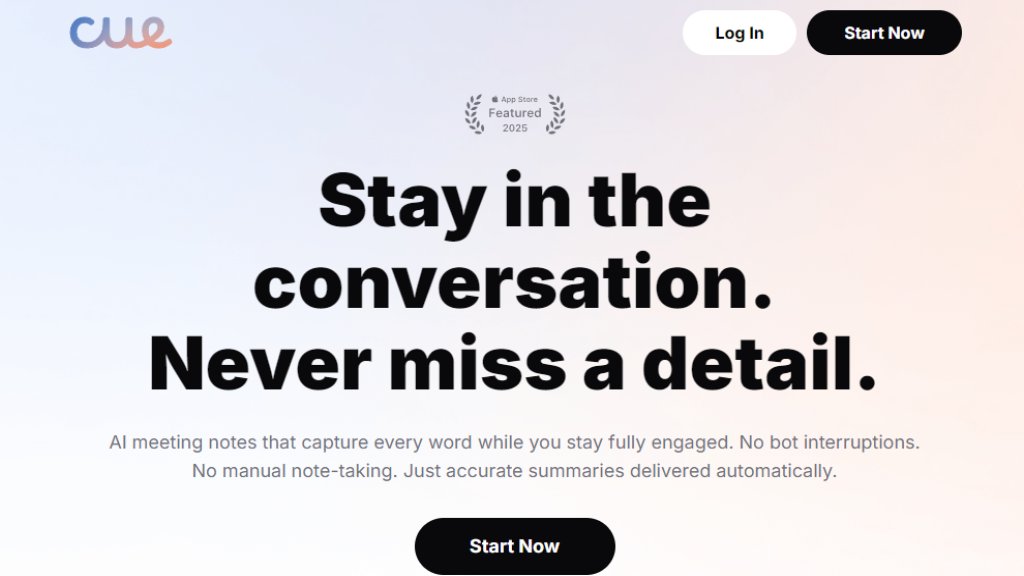
Cue is an automated meeting assistant designed to capture conversations without disrupting natural interaction. It operates discreetly in the background during in-person meetings or calls, eliminating the need for manual note-taking. The tool uses advanced speech recognition to transcribe discussions with high accuracy across various professional fields including healthcare, legal, and academia. Unlike solutions that require inviting bots to meetings, Cue records locally on your device, avoiding recording notifications for other participants. It automatically generates organized summaries, identifies action items, and creates searchable transcripts, allowing professionals to remain fully present during conversations while maintaining perfect records.
Main Features
1. Invisible background recording that captures meetings without bots or alerts.
2. Instant generation of meeting summaries and automated action items.
3. High-accuracy transcription supporting multiple speakers and specialized terminology.
4. Multilingual recording capability with calendar integration.
5. Privacy-first design with on-device encryption and optional secure cloud sync.
6. Intelligent assistant that answers questions about past meeting content.
7. Analytics on meeting dynamics like speaking patterns and participation balance.
8. Search functionality across entire meeting history.
9. Tools to create and share meeting highlights with teams.
10. Cross-platform availability for desktop and mobile devices.
Use Cases
1. Client calls where professionals need to stay engaged while capturing commitments.
2. Research interviews requiring accurate transcription for qualitative analysis.
3. Doctor appointments where patients want to record medical recommendations.
4. Team meetings including standups, planning sessions, and retrospectives.
5. Lectures and training sessions where students need complete transcripts.
6. Legal and healthcare consultations requiring precise documentation.
7. Sales conversations where representatives need detailed follow-up information.
8. Academic interviews that must comply with institutional review board requirements.
Supported Languages
1. The website mentions multilingual recording capability but doesn't specify exact languages. Users should check the application for current language support details.
Pricing Plans
1. The website mentions a free trial and indicates enterprise/educational pricing is available.
2. Specific pricing details and plan structures are not explicitly listed on the provided webpage content.
Frequently Asked Questions
1. Q: How does Cue record my meetings?
A: Cue records meetings locally on your device without bots or visible recording indicators to others.
2. Q: Is my data secure and private?
A: Yes, recordings stay encrypted on your device with optional end-to-end encrypted cloud backup.
3. Q: What makes Cue different from other meeting tools?
A: Cue operates invisibly without joining as a bot, maintaining natural conversations while capturing everything.
4. Q: How accurate are the transcriptions?
A: Cue delivers 95%+ accuracy across multiple speakers and specialized contexts.
5. Q: Can I use Cue for in-person meetings?
A: Yes, Cue works for both in-person conversations and virtual calls.
6. Q: What pricing plans are available?
A: The website mentions a free trial and enterprise/educational pricing without specific details.
Pros and Cons
Pros:
1. Enables full participation in meetings without distraction from note-taking.
2. High transcription accuracy even with technical terminology.
3. Strong privacy protection with on-device processing.
4. No disruptive bots or recording notifications for other participants.
5. Automated action item tracking and instant summaries.
6. Useful analytics on meeting dynamics and participation.
Cons:
1. Pricing information is not transparently displayed.
2. Specific language support details are not clearly listed.
3. Requires iOS 16.6 or later for mobile app functionality.
4. May have limitations in extremely noisy environments.
5. Dependent on device storage capacity for local recordings.
Recommendation Rating
8/10 (Powerful tool for professionals who value presence in meetings, though pricing transparency could be improved)



Please login to post a comment
Login