What is XVideoSave?
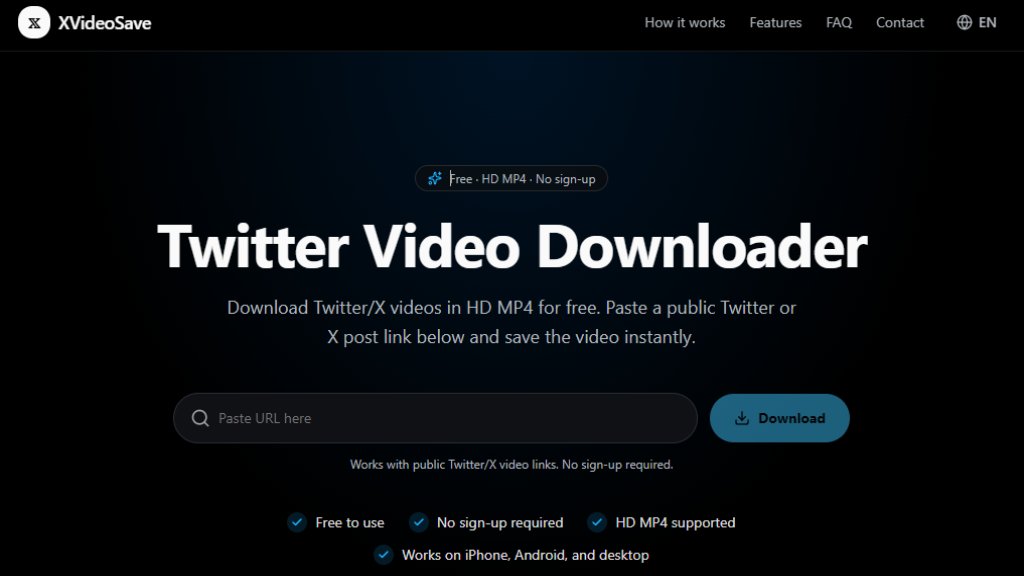
XVideoSave is a free online tool that allows you to download videos from public Twitter or X posts. It works directly in your browser without requiring any app installation, browser extension, or user account. Simply paste the URL of a public post containing a video, and the tool fetches the available MP4 download options, including HD qualities like 1080p and 720p. It supports links from twitter.com, x.com, and mobile.twitter.com. This service is ideal for users who want to save Twitter/X videos for offline viewing, sharing, or archiving. It is not affiliated with Twitter or X Corp.
Main Features
- Free to use: No payment or sign-up required.
- No account needed: Download videos without creating an account.
- HD MP4 support: Offers 1080p, 720p, 480p, and SD MP4 downloads when available.
- Works on all devices: Compatible with iPhone, Android, Windows, and Mac browsers.
- Supports multiple URL formats: Works with twitter.com, x.com, and mobile.twitter.com post links.
- No app or extension required: Entirely browser-based.
- Simple three-step process: Copy link, paste URL, download MP4.
- Fast and intelligent: Automatically fetches the best available video quality.
Use Cases
- Saving personal Twitter/X videos for offline viewing.
- Archiving important or favorite videos from public posts.
- Downloading videos for content creation or editing.
- Sharing videos with people who do not have Twitter/X access.
- Backing up videos before they are deleted or become unavailable.
- Using videos in presentations or educational materials.
Supported Languages
- English (EN)
The website interface is primarily in English. The tool itself is language-agnostic as it only requires pasting a URL.
Pricing Plans
- Free: All features are available at no cost. No paid plans are offered.
Frequently Asked Questions
Q: Is XVideoSave Twitter Video Downloader free?
A: Yes, it is completely free to use without signing up.
Q: How do I download a video from Twitter/X?
A: Copy the link to a public Twitter/X post, paste it into the downloader box, click Download, and choose an available MP4 quality.
Q: Can I download private Twitter/X videos?
A: No, it only supports videos from public posts. Private, deleted, or restricted posts cannot be downloaded.
Q: What video formats are supported?
A: The downloader provides MP4 video files when available.
Q: Can I download Twitter videos in HD?
A: Yes, if the original post includes an HD version. Available quality options may include 1080p, 720p, 480p, or SD.
Q: Do I need to install an app?
A: No, the tool works in your browser without installing an app or extension.
Pros and Cons
Pros:
- Completely free and no sign-up required.
- Simple and fast to use.
- Supports HD MP4 downloads.
- Works on all devices and browsers.
- No app or extension installation needed.
Cons:
- Only works with public Twitter/X posts.
- Limited to MP4 format; no other video formats.
- Video quality depends on the original post.
- No batch download or advanced features.
Recommendation Rating
8/10 (Excellent free tool for its purpose, but limited to public posts and MP4 format.)



Please login to post a comment
Login