What is Yinxiang Notes?
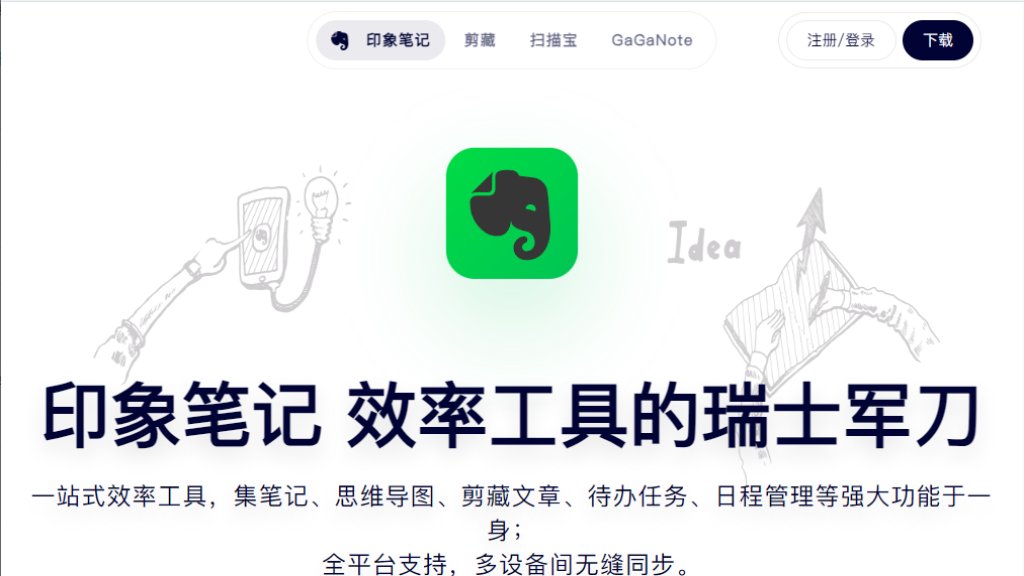
Yinxiang Notes (印象笔记), widely recognized as Evernote China, is a comprehensive digital workspace engineered to significantly enhance both personal and professional productivity. It serves as a powerful, integrated platform for capturing ideas, structuring information, and efficiently managing daily responsibilities. This versatile tool seamlessly combines essential functionalities such as note-taking, innovative mind mapping, intelligent web clipping, precise to-do list management, and organized schedule planning. Built for cross-platform compatibility, it ensures effortless synchronization and accessibility across all your devices, including desktops, laptops, tablets, and smartphones. Beyond conventional note-keeping, Yinxiang Notes integrates advanced intelligence, featuring AI-enhanced browser capabilities for smart content acquisition and intelligent image processing for document scanning and information extraction. Its core purpose is to transform fragmented digital content into structured, actionable knowledge, making content understanding and management more convenient and intuitive for its users, especially through deep adaptation to China's mainstream internet platforms.
Main Features
1 Unified Workspace: Integrates note-taking, mind mapping, web clipping, to-do lists, and schedule management into a single, cohesive platform.
2 Cross-Platform Synchronization: Offers full compatibility across Mac, Windows, iOS, and Android devices, ensuring all your data is instantly synchronized and accessible anywhere.
3 Intelligent Web Clipping: Features an intelligent browser extension for one-click content capture from articles, videos, and AI conversations, automatically generating summaries and tags.
4 AI Content Assistant: Provides an advanced AI assistant that can answer questions based on selected content, generate summaries, create outlines, and parse videos for deeper understanding.
5 Smart Annotation: Allows users to highlight and add thoughts directly to web content, with all annotations automatically syncing across devices and reappearing on subsequent visits to the original page.
6 Optimized for Chinese Platforms: Deeply adapted to mainstream Chinese internet platforms like WeChat, Zhihu, Bilibili, and Xiaohongshu, intelligently preserving content structures.
7 Smart Image Processing: Includes an intelligent image acquisition feature that transforms physical documents into digital assets, offering precise OCR recognition for text extraction.
8 Financial and ID Management: Functions as a financial manager by scanning invoices to extract data and generate vouchers, and an ID assistant for quickly digitizing and formatting various identification documents.
9 Digital Notebook Capabilities: Supports handwritten notes, textbook annotations, classroom recording with playback, and continuous writing across pages for an innovative learning experience.
Use Cases
1 Professional Project Management: Conveniently organize meeting notes, brainstorm ideas, and plan projects within a unified interface, linking related documents and tasks for comprehensive oversight.
2 Freelance Work and Mobility: Seamlessly switch between different devices like phones, tablets, and computers to continue working on tasks, capturing client conversations via audio, and transcribing them later.
3 Personal Productivity Enhancement: Manage daily to-do lists, schedule appointments, and keep track of important deadlines, ensuring all tasks are prioritized and completed efficiently.
4 Digital Archiving for Professionals: Securely store and categorize a vast array of digital assets, including legal documents, client records, research materials, photos, and multimedia files, with easy retrieval.
5 Content Curation for Media: Intelligently clip and categorize relevant articles, videos, and social media posts from various platforms directly into specific notebooks, streamlining content research and topic development.
6 Academic Learning and Research: Annotate electronic textbooks, take handwritten notes, record lectures, and review content with AI assistance, facilitating a deeper understanding and organized study.
7 Financial Record Keeping: Effortlessly scan and process invoices, automatically extracting data and generating financial records, simplifying expense tracking and accounting.
8 Personal Document Digitization: Quickly scan and digitize various identification documents, certificates, and contracts, ensuring they are stored securely and readily accessible for administrative needs.
9 General Information Management: Transform scattered browser content into organized knowledge, utilizing AI to summarize articles, generate outlines, and create actionable insights from web pages.
Frequently Asked Questions
1 Q: How can I install the Yinxiang Notes browser clipping extension?
A: You can install the browser clipping extension by downloading the Zip installation package from the website. After unzipping, open your brows



Please login to post a comment
Login