What is FliFlik YouTube Transcript Generator?
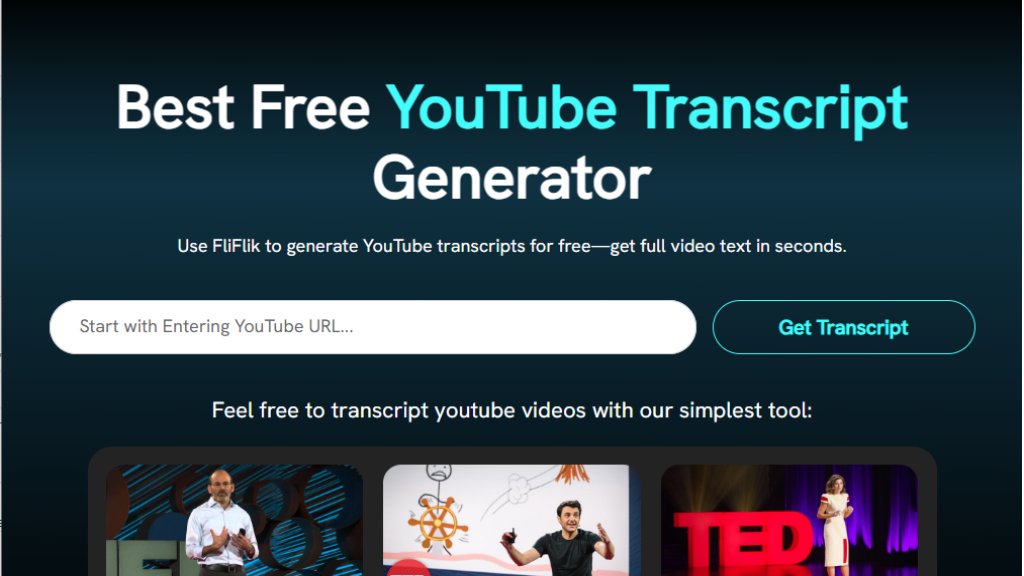
FliFlik YouTube Transcript Generator is a free online tool that automatically extracts text transcripts from YouTube videos. It works by analyzing the video's URL and retrieving any available subtitles, whether they are creator-uploaded or auto-generated by YouTube. The process is designed to be straightforward: users simply paste a YouTube link, and the tool delivers a text transcript within seconds. It supports videos in multiple languages, provided subtitles are available, and includes timestamps for easy reference. The service is entirely web-based, requiring no software installation, account creation, or browser extensions. It is part of a larger suite of FliFlik multimedia tools focused on video, audio, and image enhancement.
Main Features
1. Fast and accurate transcript extraction from YouTube videos.
2. Generates transcripts with timestamps for easy navigation.
3. Completely free to use with no registration or login required.
4. No restrictions on the length of the video being transcribed.
5. Supports multiple languages by detecting available subtitles.
6. Simple three-step process: copy URL, paste, and get transcript.
7. Allows downloading of the transcript as a text file.
8. Online tool with no software downloads or browser add-ons needed.
Use Cases
1. Students and self-learners can turn educational YouTube lectures into text notes for study and review.
2. Writers, bloggers, and content creators can repurpose video content into articles, social media posts, or SEO copy.
3. Video editors and short-form creators can quickly locate specific quotes or moments in long videos for highlights and clips.
4. Language learners and translators can obtain transcripts to pair with translation tools for better comprehension of foreign language content.
5. Researchers and journalists can efficiently extract and verify spoken information from video interviews or reports.
Pricing Plans
1. Free Plan: The YouTube Transcript Generator is completely free to use with no stated limitations on usage, video length, or features.
Frequently Asked Questions
1. Q: How to download transcript from YouTube?
A: Copy the YouTube video URL, paste it into FliFlik's input box, click 'Get Transcript', and then download the resulting text file.
2. Q: Can it extract transcripts from videos in other languages?
A: Yes, it can extract transcripts from videos in other languages as long as the video has subtitles (auto-generated or uploaded).
3. Q: Is there a limit to the length of a transcribed YouTube video?
A: No, currently there are no restrictions on video length; videos of any duration can be transcribed.
4. Q: How to find the transcript of a YouTube video?
A: Use FliFlik's tool by pasting the video URL. If the video has a transcript available, it will be displayed and can be downloaded.
Pros and Cons
Pros:
- Entirely free with no hidden costs or usage limits.
- Extremely fast and convenient, requiring only a video URL.
- No user account, software installation, or browser extension needed.
- Provides timestamps for better video navigation.
- Supports multiple languages.
Cons:
- Relies on the availability of YouTube's subtitle data; videos without subtitles cannot be transcribed.
- Accuracy is dependent on the quality of YouTube's auto-generated subtitles for videos without manual captions.
- Locks you into the FliFlik ecosystem for other promoted tools.
Recommendation Rating
9/10 (An excellent, genuinely free tool that performs its core function perfectly for a wide range of users, from students to professionals.)



Please login to post a comment
Login