What is YT2MP3?
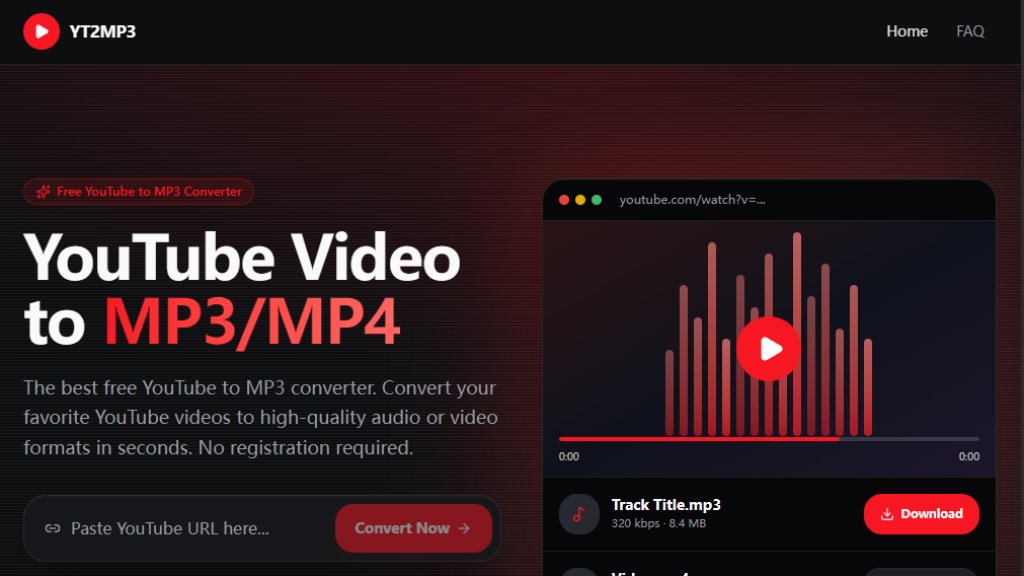
YT2MP3 is a free online tool that allows users to convert YouTube videos into MP3 audio files or MP4 video files. It operates entirely in the browser without requiring any software installation or user registration. The service is designed for speed and simplicity, enabling quick conversions by pasting a YouTube URL. It supports high-quality audio extraction up to 320 kbps and video downloads up to 1080p. YT2MP3 is mobile-friendly and prioritizes user privacy by not storing converted files permanently. The tool is ideal for creating offline music libraries, saving educational content, or extracting audio for personal use.
Main Features
- Free to use with no hidden fees or subscription requirements.
- No registration or account creation needed; start converting immediately.
- Fast conversion using cloud servers, processing videos in seconds.
- Supports both MP3 audio (up to 320 kbps) and MP4 video (up to 1080p) downloads.
- Fully responsive and works on mobile devices, including iOS and Android.
- Safe and secure; operates in the browser without installing software.
- Provides preview of the video before downloading.
- Supports conversion of YouTube Shorts and individual videos.
- No intrusive popup ads; minimal advertisements to support the free service.
Use Cases
- Extract audio from music videos to create an offline playlist.
- Download educational lectures or podcasts for offline listening.
- Save video content for viewing without an internet connection.
- Convert YouTube Shorts to MP3 for viral audio clips.
- Create audio backups of personal or copyright-free content.
- Use on mobile devices to download audio directly to a phone's storage.
Supported Languages
- English (primary language of the website and interface)
Pricing Plans
- Free: 100% free to use with no limits on the number of conversions. No paid plans are offered.
Frequently Asked Questions
Q: Is it free to use YT2MP3?
A: Yes, the converter is 100% free to use. No subscriptions or registration are required.
Q: Is YT2MP3 legal to use?
A: It is legal for downloading copyright-free content, public domain videos, or media you own. Downloading copyrighted material without permission may violate laws.
Q: How to convert YouTube to MP3?
A: Copy the YouTube video URL, paste it into the search box on the home page, click Convert Now, and then download the file.
Q: What's the maximum file length?
A: The maximum supported video length is approximately 20-30 minutes to ensure fast conversion.
Q: Does it work on mobile?
A: Yes, the converter is fully optimized for mobile devices including iPhone and Android.
Q: What audio quality do I get?
A: We provide the best available quality from the source video, typically up to 320 kbps.
Pros and Cons
Pros:
- Completely free with no hidden costs.
- No registration required, ensuring privacy.
- Fast conversion speed using cloud servers.
- Supports both MP3 and MP4 formats.
- Works on all devices, including mobile.
Cons:
- Maximum video length limited to 20-30 minutes.
- Does not support full playlist conversion at once.
- No option for higher video quality beyond 1080p.
- Limited language support (English only).
Recommendation Rating
8/10 (Excellent free tool for quick YouTube conversions, but lacks advanced features like batch processing and higher resolution.)



Please login to post a comment
Login