What is Z Code?
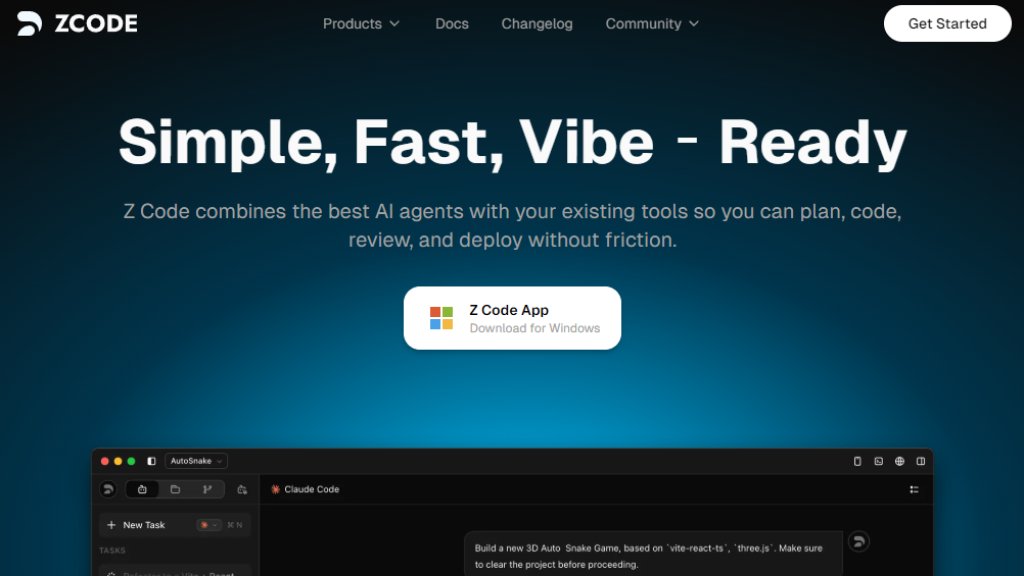
Z Code is an intelligent software development platform that combines specialized AI agents with existing developer tools. It's designed to help engineers plan, code, review, and deploy software without friction. The platform provides complete understanding of codebases, tracks context across repositories, and integrates seamlessly with editors, issue trackers, and existing workflows. Z Code positions itself as a solution to keep engineering teams at the frontier of software development by automating complex tasks and providing intelligent assistance throughout the development lifecycle.
Main Features
1. Complete codebase understanding with context tracking across repositories
2. Automated code review with inline suggestions to catch regressions
3. Seamless integration with existing editors, issue trackers, and workflows
4. Specialized agents with dedicated tools and individual context
5. Edit history for flexible message modification and instruction adjustment
6. Multi-agent framework for collaborative development tasks
7. Safety confirmation mechanisms for controlled deployments
8. Memory capabilities for maintaining project context
9. Version control integration
10. Custom commands and output style customization
Use Cases
1. Understanding and working with legacy monolithic codebases
2. Shipping real-time features with intelligent assistance
3. Automated code review before pull requests
4. Building web applications with AI collaboration
5. Remote development with context-aware agents
6. Multi-agent collaborative software development
7. Maintaining code quality through automated suggestions
8. Accelerating development cycles with intelligent planning
Supported Languages
1. English (primary interface language)
2. Chinese (documentation available)
Pricing Plans
1. Free plan available (based on download availability)
2. Specific pricing details not explicitly listed on provided pages
3. Users need to contact sales or check additional pricing pages for detailed plans
Frequently Asked Questions
1. Q: How do I provide feedback or report issues?
A: Use the feedback form accessible through Help → Feedback in the Z Code menu or via the provided Feishu feedback form link.
2. Q: How do I package logs for troubleshooting on macOS?
A: Open Finder, go to ~/.zcode folder, compress the logs folder, and upload the ZIP file to the feedback form.
3. Q: How do I package logs for troubleshooting on Windows?
A: Navigate to C:\Users\[YourUsername]\.zcode or %USERPROFILE%\.zcode, compress the logs folder, and upload the ZIP file.
4. Q: What information should I include when reporting issues?
A: Provide your usage scenario, steps to reproduce, and error logs for effective troubleshooting.
5. Q: How do I start using Z Code?
A: Download the application for macOS (Apple Silicon) and follow the installation and API key configuration steps.
Pros and Cons
Pros:
1. Comprehensive codebase understanding across multiple repositories
2. Seamless integration with existing development tools and workflows
3. Automated code review capabilities that catch issues early
4. Specialized agents for different development tasks
5. Multi-agent framework for collaborative work
6. Available for macOS with Apple Silicon support
Cons:
1. Limited platform support (currently macOS-focused)
2. Pricing information not transparently displayed
3. Windows support appears limited to troubleshooting
4. Language support primarily English with some Chinese documentation
Recommendation Rating
7.5/10 (Powerful development assistant with strong integration capabilities, but limited platform support and unclear pricing)



Please login to post a comment
Login