Pixelcut Background Remover
Free & lightning-fast AI background removal
Pixelcut Background Remover is a fast, intelligent online tool that instantly removes image and video backgrounds in under 3 seconds—free to use, no sign-up required, with HD transparent PNG output and AI-powered precision for products, portraits, and social content.
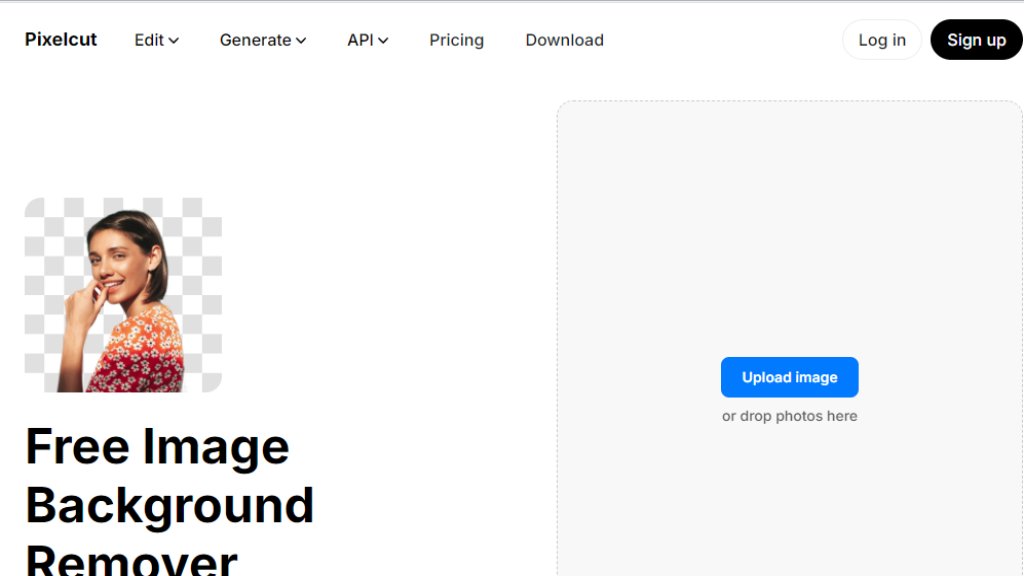
Pixelcut Background Remover 분석
소개
What is Pixelcut Background Remover?
Pixelcut Background Remover is an automated, browser-based tool that uses advanced AI models to detect and separate subjects from their backgrounds in images and videos. Designed for speed and accessibility, it requires no registration for basic use and delivers high-fidelity transparent PNGs in under three seconds. It supports JPG, PNG, HEIC, and MP4 files, handles fine details like hair, jewelry, and eyewear with remarkable accuracy, and works seamlessly across desktop and mobile devices. Beyond simple erasure, it integrates with a full creative suite—including AI background generation, batch processing, and video background removal—making it a comprehensive solution for creators, e-commerce sellers, marketers, and designers seeking professional-grade editing without manual effort.
Main Features
- Instant background removal: Processes images in under 3 seconds with intelligent edge detection
- Zero-signup free tier: Full background removal functionality available immediately, no account needed
- Transparent or custom background options: Choose white, solid colors, curated photo backdrops, or generate AI backgrounds via text prompts
- Batch background removal: Remove backgrounds from multiple images simultaneously to accelerate workflows
- Video background removal: Automatically erase backgrounds across all frames of MP4 videos—no green screen required
- AI Background Generator: Create photorealistic scenes using natural language prompts
- Mobile-optimized apps: Native iOS and Android applications for on-the-go editing with identical capabilities
- Developer API access: Integrate background removal directly into third-party platforms and applications
- HD export: Download clean, high-resolution PNGs without watermarks—even on the free plan
Use Cases
- E-commerce product photography: Isolate items like jewelry, sunglasses, or apparel for catalogs, ads, and marketplace listings
- Social media content creation: Quickly prepare profile pictures, story assets, and Reels/TikTok overlays with custom or AI-generated backgrounds
- Marketing collateral: Generate branded banners, email headers, and landing page visuals with consistent transparent cutouts
- Small business branding: Produce professional-looking logos, signatures, and promotional graphics without hiring designers
- Educator and presenter materials: Layer yourself over slides or virtual environments in recorded lectures or tutorials
- Creative experimentation: Combine subjects with imaginative AI backdrops for digital art, mockups, or concept visualization
- Team collaboration: Use Pro+ and Max plans to share credits and editing capacity across up to 20 team members
Pricing Plans
- Free: $0/month — Unlimited background removal, Magic Eraser, basic upscale, no watermark, limited access to AI tools and credits
- Pro: $10/month (or $96/year with 20% discount) — 600 monthly credits, unlimited AI edits, commercial license, 3 team seats, 1 concurrent generation
- Pro+: $30/month (or $288/year) — 3,600 monthly credits, 10 team seats, 4 concurrent generations, priority support
- Max: $60/month (or $576/year) — 9,000 monthly credits, 20 team seats, 8 concurrent generations, highest-tier model access and support
Frequently Asked Questions
- Q: What is the best background remover?
A: Pixelcut is widely regarded as the most user-friendly and precise background remover—ideal for professionals and beginners alike.
- Q: How do I get a transparent background on my image?
A: Pixelcut automatically places your subject on a transparent background after removal; you can then add color, blur, or AI-generated scenes.
- Q: How do I remove background from an image on my phone?
A: Use the Pixelcut iOS or Android app—designed for intuitive, high-quality cutouts directly from mobile photos.
- Q: How do I change the background of an image?
A: After background removal, use the editor to select from millions of backdrops, apply colors, shadows, filters, or blur effects.
- Q: Can I change the background of a photo for free?
A: Yes—background removal and basic background replacement are completely free, with no sign-up required.
Pros and Cons
Pros:
- Truly free tier with no paywall for core background removal and HD PNG export
- Exceptional speed—under 3 seconds for most images
- Outstanding detail retention on complex edges like hair and lace
- Cross-platform consistency: identical features on web, iOS, and Android
- Seamless integration of background removal with AI scene generation and video tools
Cons:
- Free plan lacks batch removal, video editing, and advanced AI models (requires credits)
- Credit-based system for premium AI tools may feel opaque to new users
- No offline functionality—requires internet connection for all processing
Recommendation Rating
9/10 (Outstanding balance of free accessibility, speed, and pro-grade output)
댓글을 게시하려면 로그인하세요
로그인