Pixelcut AI Image Upscaler

Fast, free, studio-grade upscaling

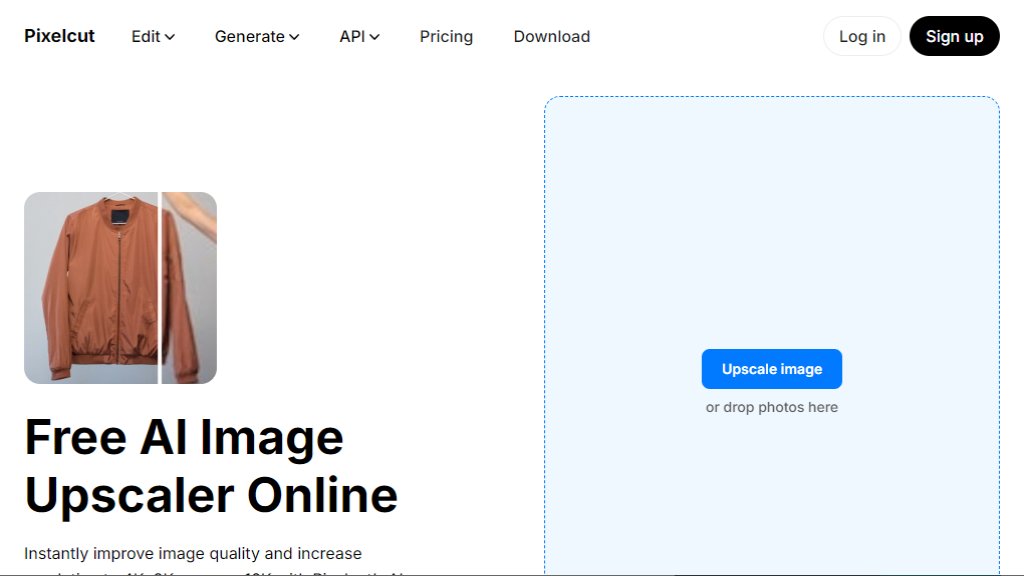
Free intelligent image upscaler that boosts resolution to 4K, 8K, or 16K in seconds—no watermark, no signup, browser-based, and supports JPG/PNG/HEIC.
최종 업데이트:

Pixelcut AI Image Upscaler 분석

Loading AI assistant…

소개

What is Pixelcut AI Image Upscaler?

Pixelcut AI Image Upscaler is a convenient, browser-based tool that uses intelligent models to dramatically increase image resolution while preserving sharpness and detail. It transforms low-resolution photos into high-fidelity outputs up to 16K without pixelation or blurring. Unlike traditional resizing, it employs deep learning to reconstruct textures, edges, and fine structures—making it ideal for digital, print, and commercial use. The tool offers both Fast Upscale (for fidelity) and Creative Upscale (for artistic enhancement), all accessible instantly with zero installation or account required.

Main Features

- Free instant upscaling to 4K, 8K, and 16K resolutions

- Two intelligent modes: Fast Upscale (precision-focused) and Creative Upscale (artistic detail generation)

- Adjustable creativity and resemblance sliders for custom output control

- Drag-and-drop or click-to-upload interface supporting JPG, PNG, and HEIC formats

- No watermarks, no signups, no downloads—fully browser-based on mobile and desktop

- Batch upscaling available with Pixelcut Pro (up to 500 images at once)

- Built-in privacy: end-to-end encryption, automatic 24-hour server deletion, and full user ownership of content

- Developer API for seamless integration into third-party apps and platforms

Use Cases

- E-commerce professionals enhancing product photos for crisp listings and ads

- Photographers restoring old or low-res family portraits with noise reduction and sharpening

- Marketers preparing high-resolution visuals for social media, presentations, and websites

- Print designers scaling images for posters, banners, flyers, and portfolios up to 16K

- Content creators generating digital-ready assets without editing expertise

- Developers embedding intelligent upscaling directly into their applications via the official API

Pricing Plans

- Free Plan: $0/month — 3 daily downloads, Fast & Creative Upscale, no watermark, JPG/PNG/HEIC support

- Pro Plan: $10/month (or $96/year with 20% discount) — Unlimited AI edits, 600 monthly credits, batch upscaling, team access for 3 people, commercial license

- Pro+ Plan: $30/month (or $288/year) — 3,600 monthly credits, 10-team-member access, 4 concurrent generations, enhanced model access

- Max Plan: $60/month (or $576/year) — 9,000 monthly credits, 20-team-member access, 8 concurrent generations, priority support

Frequently Asked Questions

- What is an image upscaler? An intelligent tool that increases resolution by adding realistic pixels—not stretching—using AI-trained pattern recognition.

- How does image upscaling work? It uses deep learning models trained on image pairs to reconstruct missing details and generate natural-looking high-res outputs.

- Is Pixelcut’s image upscaler free to use? Yes—up to 3 daily downloads with no watermark, no signup, and full commercial rights to outputs.

- What image formats can I upscale with Pixelcut? JPG, PNG, and HEIC files are fully supported.

- How do I upscale an image without losing quality? Pixelcut’s AI analyzes textures and edges to generate new pixels—preserving clarity even at 4x–8x enlargement.

- Can I use upscaled images commercially? Absolutely—you retain full ownership and may use them freely in marketing, client work, e-commerce, and more.

Pros and Cons

Pros:

- Entirely free tier with genuine utility (3 daily downloads, no watermark)

- Lightning-fast processing—results in seconds, no app install needed

- Intuitive interface works flawlessly across iOS, Android, and desktop browsers

- Dual-mode upscaling (Fast + Creative) gives flexibility for technical and artistic needs

- Strong privacy safeguards: encrypted uploads, 24-hour auto-deletion, no data reuse

Cons:

- Free plan limits downloads to 3 per day—insufficient for heavy users or teams

- Advanced features like batch upscaling and higher-resolution models require paid subscription

- Some high-end upscaling (e.g., 16K) relies on Topaz Labs integration, which may have variable output consistency

Recommendation Rating

9/10 (exceptional balance of power, accessibility, and privacy for everyday creators)

댓글

로딩 중...