What is AHA Music?
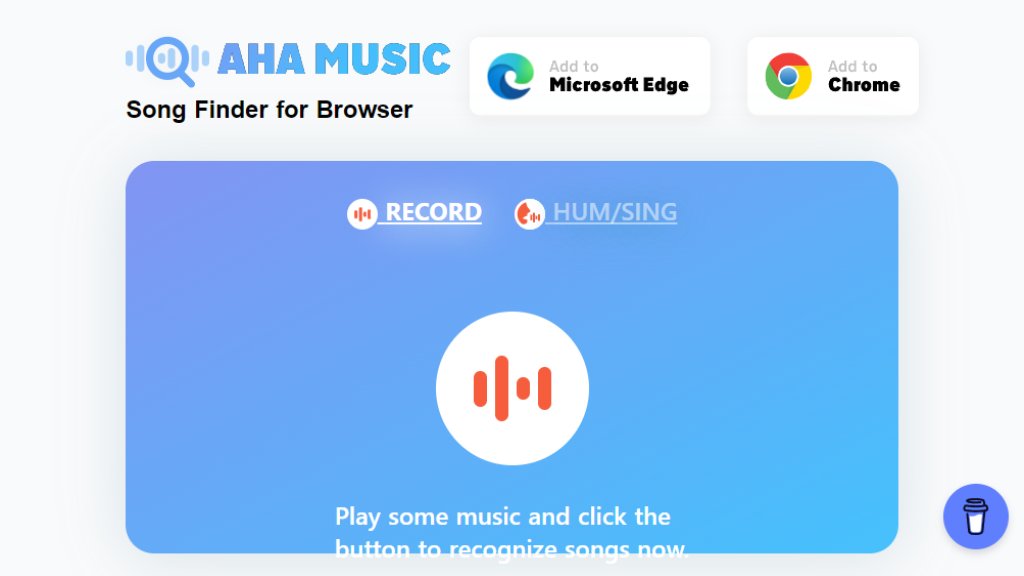
AHA Music is an intelligent song recognition tool designed specifically for the browser environment. It functions primarily as a browser extension for Chrome, Edge, and Firefox, allowing users to identify music playing directly within their browser tabs. Unlike traditional apps that use a device's microphone, AHA Music captures the internal audio stream from websites like YouTube, Spotify, Twitch, and various social media platforms. This provides a fast and convenient way to discover song titles, artists, and albums without leaving your current webpage. It also offers a complementary web version for identifying music via microphone input or uploaded audio files. The tool is built on the professional ACRCloud music fingerprinting engine, ensuring high accuracy for browser-based audio.
Main Features
1. Browser Extension Integration: Works directly within Chrome, Edge, and Firefox browsers with a simple click on the extension icon.
2. Internal Audio Capture: Identifies songs from the browser's audio stream, making it effective even when using headphones.
3. Wide Platform Support: Recognizes music from YouTube videos, Spotify Web Player, Twitch streams, Bilibili, TikTok, and other websites with background audio.
4. Cover Song Recognition: Capable of distinguishing between original tracks and cover versions in many cases.
5. Detailed Song Information: Provides song title, artist, album, and links to lyrics and streaming services like Spotify, Deezer, and YouTube Music.
6. Web Version Capabilities: Offers microphone-based recognition for humming or ambient music and supports audio file uploads (e.g., MP3, WAV, MP4).
7. Fast and Automated Identification: Delivers results within seconds of activating the extension.
8. Completely Free Core Service: Unlimited song identifications with no ads or subscription fees for the primary browser extension functionality.
Use Cases
1. Identifying background music in YouTube videos, tutorials, or documentaries.
2. Discovering songs playing during Twitch live streams or gaming broadcasts.
3. Finding track information for music played on web-based streaming services like Spotify Web Player or Deezer.
4. Recognizing music in social media videos on platforms like TikTok or Instagram via their web versions.
5. Using the web version to identify a song by humming its melody or uploading a recorded audio clip.
6. Quickly getting song details while browsing any website that plays audio without obvious credits.
Supported Languages
1. The user interface and song metadata results support multiple languages, primarily based on the source of the music and the user's browser settings. The core service is accessible globally.
Pricing Plans
1. Free Plan: The AHA Music browser extension and its core song identification features are completely free with unlimited use. The web version for microphone and file upload is also free.
Frequently Asked Questions
1. Q: How does AHA Music work?
A: The browser extension captures the audio playing in your current browser tab and matches it against a database to identify the song.
2. Q: Is AHA Music really free?
A: Yes, the main browser extension offers unlimited, ad-free song identification at no cost. Donations are optional.
3. Q: Can it identify songs when I'm using headphones?
A: Yes, because it captures the browser's internal audio stream, it works perfectly with headphones.
4. Q: Which browsers are supported?
A: It is primarily developed for Google Chrome and Microsoft Edge. It can also work on Firefox and Opera through compatibility modes.
5. Q: Can it identify songs from my desktop media player or phone?
A: Not directly through the extension. For external audio, you need to use the web version's microphone feature to capture the sound.
Pros and Cons
Pros:
1. Extremely convenient for identifying music within a web browser without switching applications.
2. Powerful and accurate identification for browser-based audio from major platforms.
3. Completely free with no usage limits, ads, or subscriptions for its core function.
4. Innovative internal audio capture works with headphones, unlike some microphone-based tools.
5. Provides useful song details and direct links to streaming services.
Cons:
1. Limited to browser environments; cannot identify music from standalone desktop apps or external devices directly.
2. The web version for humming/recording is less robust compared to dedicated services like SoundHound.
3. No dedicated mobile app, limiting its use on smartphones to the mobile web version.
Recommendation Rating
9/10 (An excellent, innovative, and completely free tool that excels at its primary function of identifying browser-based music with speed and accuracy. Highly recommended for web users.)



Please login to post a comment
Login