What is Pixelcut Video Background Remover?
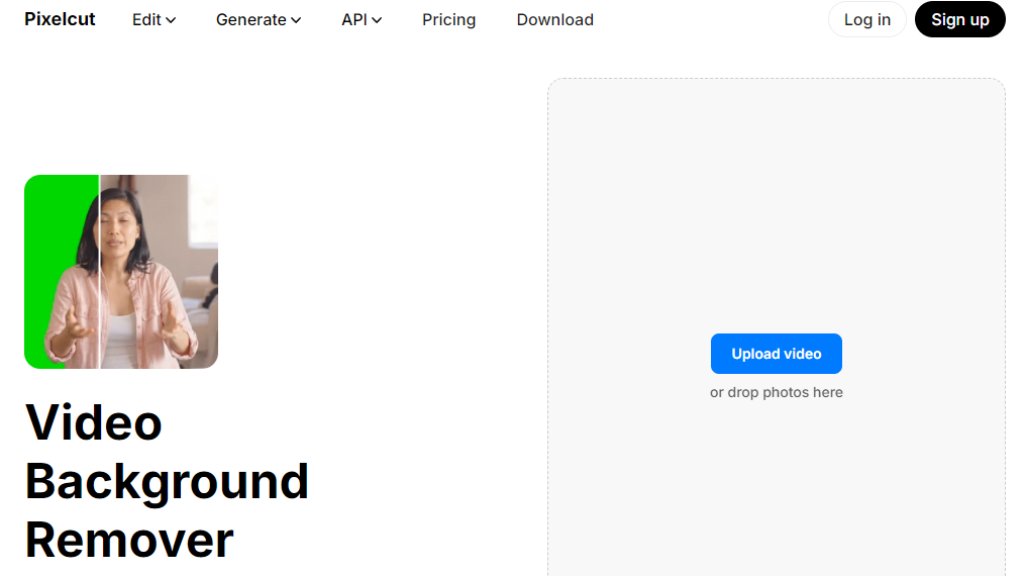
Pixelcut Video Background Remover is an intelligent online tool that automatically removes backgrounds from videos and GIFs. It uses advanced models to track and isolate subjects across all frames, delivering clean cutouts without requiring a green screen. The tool processes videos quickly, typically in under a minute, and supports a wide range of professional formats. Users can replace backgrounds with transparency or solid colors, making it convenient for various creative and professional applications. The service is accessible directly from web browsers on both desktop and mobile devices.
Main Features
1. One-click automated background removal for videos and GIFs.
2. Supports multiple export formats including MP4, WebM, MOV, ProRes, MKV, and GIF.
3. Option to keep transparent backgrounds or replace with solid colors.
4. Fast processing, typically completed in under a minute.
5. No green screen required; intelligent subject tracking across frames.
6. Maintains high-quality edges on hair and complex motion with zero flicker.
7. Offers a choice between the Pixelcut model and the Bria model for flexibility.
8. Preserves original audio quality during processing.
9. Uploads are deleted after processing for user privacy.
Use Cases
1. Creating social media content for Reels, Shorts, and TikTok by removing distracting backgrounds.
2. Producing educator videos where instructors can be placed over slides or lesson materials.
3. Developing product marketing clips with clean, sharp edges to make products stand out.
4. Maintaining consistent backgrounds for remote team updates, announcements, and asynchronous communication.
5. Performing quick video edits for immediate posting or further editing in other software.
Supported Languages
1. English
2. Español (Spanish)
3. Français (French)
4. Italiano (Italian)
5. Português (Brasil) (Brazilian Portuguese)
6. Bahasa Indonesia (Indonesian)
7. ไทย (Thai)
8. Deutsch (German)
9. हिन्दी (Hindi)
10. 日本語 (Japanese)
11. 한국어 (Korean)
12. Türkçe (Turkish)
13. Русский (Russian)
14. Tiếng Việt (Vietnamese)
Pricing Plans
1. Free Plan: $0 per month. Includes free background removal, free upscale, free export without watermark, and 3 downloads. Video removal is limited to 5 seconds with HD (720p) download quality.
2. Pro Plan: $10 per month (billed monthly) or $8 per month (billed yearly, saving 20%). Includes unlimited AI edits, 600 credits monthly, ability to add 3 team members, 1 concurrent generation, and a commercial license.
3. Business Plan: $30 per month (billed monthly) or $24 per month (billed yearly, saving 20%). Includes unlimited AI edits, 3600 credits monthly, ability to add 10 team members, 4 concurrent generations, and a commercial license.
Frequently Asked Questions
1. Q: Is Pixelcut's AI video background remover free?
A: Yes, it is free to try. You can remove backgrounds from videos up to 5 seconds and download results in HD (720p) without a watermark on the free plan. 4K downloads require Pixelcut Pro.
2. Q: What are the limits on the free plan?
A: The free plan includes 3 downloads. The maximum video duration for processing is 30 seconds with a file size limit of 50 MB.
3. Q: How long does processing take?
A: Processing is typically under a minute for most clips, though time can vary based on video size and complexity.
4. Q: What formats are supported?
A: It supports MP4, WebM, MOV, ProRes, MKV, H.265 MOV, and GIFs for both upload and export.
5. Q: Does it support transparent backgrounds?
A: Yes, you can export videos with full transparency using ProRes, WebM, MKV, or GIF formats.
6. Q: Does it work on mobile devices?
A: Yes, it works directly from mobile browsers and is available as a dedicated app for iPhone and Android.
Pros and Cons
Pros:
1. Extremely fast and automated processing.
2. No green screen required for effective background removal.
3. Supports a wide array of professional video formats.
4. Option for transparent backgrounds is powerful for editors.
5. Free tier available with no watermark on exports.
6. User-friendly interface with a simple three-step workflow.
Cons:
1. Free plan has significant limitations (5-second clips, 3 downloads, 720p quality).
2. Maximum video length is limited to 30 seconds even on paid plans.
3. File size is capped at 50 MB, which may restrict longer or higher-resolution clips.
Recommendation Rating
8/10 (A powerful and convenient tool for quick, professional-grade video background removal, though the free tier is quite limited.)




Please login to post a comment
Login