What is Apple Creator Studio?
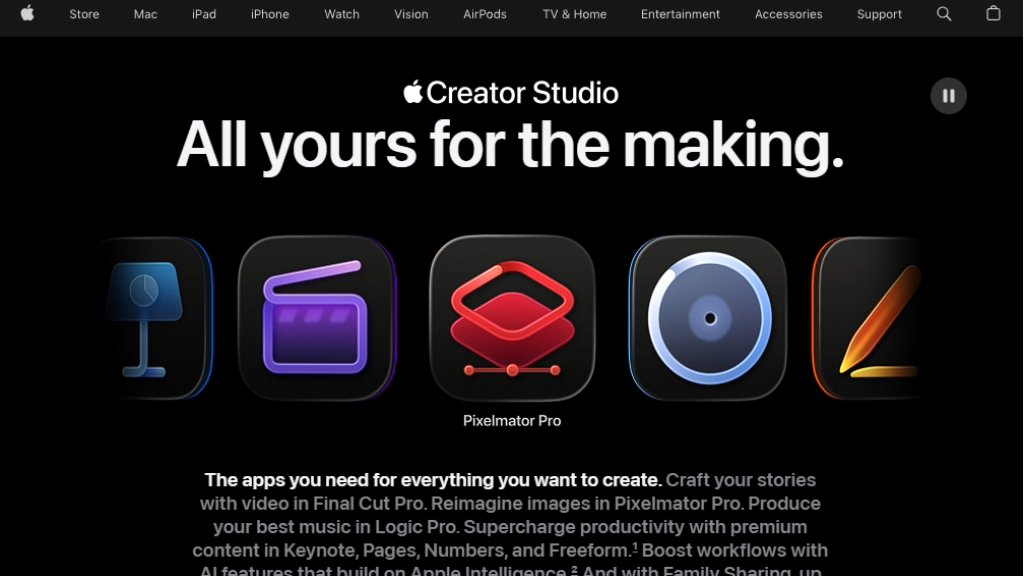
Apple Creator Studio is a comprehensive subscription service from Apple that bundles its flagship professional creative applications. It provides users with access to Final Cut Pro for video editing, Logic Pro for music production, and Pixelmator Pro for image editing and graphic design. The subscription also includes supplementary tools like Motion and Compressor, and unlocks premium intelligent features and content within Apple's productivity apps: Keynote, Pages, Numbers, and Freeform. It is designed as an all-in-one solution for creators, offering a seamless workflow across Mac, iPad, and iPhone, powered by Apple's ecosystem and integrated intelligence features to automate and enhance the creative process.
Main Features
1. Final Cut Pro: Offers professional video editing with tools like the Magnetic Timeline, Multicam editing, Visual Search, and Transcript Search for fast editing.
2. Logic Pro: Provides a complete music production studio with intelligent Session Players, a massive Sound Library, Stem Splitter, and Mastering Assistant.
3. Pixelmator Pro: Delivers advanced image editing and design with automated tools for background removal, repair, and layer-based nondestructive editing.
4. Intelligent Productivity Apps: Unlocks premium templates, a Content Hub with royalty-free media, and AI-powered features in Keynote, Pages, Numbers, and Freeform, such as automatic slide generation and image editing tools.
5. Cross-Device Workflow: Enables a seamless creative process across Mac, iPad, and iPhone, with projects syncing via iCloud.
6. Family Sharing: A standard subscription can be shared with up to five other family members.
Use Cases
1. Video Production: Creating professional videos, documentaries, social media content, and films using Final Cut Pro's editing suite.
2. Music Production: Composing, recording, mixing, and mastering music tracks and podcasts with Logic Pro's instruments and tools.
3. Graphic Design & Photo Editing: Designing marketing materials, social media graphics, and editing photographs using Pixelmator Pro.
4. Business & Education: Developing presentations, reports, spreadsheets, and collaborative boards with the enhanced features in Keynote, Pages, Numbers, and Freeform.
5. Content Creation: A unified toolkit for YouTubers, podcasters, musicians, photographers, and designers to produce high-quality content.
Supported Languages
1. The core applications and their interfaces support multiple languages, though specific intelligent features like Visual Search and Transcript Search in Final Cut Pro are noted as available only in U.S. English.
2. General system and app language support depends on the operating system (macOS, iPadOS, iOS) settings, which cover a wide range of global languages.
Pricing Plans
1. Individual Plan: $12.99 per month or $129 per year. Includes a one-month free trial for new subscribers.
2. Student & Educator Plan: $2.99 per month or $29.99 per year. Includes a one-month free trial. Verification required.
3. Free Trial with New Device: A 3-month free trial is available with the purchase of a new eligible iPad or Mac.
Frequently Asked Questions
1. Q: Which apps are included in Apple Creator Studio?
A: It includes Final Cut Pro, Logic Pro, Pixelmator Pro, Motion, Compressor, and MainStage. It also unlocks premium features in Keynote, Pages, Numbers, and Freeform.
2. Q: Can I use my existing purchased versions of the apps?
A: Yes, standalone Mac app purchases remain usable. The subscription offers an alternative access model with additional benefits.
3. Q: What happens to my projects if my subscription ends?
A: Projects remain on your devices. To open or edit projects in Final Cut Pro, Logic Pro, or Pixelmator Pro, an active subscription is required. Documents in Keynote, Pages, etc., remain editable but paid features become unavailable.
4. Q: Can I share the subscription with my family?
A: Yes, the standard subscription can be shared with up to five family members via Family Sharing. Student/educator plans are for individual use only.
5. Q: What are the system requirements?
A: Full functionality requires macOS 26, iPadOS 26, and iOS 26 or later. Specific apps have their own minimum requirements, often needing Apple silicon or specific chip models for optimal performance.
Pros and Cons
Pros:
- Provides exceptional value by bundling multiple expensive professional-grade applications into one subscription.
- Offers deep integration and a seamless workflow across Apple devices (Mac, iPad, iPhone).
- Includes powerful intelligent features that automate complex tasks in video, audio, and image editing.
- Family Sharing makes it cost-effective for households with multiple creators.
- Direct access to premium templates and a royalty-free media library within productivity apps.
Cons:
- Locked into the Apple ecosystem; requires Apple hardware and specific OS versions for full functionality.
- Some advanced intelligent features have language restr



Please login to post a comment
Login