What is Artbreeder?
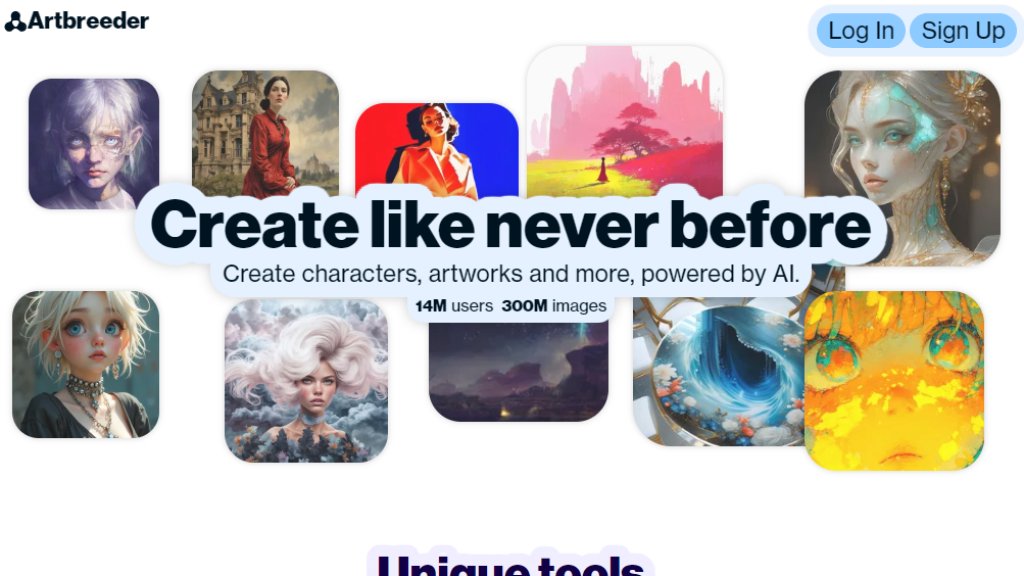
Artbreeder is a collaborative, browser-based platform that uses generative machine learning models to help users create and modify images. It is not a traditional drawing tool but a system for exploring visual possibilities by blending and adjusting the 'genes' of images. Users start from existing images or text prompts to generate new visuals, which can then be further refined, mixed with others, or branched into variations. It combines automated image synthesis with a social community where creators share, remix, and collaborate on artworks.
Main Features
1. Gene-based Image Mixing: Blend multiple images by adjusting genetic sliders for traits like age, gender, color, and style to create new compositions.
2. Splicer Tool: Generate original images from scratch using simple shapes, uploaded images, or text descriptions as prompts.
3. Branching and Remixing: Create multiple variations from a single image and explore different evolutionary paths.
4. Collaborative Community Features: Participate in daily contests, remix parties, and follow other creators to share and inspire work.
5. Extensive Library: Access a vast, searchable catalog of over 300 million community-generated images to use as starting points or components.
Use Cases
1. Character Design: Rapidly prototype and visualize original characters for stories, games, or comics.
2. Concept Art & Inspiration: Generate unique landscapes, creatures, and abstract art for creative projects and brainstorming.
3. Digital Art Creation: Produce finished artworks or components for digital paintings and illustrations.
4. Educational Exploration: Experiment with genetics, heredity, and visual aesthetics in an interactive, artistic context.
5. Social Creative Projects: Collaborate with others in themed contests and remix challenges to build upon community ideas.
Supported Languages
1. The primary interface and community content are in English. The platform does not explicitly list multi-language support for its core tools or user interface.
Pricing Plans
1. Free Plan: Includes basic access to create images with standard quality, limited daily generations, and access to the community library.
2. Premium Plan: Priced at $8.99 per month or $89.99 per year. Offers higher resolution downloads, priority generation, increased daily limits, advanced editing features, and ad-free browsing.
Frequently Asked Questions
1. Q: What is Artbreeder?
A: Artbreeder is a platform that uses machine learning to let you create and explore images by mixing and editing their visual 'genes'.
2. Q: How do I create an image?
A: You can start by mixing existing images from the library using genes, using the Splicer tool with text or shapes, or uploading your own image to edit.
3. Q: Are the images I create mine?
A: Generally, yes. You own the images you create, but you grant Artbreeder a license to host and display them. Always check the Terms of Service for details.
4. Q: Is there a limit on how many images I can create?
A: Free accounts have daily limits on the number of images they can generate. Premium subscribers get significantly higher limits.
5. Q: Can I use Artbreeder for commercial projects?
A: Yes, you can use images you create for commercial purposes, but you are responsible for ensuring they do not infringe on others' rights.
Pros and Cons
Pros:
1. Offers a uniquely intuitive and playful interface for generative art, focusing on exploration.
2. Powerful community aspect with contests and remixing fosters inspiration and collaboration.
3. The gene-mixing metaphor provides a novel and accessible way to control image attributes.
Cons:
1. The free tier has restrictive generation limits, which can hinder extended creative sessions.
2. Output quality and control can be unpredictable compared to more direct digital painting software.
3. Lacks advanced, granular editing tools found in professional image manipulation software.
Recommendation Rating
8/10 (A highly innovative and social platform perfect for inspiration, prototyping, and collaborative art, though professional artists may need to supplement it with other tools for final deliverables.)



Please login to post a comment
Login