What is Bgbye?
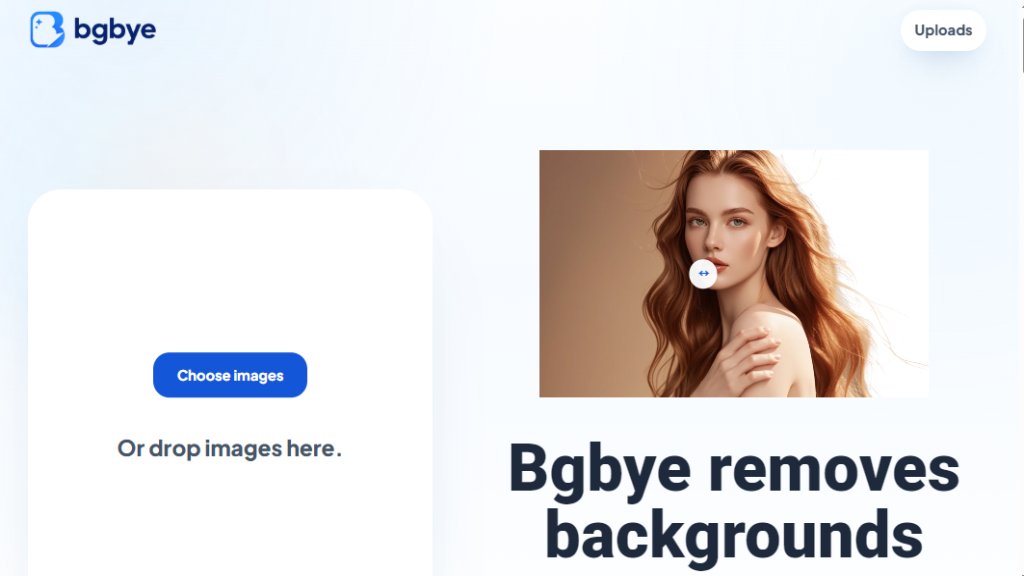
Bgbye is a convenient online tool that removes image backgrounds automatically and for free. It processes images in seconds, supporting batch uploads of up to 5 MB each in formats like PNG, JPG, WEBP, and AVIF. Bgbye stands out by letting users preview and compare the original image with the result before downloading, ensuring clean edges and quality. Designed for fast, careful image work, it keeps all steps—upload, review, and download—in one place, making it ideal for ecommerce sellers, content creators, and design studios.
Main Features
- Automated background removal in seconds
- Batch upload support for multiple images at once
- Preview and compare original vs. result before download
- Supports image formats: PNG, JPG, JPEG, WEBP, AVIF
- Clear upload status and ready-to-download indicators
- Simple interface with no account required for basic use
- Free to use with no hidden costs
Use Cases
- Ecommerce sellers: Remove backgrounds from product photos for clean listings
- Content creators: Batch process images for social media posts and profiles
- Design studios: Prepare campaign assets with precise edge review
- Pet owners: Isolate pet images for collages or prints
- Portrait editing: Clean up portrait backgrounds for professional use
Supported Languages
- English
Pricing Plans
- Free: Full access to background removal with preview and download, no cost
Frequently Asked Questions
- Can I upload more than one image?
Yes, you can upload several images at once and review each result from the home upload area or the Uploads page.
- Which image types can I upload?
You can upload PNG, JPG, JPEG, WEBP, or AVIF images.
- Can I review the result before I download it?
Yes, you can preview the result, compare the edges, and download only when it looks ready.
- Can I upload a video?
No, Bgbye accepts image uploads only: PNG, JPG, JPEG, WEBP, or AVIF.
- What is the upload size limit?
Each image should be 5.0 MB or smaller. If an image is too large, reduce the size and upload it again.
Pros and Cons
Pros:
- Completely free to use
- Fast automated processing
- Preview before download ensures quality
- Batch upload saves time
- Simple and intuitive interface
Cons:
- Limited to images only, no video support
- Maximum file size of 5 MB may be restrictive for high-resolution images
- Single language support (English only)
Recommendation Rating
8/10 (Excellent free tool for quick background removal with preview, but limited file size and no video support)



Please login to post a comment
Login