What is Moltbot?
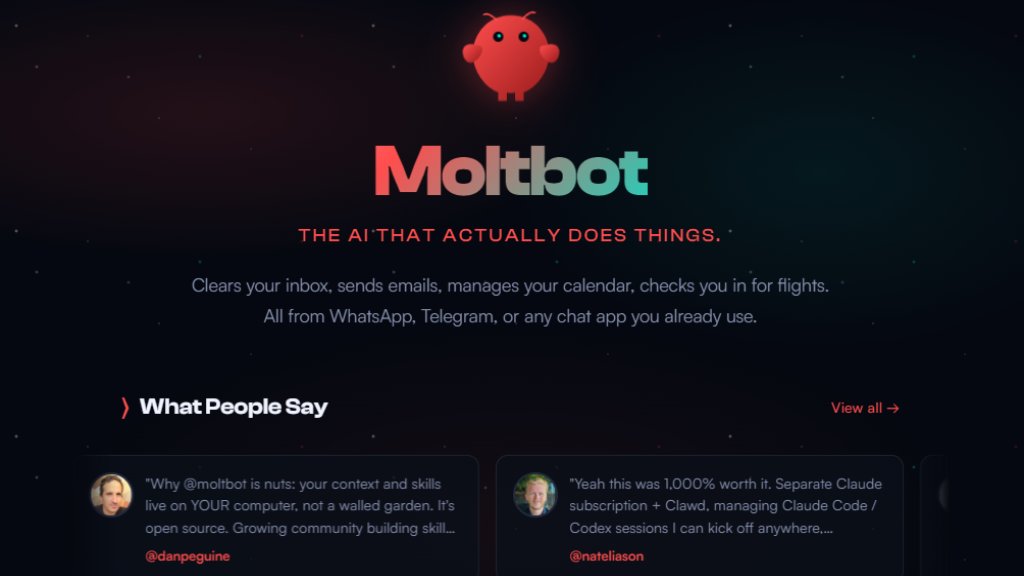
Moltbot, formerly known as Clawd Bot, is an open-source personal AI assistant designed to operate directly on your own hardware. Unlike cloud-based services, it runs locally on your Mac, Windows, or Linux machine, ensuring your data remains private. You interact with it through familiar chat applications like WhatsApp, Telegram, Discord, Slack, Signal, or iMessage, treating it like a conversational teammate. Its core innovation is acting as an intelligent agent with "eyes and hands" on your computer—it can browse the web, control software, manage files, send emails, and automate complex workflows. It features persistent memory, learning your preferences and context over time to become a uniquely personalized assistant. The tool is highly extensible through community-built skills and plugins, and it can even write its own extensions. It supports various AI models, including Anthropic's Claude, OpenAI's GPT, and local models, giving users full control over their intelligent assistant's infrastructure.
Main Features
1. Local Execution: Runs privately on your own Mac, Windows, or Linux computer, keeping your data secure.
2. Chat App Integration: Connects seamlessly with WhatsApp, Telegram, Discord, Slack, Signal, and iMessage for convenient interaction.
3. Persistent Memory: Maintains context and remembers your preferences across conversations, becoming more personalized.
4. Full System Access: Can read/write files, execute shell commands, run scripts, and control applications on its host machine.
5. Automated Browser Control: Capable of web browsing, form filling, and data extraction from any website.
6. Extensible Skills: Supports a growing library of community-built plugins and skills; the assistant can even create its own.
7. Proactive Automation: Can perform background tasks, set reminders, run cron jobs, and send heartbeats or check-ins.
8. Multi-Model Support: Works with various AI backends including Claude, GPT, and local models like MiniMax.
Use Cases
1. Personal Productivity: Clearing inboxes, sending emails, managing calendars, checking in for flights, and setting reminders.
2. Development & IT: Automating code reviews, running tests, fixing bugs, managing GitHub repositories, and deploying applications.
3. Home & IoT Automation: Controlling smart devices like air purifiers, lights (Hue), and managing personal biometric data from wearables like WHOOP.
4. Content & Research: Building websites, summarizing articles, processing YouTube videos, and creating content pipelines.
5. Business Administration: Handling reimbursements, finding appointments, managing documents, and acting as a company or team assistant.
6. Creative Tasks: Writing custom meditations, generating audio content, and creating personalized workflows.
7. Education & Learning: Helping students access course materials, build study tools, and automate academic tasks.
8. General Automation: Unsubscribing from emails, parsing RSS feeds, taking scheduled photos, and any repetitive computer task.
Supported Languages
1. The primary user interface and documentation are in English.
2. The underlying AI models (like Claude, GPT) support multiple languages for processing user requests.
3. The tool itself is language-agnostic for executing commands and skills.
Pricing Plans
1. The core Moltbot software is open-source and free to download, install, and use.
2. Users must provide their own API keys or subscriptions for supported AI models (e.g., Claude, OpenAI).
3. There is no mention of tiered paid plans, enterprise pricing, or subscription fees for the Moltbot software itself on the provided website.
Frequently Asked Questions
1. Q: What is Moltbot?
A: Moltbot is an open-source personal AI assistant that runs on your computer and connects to chat apps like WhatsApp and Telegram to perform tasks for you.
2. Q: Is my data private?
A: Yes, by default Moltbot runs locally on your machine. Your data, context, and skills reside on your computer, not in a walled-garden cloud service.
3. Q: What do I need to run it?
A: You need a Mac, Windows, or Linux computer. The installation script will help set up Node.js and other dependencies. You also need access to an AI model API (like Claude or GPT).
4. Q: Can it work without an internet connection?
A: It requires an internet connection to communicate with chat apps and AI model APIs. However, using local AI models could reduce external dependencies.
5. Q: Is it difficult to set up?
A: The website provides a one-line installer for quick setup. There is also a "hackable" installation method for advanced users who prefer to build from source.
Pros and Cons
Pros:
1. Offers strong privacy and data control by running locally on user hardware.
2. Highly versatile and extensible with a wide range of community skills and plugins.
3. Provides deep system integration for powerful automation of complex tasks.
4. Features persistent memory for a continuously improving, personalized experience.
5. Open-source



Please login to post a comment
Login