What is Fast Image AI Image Enhancer?
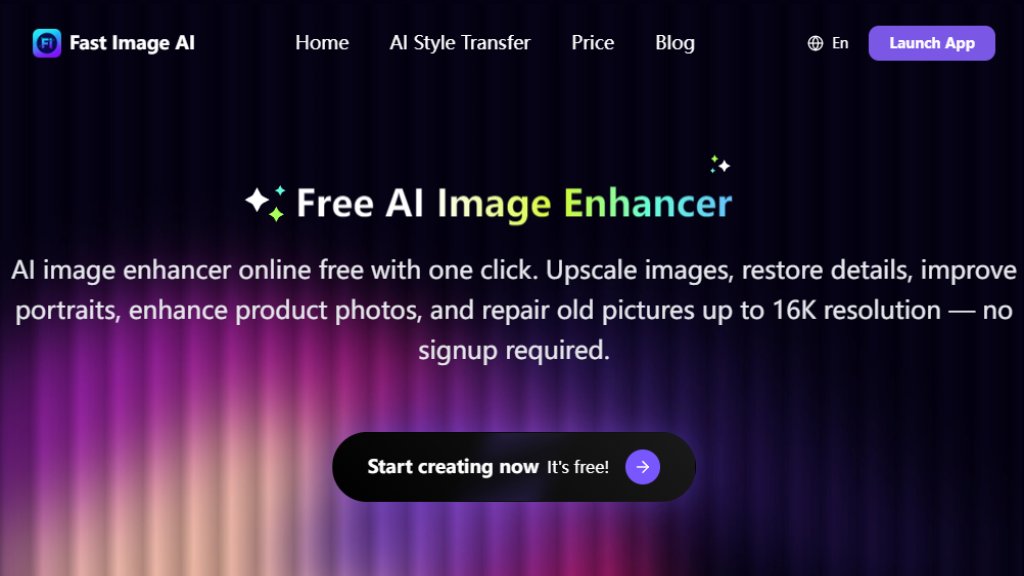
Fast Image AI Image Enhancer is an intelligent online tool designed to automatically improve image quality. It specializes in fixing common photo issues like blurriness, pixelation, and low resolution. The platform uses advanced algorithms to upscale images up to 16K resolution, restore lost details, reduce noise, and sharpen content. A key advantage is its accessibility—it operates directly in your web browser without requiring software downloads, account creation, or prior editing expertise. It caters to a wide range of image types, from modern digital photos and product shots to precious old pictures needing restoration. The service emphasizes speed, convenience, and delivering professional-grade enhancements suitable for both personal memories and commercial projects.
Main Features
1. One-Click Enhancement: Upload an image and receive an enhanced version automatically, requiring no manual editing skills.
2. High-Resolution Upscaling: Intelligently increases image resolution up to 16K while preserving and improving detail.
3. Multi-Scene Support: Effectively handles various image types including portraits, landscapes, text documents, product photos, and designs.
4. Detail Restoration & Noise Reduction: Recovers lost details in blurry areas and reduces visual grain and artifacts.
5. Text Enhancement: Specifically sharpens blurry or pixelated text in documents, scans, and photos for better readability.
6. Old Photo Restoration: Fixes common issues in aged photos like fading, damage, and focus problems.
7. Commercial License: All processed images are provided with a license safe for commercial use without copyright concerns.
8. Web-Based & No Login: A convenient online tool that works instantly without requiring account signup.
Use Cases
1. Improving Personal Photos: Sharpen blurry selfies, group photos, or vacation pictures affected by camera shake or poor lighting.
2. Restoring Old Memories: Bring clarity back to faded, damaged, or out-of-focus historical family photographs.
3. Enhancing Product Photography: Improve the quality of e-commerce product images for more professional online listings.
4. Preparing Marketing Materials: Upscale and refine images for use in social media posts, advertisements, and website content.
5. Clarifying Document Images: Enhance the readability of text in scanned documents, PDFs, book pages, receipts, or signage photos.
6. Refining Digital Art & Designs: Upscale and add detail to digital artwork, graphics, and design mockups.
7. Academic & Archival Work: Improve the quality of images used in research, presentations, or for digitizing archives.
Supported Languages
The website interface and tool are presented in English. The core image processing functionality is language-agnostic, as it analyzes visual pixel data rather than text.
Pricing Plans
1. Free Plan: Offers basic access to the AI image enhancer and other tools at no cost, with no login required.
2. Basic Plan: Priced at $6.93 per month when billed annually ($9.90 monthly). Includes 200 credits per month, unlimited image downloads, access to all AI tools, priority processing, and a commercial license.
3. Pro Plan: Priced at $13.93 per month when billed annually ($19.90 monthly). Includes 600 credits per month, unlimited downloads, all tools, priority queue access, and a commercial license.
4. Pro Max Plan: Priced at $20.93 per month when billed annually ($29.90 monthly). Includes 1200 credits per month, unlimited downloads, all tools, priority queue access, and a commercial license.
Frequently Asked Questions
1. What is an AI Image Enhancer?
An AI Image Enhancer is an intelligent tool that uses algorithms to automatically improve the quality of a photo by sharpening details, increasing resolution, and reducing noise.
2. Is this AI image enhancer really free?
Yes, a free version is available online with no signup required, offering core enhancement capabilities.
3. Can I still use it if I have no editing skills?
Absolutely. The tool is designed for one-click operation, automatically processing images without requiring any manual editing from the user.
4. What types of images can it improve?
It can enhance portraits, landscapes, text documents, product photos, designs, and old pictures.
5. Can I use it to restore old photos?
Yes, it can intelligently fix common issues in old photos like fading, blurriness, and damage to restore clarity.
6. Can I use my enhanced images for commercial purposes?
Yes, all images processed through the service come with a license that permits commercial use.
Pros and Cons
Pros:
- Offers a genuinely free tier with no mandatory account creation.
- Extremely convenient and fast one-click automated processing.
- Supports high-resolution upscaling up to 16K.
- Versatile in handling different image types (portraits, text, products, old photos).
- Provides a commercial license for output images.
- User-friendly web-based interface accessible from any device.
Cons:



Please login to post a comment
Login