
BeautyPlus AI Image Extender
AI Image Extender: Expand Photos Intelligently
An intelligent online tool that automatically expands your photos, adding realistic background details to fit any aspect ratio for social media or creative projects.
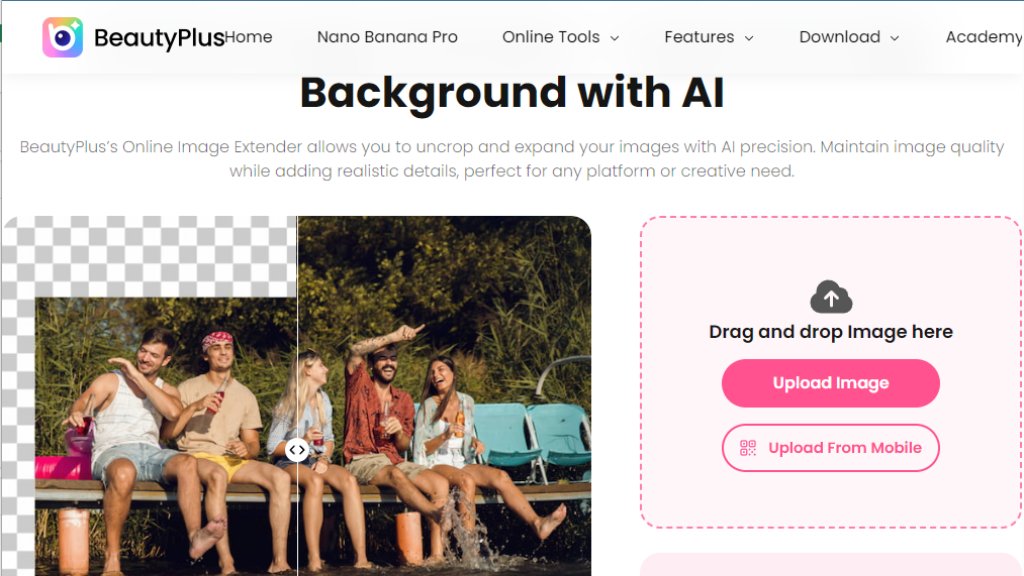
BeautyPlus AI Image Extender Analysis
Introduction
What is BeautyPlus AI Image Extender?
BeautyPlus AI Image Extender is an intelligent online image processing tool that focuses on intelligently expanding and outpaiting images. It allows users to upload a picture, where an advanced algorithm automatically analyzes the image content and intelligently extends the canvas, generating new background areas that match the original image's style, texture, and lighting. Its core 'AI Outpainting' technology solves the need to change image proportions (e.g., portrait to landscape), restore cropped sections, or extend backgrounds for creative projects—all without requiring complex professional editing skills.
Main Features
- **Intelligent Image Extension (AI Outpainting)**: Automatically analyzes image edge content to generate natural, seamlessly blended extended areas.
- **Maintains Image Quality**: Preserves the original image's clarity, detail, and overall quality during the expansion process.
- **Aspect Ratio Adjustment**: Supports user selection or custom target aspect ratios to easily fit images for different platforms.
- **Fast Processing**: The automated AI completes the extension after upload, saving significant manual editing time.
- **Free to Use**: Offers a free service with a daily limit of free processing, and outputs images without watermarks.
Use Cases
- **Social Media Content Optimization**: Quickly adjust photo sizes for different formats on Instagram, Facebook, etc.
- **Ad & Marketing Material Creation**: Extend backgrounds for product images, promotional posters, or email campaign graphics.
- **Photography & Creative Projects**: Expand the composition of landscape or portrait photos, or recover accidentally cropped sections.
- **Website & Responsive Design**: Adjust image sizes to fit various screen sizes for complete and clear display.
- **Personal Memory Restoration**: Extend old photos or family portraits to restore people or scenes cropped by frames.
Common Questions
- **Q: What image formats are supported?**
A: Supports uploading JPG/JPEG and PNG formats. Processed images can be downloaded as JPG.
- **Q: Does extending the image affect quality?**
A: No. The intelligent algorithm is designed to maintain the original image quality and details.
- **Q: Can I process images in batches?**
A: Currently, batch processing is not supported. You can only upload and process one image at a time.
- **Q: Is it free to use?**
A: Yes, the tool is free to use with a daily limit on the number of processes, and outputs are watermark-free.
- **Q: Is it suitable for designing ads?**
A: Very suitable. It can quickly adjust ad image sizes while maintaining sharp details to enhance visual impact.
- **Q: Is it complicated to use?**
A: The interface is simple and intuitive—just upload, automated processing, and download. Easy for beginners.


Please login to post a comment
Login