What is Google Lens?
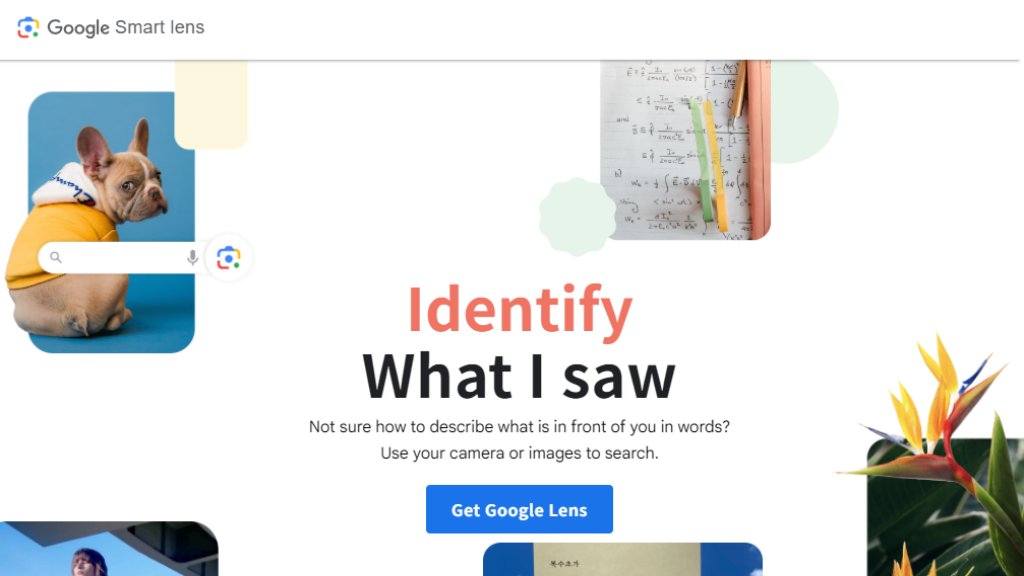
Google Lens is a visual search and recognition tool developed by Google. It uses advanced computer vision and machine learning to analyze images from your camera or photo gallery. Instead of typing search queries, you can point your camera at an object, text, or scene to get relevant information and actions. It's designed to bridge the gap between the physical and digital worlds, providing contextual results directly from what you see. The tool is integrated into various Google products like the Google app, Google Photos, and Chrome for a seamless experience across devices.
Main Features
1. Visual Search: Search the web for information about objects, landmarks, plants, animals, and products just by pointing your camera.
2. Text Translation: Translate text in real-time through your camera from over 100 languages.
3. Copy Text from Images: Extract and copy text from pictures, such as paragraphs or serial numbers, to paste on other devices.
4. Shopping and Inspiration: Find similar clothing, furniture, and home decor items by scanning them, enabling visual shopping.
5. Homework Help: Get step-by-step explanations, videos, and web results for academic problems in subjects like math and science.
6. Object Identification: Identify various plants, animals, breeds, and other items in your environment.
Use Cases
1. Students can scan homework problems to find solutions and learning resources.
2. Travelers can translate foreign language signs, menus, or documents instantly.
3. Shoppers can discover and purchase products by taking pictures of items they like.
4. Nature enthusiasts can identify plants, flowers, or dog breeds during outdoor activities.
5. Professionals can digitize printed text by copying it from documents or business cards.
6. Home decorators can find similar furniture or design inspiration by scanning items.
Supported Languages
1. The interface and support are available in a wide range of languages, including but not limited to: English, Spanish, French, German, Japanese, Korean, Chinese (Simplified and Traditional), Hindi, Arabic, Portuguese, Russian, Italian, and many more as listed on the website.
Pricing Plans
1. Google Lens is completely free to use. There are no subscription fees or paid plans required to access its core features.
Frequently Asked Questions
1. Q: How do I use Google Lens?
A: You can access it through the Google app (look for the Lens icon in the search bar), the Google Camera app on select Android devices, Google Photos, or the Chrome browser.
2. Q: What can Google Lens identify?
A: It can identify a wide variety of objects including plants, animals, landmarks, products, text, and barcodes.
3. Q: Is Google Lens available on iPhone?
A: Yes, it is available through the Google app on iOS devices.
4. Q: Does Google Lens work offline?
A: Some basic features may work, but an internet connection is generally required for full functionality like web searches and translations.
5. Q: Is my image data private?
A: Google states that image searches are handled according to its Privacy Policy. You can manage your search history and data in your Google Account settings.
Pros and Cons
Pros:
1. Extremely convenient for quick visual searches and translations.
2. Powerful integration across Google's ecosystem of apps and services.
3. Innovative tool that makes information access fast and intuitive.
4. Completely free with no hidden costs.
5. Supports a vast number of languages for translation.
Cons:
1. Requires a Google account and internet connection for best performance.
2. Accuracy can vary depending on image quality and object rarity.
3. Some advanced features may be limited to specific regions or devices.
Recommendation Rating
9/10 (A highly versatile and free visual intelligence tool that seamlessly integrates into daily digital life.)



Please login to post a comment
Login